
DemonDirk69 - Minecraft Skins & Skin History
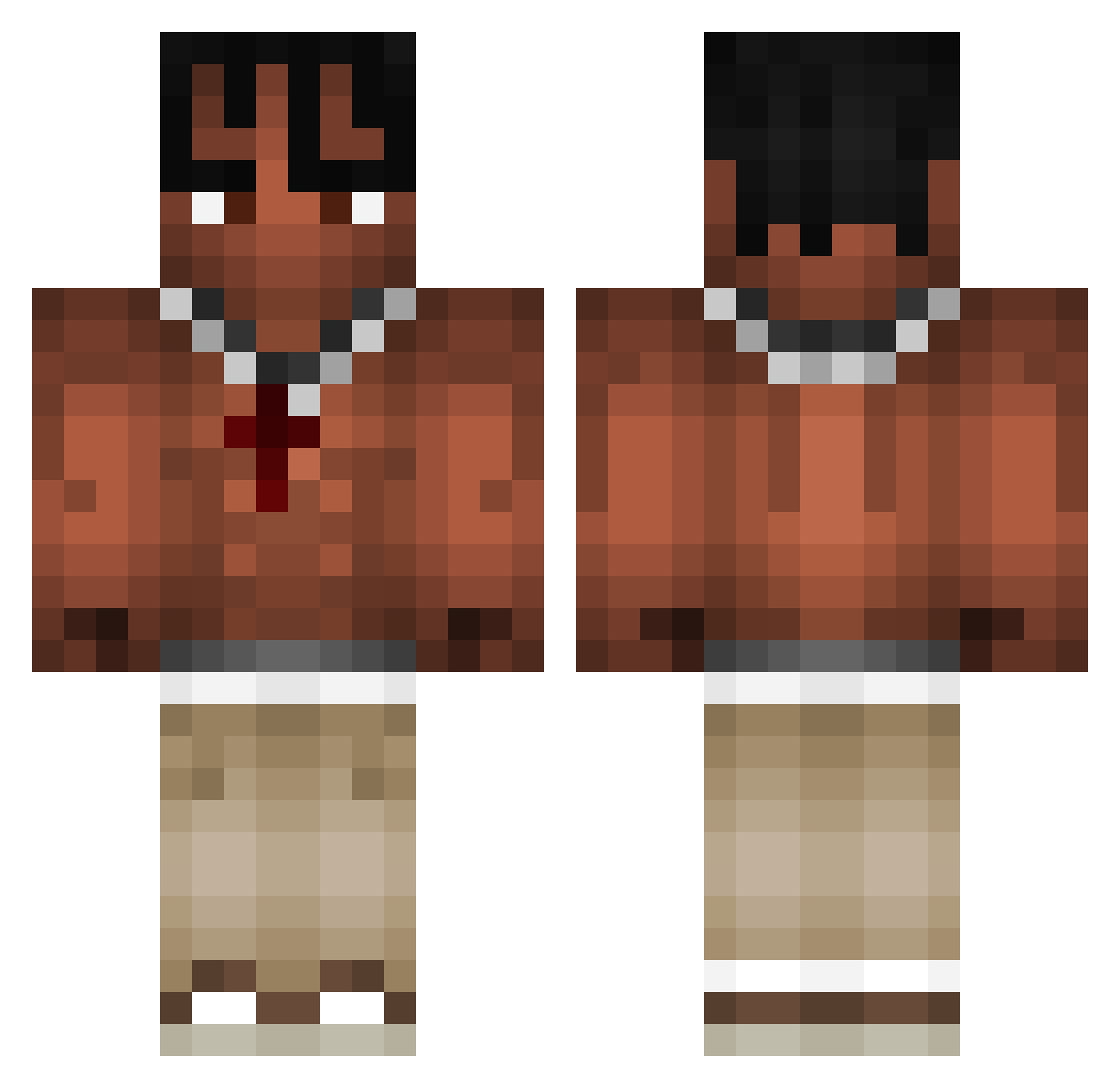
Current Minecraft skin of the player DemonDirk69, loaded from the official Mojang API. Rotate the 3D model with your mouse or finger, then download the skin as a PNG file and use it in Minecraft: Bedrock Edition or Java Edition for free. When DemonDirk69 changes their skin, this page updates automatically and the old skin stays in the history below.
Other players with this skin (973)
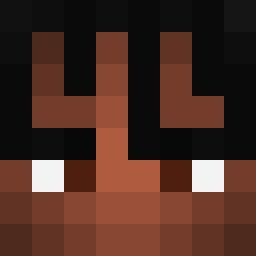
DemonDirk69 was the 148th player we have seen with this skin, first spotted on 08.08.2026. The same skin was seen on these players. Open a nickname to see their current skin and skin history.
 KaZqru JustManga roveriam MakeSiuuu TTVJuju Chrtiz Juan_OP10 BolderAdvance783 Orekuuu Val3xx Godly_7834 GIUSTINAAX Mistrz_Yoda29 S7VX Kiiwzuu sona7213 REMIXTX n2ger Cloud_Dripzy Chri_11 Ale_APN06 viktorolafsson NBjonie Thierry22 NotNavyJustPlay matoslevu Z1pex88 benjaggod Lukas_qRAy atis09 chocot0rta Its_Lit_69 xJoako23 farmer884 Mewie_22 Rivalfightert waze75 elmex523 EggiLui Leonabu Big_Clizy Trvis1 Nuffen123 smithie13 Slatic42 ZAZAhiszpan holy_moly69420 DeadHunt3rZ ycisrage Synthrax142 saintcesar Alfio456 KowalskiTheG FluentInYapanese tudorelcucdefier Pblin7 xStipis kobra83brr B0R7A EPSantana
More Xxxtentacion Minecraft skins
See all 409 Xxxtentacion skins
How to install the DemonDirk69 skin
- Press the Download button above to save the skin as a PNG file.
- Minecraft: Bedrock Edition (PE): open the Dressing Room from the main menu (or tap your character → Edit Character), go to Classic Skins → Owned, press the + (new skin) button, choose the downloaded PNG and pick the Classic (Steve) model. Works on PC and mobile; consoles cannot import custom skins.
- Minecraft: Java Edition: open the Minecraft Launcher, go to the Skins tab, click New Skin, load the PNG, pick the Classic (Steve) model and press Save & Use. You can also upload it at minecraft.net → Profile → Change Skin.
The skin does not show up after import - what should I do?
Restart Minecraft and open the Dressing Room again - imported skins sometimes appear only after a restart. Also make sure you selected the imported skin and picked the Classic (Steve) model.
Which model should I choose, Classic or Slim?
This skin is designed for the Classic (Steve) model. If you pick the wrong model, the arms of the skin will look stretched or squeezed.
Is the skin of DemonDirk69 free to download?
Yes. Press Download, save the PNG file and use it in Minecraft: Bedrock Edition or Java Edition - no payment or registration needed. The skin also works on multiplayer servers and Realms.
More skins
Looking for more? Go back to all Minecraft skins and check the top skins of the week, month and all time, or find any player's skin by nickname.