
DeathTimeLove - Minecraft Skins & Skin History
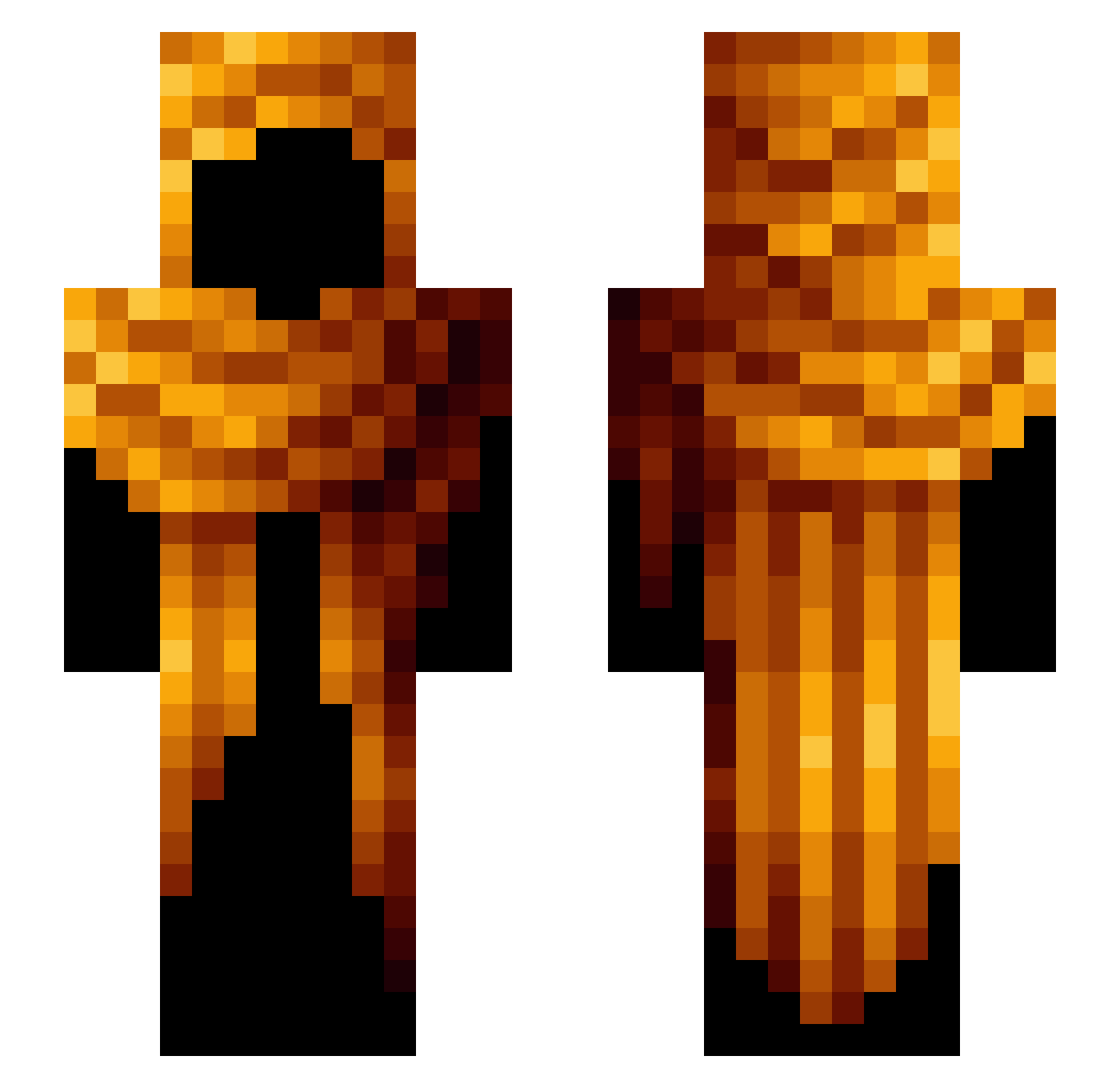
Current Minecraft skin of the player DeathTimeLove, loaded from the official Mojang API. Rotate the 3D model with your mouse or finger, then download the skin as a PNG file and use it in Minecraft: Bedrock Edition or Java Edition for free. When DeathTimeLove changes their skin, this page updates automatically and the old skin stays in the history below.
Other players with this skin (102)
DeathTimeLove was the 55th player we have seen with this skin, first spotted on 21.09.2026. The same skin was seen on these players. Open a nickname to see their current skin and skin history.
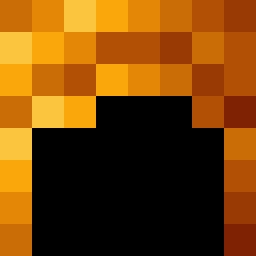 Artonkus _ChelovekDusha_ Dino3344 rrank16 benceoff1 6ier ZeranoTTV Vyr_original larcdxd_ H1H00 s_bktb RhythmicStudios arb_gg kokynotia TheAdaReis Misfit7237 Dziobol PJ220917 LycorMC Narutozak Loricate Adri842 Kitty69 Mataratannn TomashMarek ArkasBell Samuboy25 Jewquavus Chillchapo10 djscott84 fiuren19 b00s0lac3 VirulentDespot Kazumapl Naftali2707 AAAAAAAAHH Udicaludica Samojed12 Caramel_Candypop Frogdigidy ajram2397 Omillooo Syrax_Senpai xPuszkin _TheSand Krunkledunk justviken TheK1ng1nY3llow
 Akash7852 LadyAttenburr0 KingVenom03 Gabriel__vT KiwiiNyas Ixan91 PelitaloBase8 MooseRad Szpekeee mewJoy ichchefdunix354
 Bucketx
More Cloak Minecraft skins
How to install the DeathTimeLove skin
- Press the Download button above to save the skin as a PNG file.
- Minecraft: Bedrock Edition (PE): open the Dressing Room from the main menu (or tap your character → Edit Character), go to Classic Skins → Owned, press the + (new skin) button, choose the downloaded PNG and pick the Slim (Alex) model. Works on PC and mobile; consoles cannot import custom skins.
- Minecraft: Java Edition: open the Minecraft Launcher, go to the Skins tab, click New Skin, load the PNG, pick the Slim (Alex) model and press Save & Use. You can also upload it at minecraft.net → Profile → Change Skin.
The skin does not show up after import - what should I do?
Restart Minecraft and open the Dressing Room again - imported skins sometimes appear only after a restart. Also make sure you selected the imported skin and picked the Slim (Alex) model.
Which model should I choose, Classic or Slim?
This skin is designed for the Slim (Alex) model. If you pick the wrong model, the arms of the skin will look stretched or squeezed.
Is the skin of DeathTimeLove free to download?
Yes. Press Download, save the PNG file and use it in Minecraft: Bedrock Edition or Java Edition - no payment or registration needed. The skin also works on multiplayer servers and Realms.
More skins
Looking for more? Go back to all Minecraft skins and check the top skins of the week, month and all time, or find any player's skin by nickname.