
Dartex_15 - Minecraft Skins & Skin History
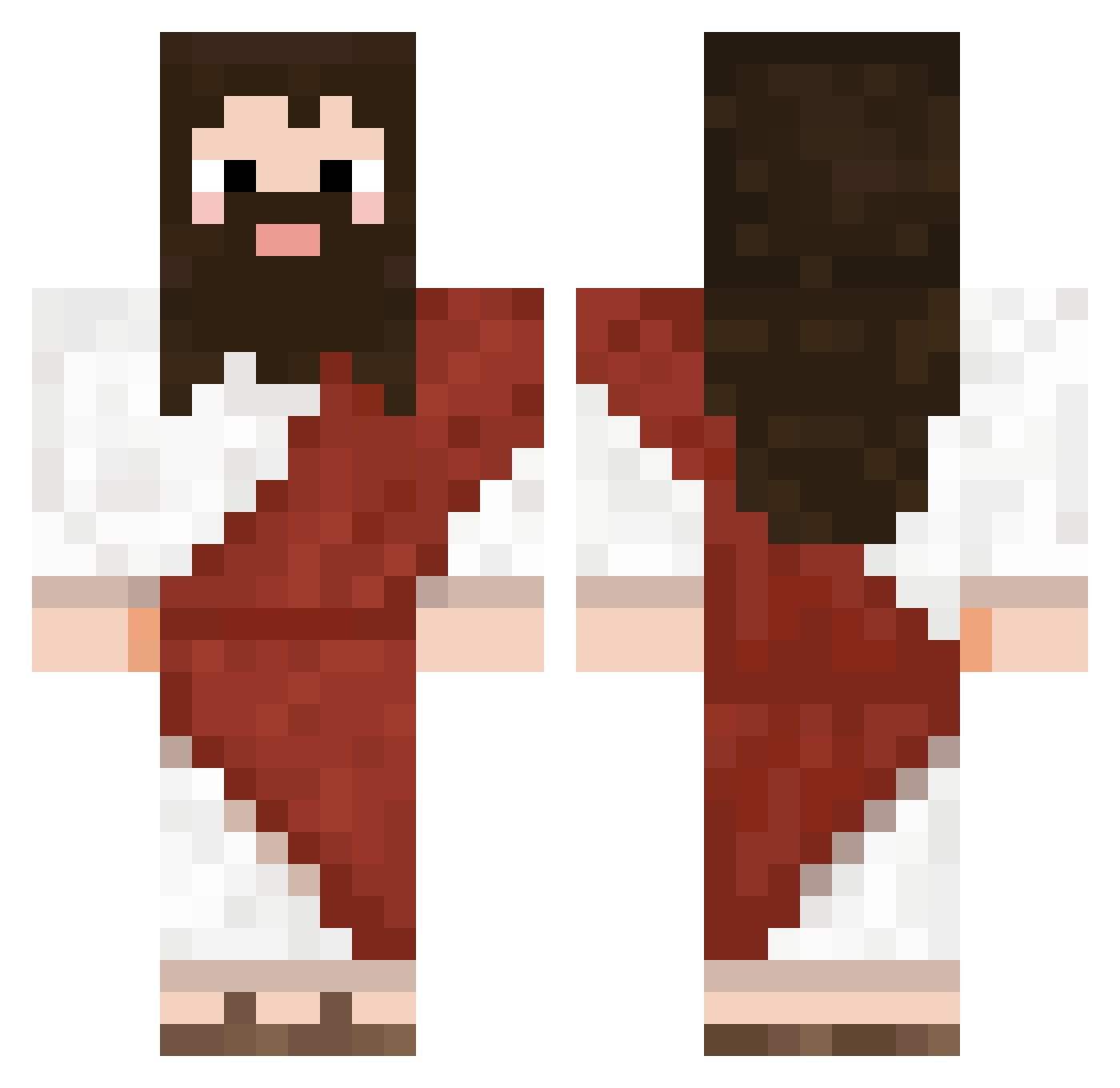
Current Minecraft skin of the player Dartex_15, loaded from the official Mojang API. Rotate the 3D model with your mouse or finger, then download the skin as a PNG file and use it in Minecraft: Bedrock Edition or Java Edition for free. When Dartex_15 changes their skin, this page updates automatically and the old skin stays in the history below.
Other players with this skin (722)
Dartex_15 was the 649th player we have seen with this skin, first spotted on 27.10.2026. The same skin was seen on these players. Open a nickname to see their current skin and skin history.
 3828RPG wreecks LordOfTheThighs ElShunny Jonas_SM fototranfer Rapo0_ xXEnmaXx SilverIvi kaitlynupton Kimmybadger samilli PoliNay objeqt disturbed8960 hagridooooo TameCord2400764 GodsMessage sillyhdb Tiedconstant arctix__ jjLee0217 shloblin Pierniczek2137 Ahkbu Alex2368 Good_Guy291 ugurcangunel InsaneBersker15 __Rast_ VOID_321 4one HypoTypo xaen14 GiEffPi Synogun MartinSigma SaffronJoker17 Fatal_Silence peradak Spromit ThugHunter85 TrNw13 H4Bee Yuahmon EK_3 dustyongfuel Majimusyy goofygoober000 CSTGAKA Cartaz_ Tabascooooo Midimaat COinIsLaRge F4R_Turbo DeVaY Mangohope Kianxz SunDae_CHIP Scaux
More Biblical Minecraft skins
How to install the Dartex_15 skin
- Press the Download button above to save the skin as a PNG file.
- Minecraft: Bedrock Edition (PE): open the Dressing Room from the main menu (or tap your character → Edit Character), go to Classic Skins → Owned, press the + (new skin) button, choose the downloaded PNG and pick the Classic (Steve) model. Works on PC and mobile; consoles cannot import custom skins.
- Minecraft: Java Edition: open the Minecraft Launcher, go to the Skins tab, click New Skin, load the PNG, pick the Classic (Steve) model and press Save & Use. You can also upload it at minecraft.net → Profile → Change Skin.
The skin does not show up after import - what should I do?
Restart Minecraft and open the Dressing Room again - imported skins sometimes appear only after a restart. Also make sure you selected the imported skin and picked the Classic (Steve) model.
Which model should I choose, Classic or Slim?
This skin is designed for the Classic (Steve) model. If you pick the wrong model, the arms of the skin will look stretched or squeezed.
Is the skin of Dartex_15 free to download?
Yes. Press Download, save the PNG file and use it in Minecraft: Bedrock Edition or Java Edition - no payment or registration needed. The skin also works on multiplayer servers and Realms.
More skins
Looking for more? Go back to all Minecraft skins and check the top skins of the week, month and all time, or find any player's skin by nickname.