
Darklord3753 - Minecraft Skins & Skin History
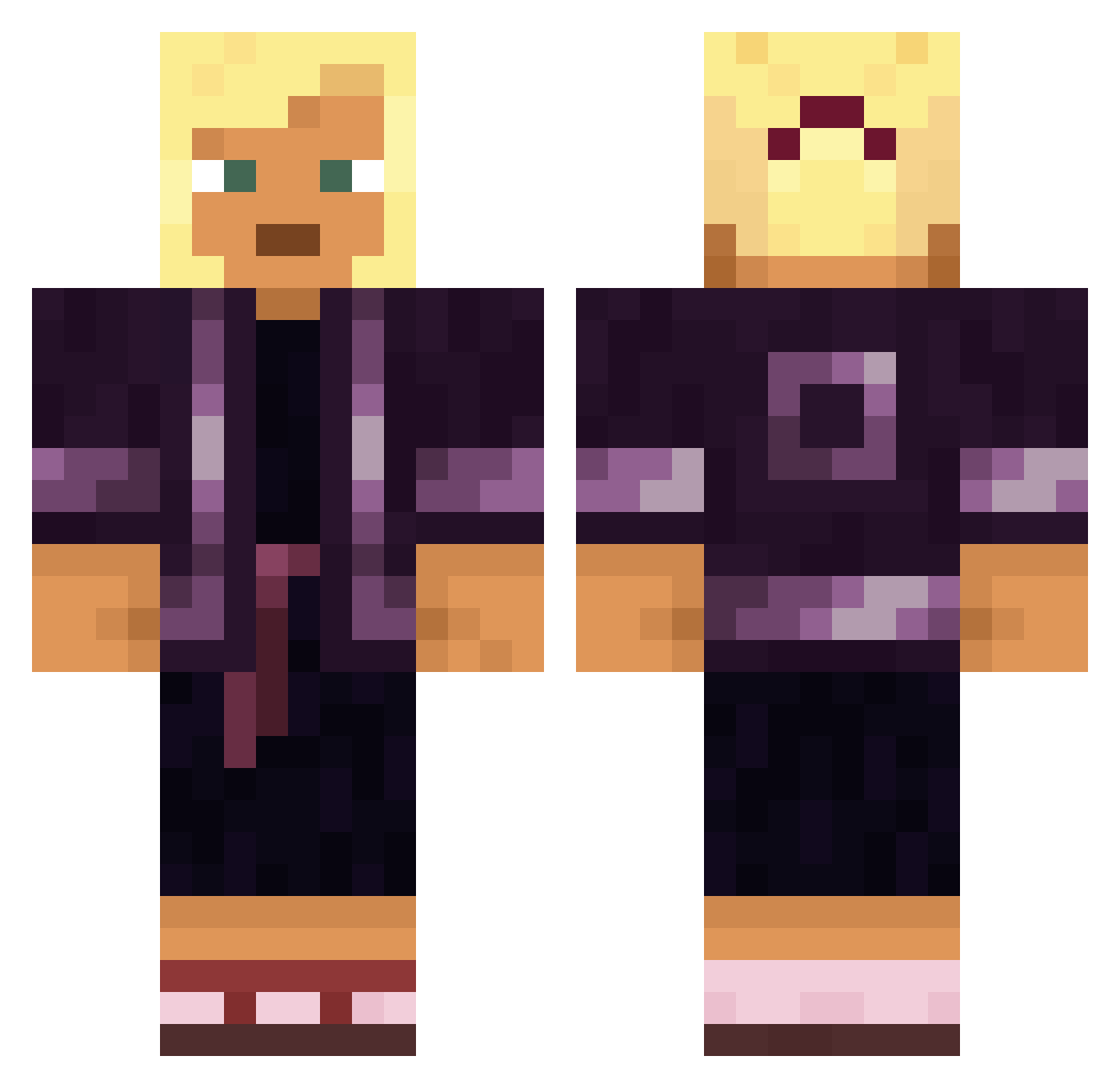
Current Minecraft skin of the player Darklord3753, loaded from the official Mojang API. Rotate the 3D model with your mouse or finger, then download the skin as a PNG file and use it in Minecraft: Bedrock Edition or Java Edition for free. When Darklord3753 changes their skin, this page updates automatically and the old skin stays in the history below.
Other players with this skin (1887)
Darklord3753 was the 1799th player we have seen with this skin, first spotted on 16.11.2026. The same skin was seen on these players. Open a nickname to see their current skin and skin history.
 d4thomir PX_Darkchoubou Kuez7 SquidyCry Neil_Zephon Typhoons Klem27 coky Bleakbee RiceGrass 1OIIO1 knotweed ShevuDes Laavu gtxpro18 Hordein moadb Unbell Appeloor kaioham no_mom_hyunho Klaritteee lebens depressedfetus Generation Wrights goldhydro Coduti gospeller TiLTDRAMZ Niciq otoconium Harrows Hsinnnnn_yen Intoxicates paddywack burlet IamNOTcabbage ComDG MANSARD PremanAmplas MCJZ8 Murchy AtuelinoMC Bannockburn kevinmatharu _Nephelion_ clubwoman azertyulegoat Kriste Noob_In_Mc MoTea_ xflawless1 S_P_L_A_S_H rihannalover69 Samaras Oblivonnnn DangleDorsey Honeymooner TRcentosTR
More Kimono Minecraft skins
How to install the Darklord3753 skin
- Press the Download button above to save the skin as a PNG file.
- Minecraft: Bedrock Edition (PE): open the Dressing Room from the main menu (or tap your character → Edit Character), go to Classic Skins → Owned, press the + (new skin) button, choose the downloaded PNG and pick the Classic (Steve) model. Works on PC and mobile; consoles cannot import custom skins.
- Minecraft: Java Edition: open the Minecraft Launcher, go to the Skins tab, click New Skin, load the PNG, pick the Classic (Steve) model and press Save & Use. You can also upload it at minecraft.net → Profile → Change Skin.
The skin does not show up after import - what should I do?
Restart Minecraft and open the Dressing Room again - imported skins sometimes appear only after a restart. Also make sure you selected the imported skin and picked the Classic (Steve) model.
Which model should I choose, Classic or Slim?
This skin is designed for the Classic (Steve) model. If you pick the wrong model, the arms of the skin will look stretched or squeezed.
Is the skin of Darklord3753 free to download?
Yes. Press Download, save the PNG file and use it in Minecraft: Bedrock Edition or Java Edition - no payment or registration needed. The skin also works on multiplayer servers and Realms.
More skins
Looking for more? Go back to all Minecraft skins and check the top skins of the week, month and all time, or find any player's skin by nickname.