
DarkBladeRH - Minecraft Skins & Skin History
Current Minecraft skin of the player DarkBladeRH, loaded from the official Mojang API. Rotate the 3D model with your mouse or finger, then download the skin as a PNG file and use it in Minecraft: Bedrock Edition or Java Edition for free. When DarkBladeRH changes their skin, this page updates automatically and the old skin stays in the history below.
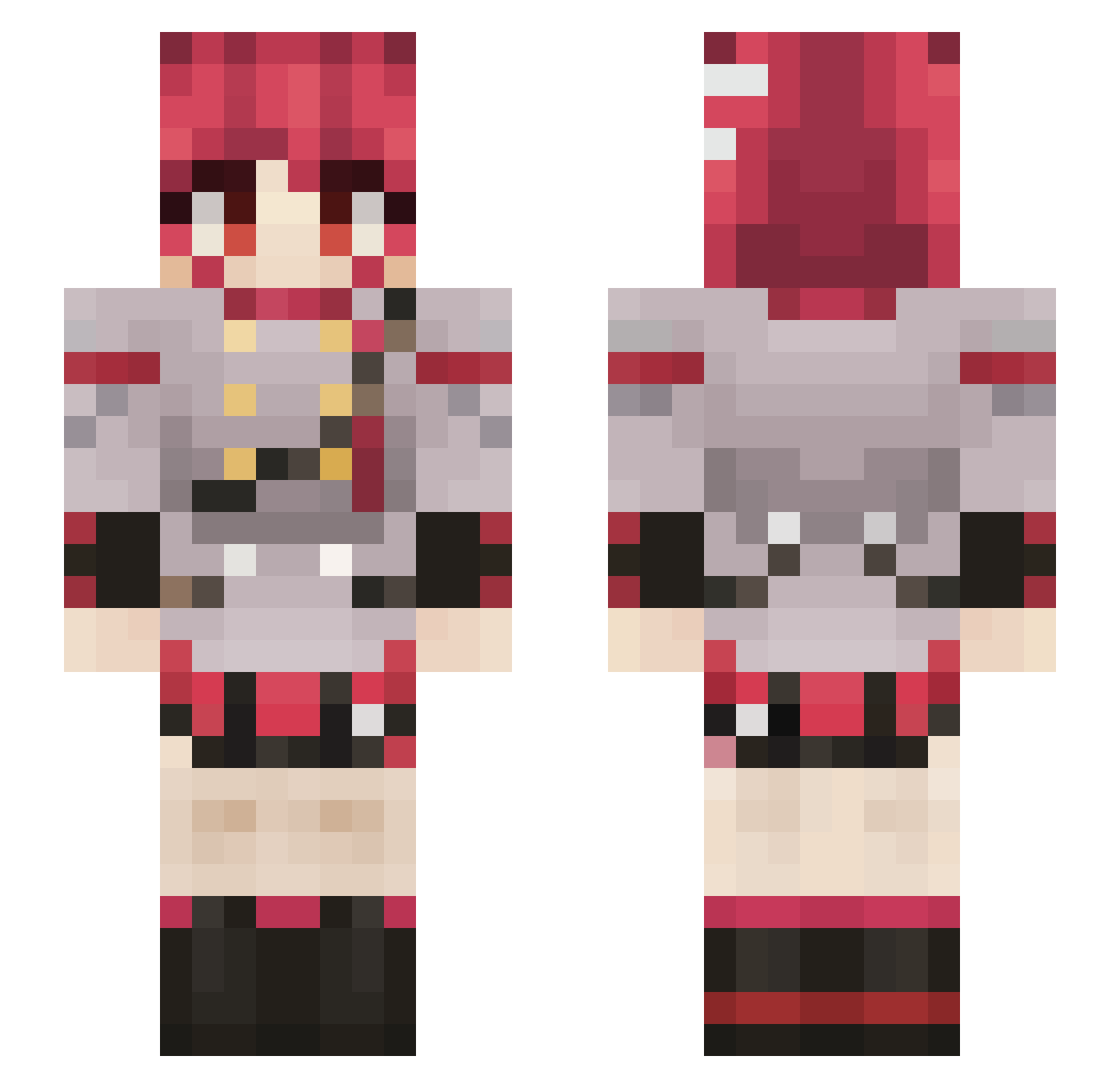
Other players with this skin (688)
DarkBladeRH was the 199th player we have seen with this skin, first spotted on 19.08.2026. The same skin was seen on these players. Open a nickname to see their current skin and skin history.
 UnkownPerson445 neethen1 ElMauu StarlightGGG urchikari Venix6 ShosoBostero Creeploc1432 Sn0wsito EnshrinedExalts Chronto Mayo1363 Frozen_Ice101 Dhany777 GeorgiePorgie__ LKVoez wutoburaczan Doruora ThatOneStickFig QCAcid ElDiego9126 ___aisu___ Steebenth ZetaBeta07 BelBoBop Maniacmadness
 Thugshake99 blueok Fe0r_ Jamvader_ deivdrlz A_Wednesday dfunctpill Blumi2 thisboisus xlaxj hynons Legobots42 his00 Namlock Kugel420 GerardoRam KasaneTeto31st leeapfrawg NotMedicine0 Solden007 Ales_P MorseMan77 1beefie1 wisteria_vl ItssMitch Pugdayz
 WaterFire513 TheLastGoddess QuijuaPlease shierune Ultimate_Kay
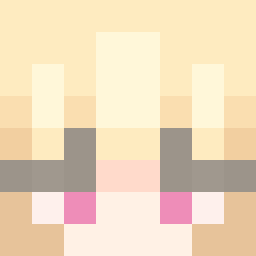 Wittyditt Kiwikiller89
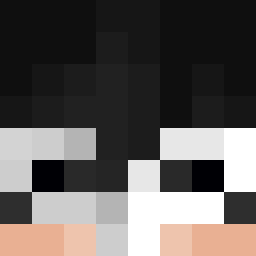 Zutoshi_
More Idol Minecraft skins
How to install the DarkBladeRH skin
- Press the Download button above to save the skin as a PNG file.
- Minecraft: Bedrock Edition (PE): open the Dressing Room from the main menu (or tap your character → Edit Character), go to Classic Skins → Owned, press the + (new skin) button, choose the downloaded PNG and pick the Slim (Alex) model. Works on PC and mobile; consoles cannot import custom skins.
- Minecraft: Java Edition: open the Minecraft Launcher, go to the Skins tab, click New Skin, load the PNG, pick the Slim (Alex) model and press Save & Use. You can also upload it at minecraft.net → Profile → Change Skin.
The skin does not show up after import - what should I do?
Restart Minecraft and open the Dressing Room again - imported skins sometimes appear only after a restart. Also make sure you selected the imported skin and picked the Slim (Alex) model.
Which model should I choose, Classic or Slim?
This skin is designed for the Slim (Alex) model. If you pick the wrong model, the arms of the skin will look stretched or squeezed.
Is the skin of DarkBladeRH free to download?
Yes. Press Download, save the PNG file and use it in Minecraft: Bedrock Edition or Java Edition - no payment or registration needed. The skin also works on multiplayer servers and Realms.
More skins
Looking for more? Go back to all Minecraft skins and check the top skins of the week, month and all time, or find any player's skin by nickname.