
Darien219 - Minecraft Skins & Skin History
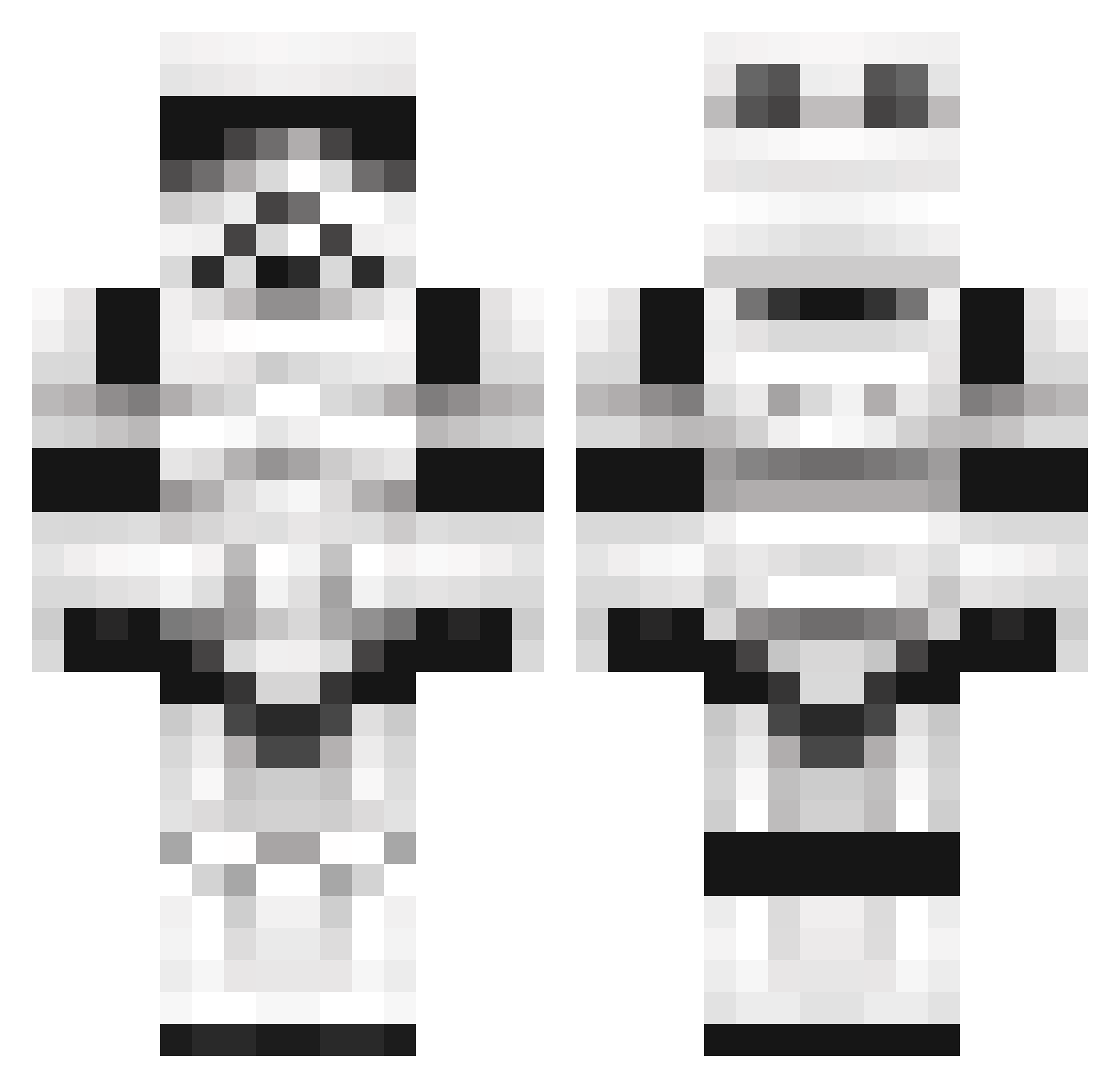
Current Minecraft skin of the player Darien219, loaded from the official Mojang API. Rotate the 3D model with your mouse or finger, then download the skin as a PNG file and use it in Minecraft: Bedrock Edition or Java Edition for free. When Darien219 changes their skin, this page updates automatically and the old skin stays in the history below.
Other players with this skin (1377)
Darien219 was the 1138th player we have seen with this skin, first spotted on 03.11.2026. The same skin was seen on these players. Open a nickname to see their current skin and skin history.
 Cooliobananas SycoraxTempest Jonasusiatusinus FUPCAKE1 Balzan1 Killa_Ape InfectiousDark iaBandit brookeside creepo66 torrez1234567890 Malacath_ Autopsyyy Unwreakable JICKLE abbieclarke8 Czett7418 AllKillMe hide0102 thedayzed PancakeMix14 Lmatt10 gromit800 Galidah Darth79 TotteN_ R_Crazy Waffelschris zaelec Chrtok 5destroyer35 DaHuntha shoutist ChefRalle1 Racingsights Redfox4242 Juse HitAngry WikSier Qroc Bowks1 Blackwars2001 CrosseyeJack lunkemaltine Scarified79 darkassence Bekahlondon Hapexamendios miner_pete bnjimator97 Harambetwin FtoG DAKILLTA Tiinat MaxBanana Benjiwood no_nic fuk_nut l3endik Canolius
More Trooper Minecraft skins
How to install the Darien219 skin
- Press the Download button above to save the skin as a PNG file.
- Minecraft: Bedrock Edition (PE): open the Dressing Room from the main menu (or tap your character → Edit Character), go to Classic Skins → Owned, press the + (new skin) button, choose the downloaded PNG and pick the Classic (Steve) model. Works on PC and mobile; consoles cannot import custom skins.
- Minecraft: Java Edition: open the Minecraft Launcher, go to the Skins tab, click New Skin, load the PNG, pick the Classic (Steve) model and press Save & Use. You can also upload it at minecraft.net → Profile → Change Skin.
The skin does not show up after import - what should I do?
Restart Minecraft and open the Dressing Room again - imported skins sometimes appear only after a restart. Also make sure you selected the imported skin and picked the Classic (Steve) model.
Which model should I choose, Classic or Slim?
This skin is designed for the Classic (Steve) model. If you pick the wrong model, the arms of the skin will look stretched or squeezed.
Is the skin of Darien219 free to download?
Yes. Press Download, save the PNG file and use it in Minecraft: Bedrock Edition or Java Edition - no payment or registration needed. The skin also works on multiplayer servers and Realms.
More skins
Looking for more? Go back to all Minecraft skins and check the top skins of the week, month and all time, or find any player's skin by nickname.