
DangerGavin - Minecraft Skins & Skin History
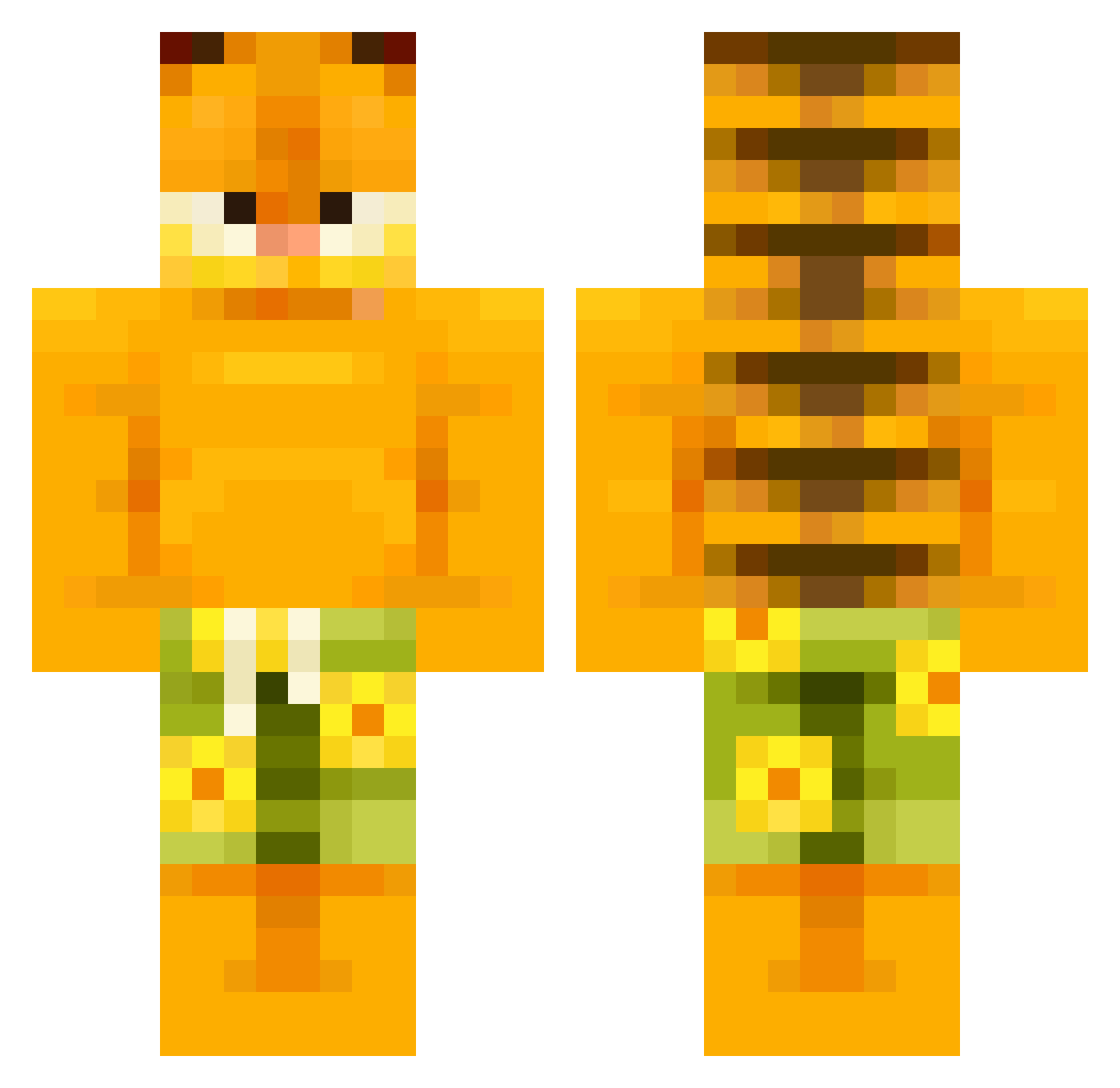
Current Minecraft skin of the player DangerGavin, loaded from the official Mojang API. Rotate the 3D model with your mouse or finger, then download the skin as a PNG file and use it in Minecraft: Bedrock Edition or Java Edition for free. When DangerGavin changes their skin, this page updates automatically and the old skin stays in the history below.
Other players with this skin (504)
DangerGavin was the 234th player we have seen with this skin, first spotted on 09.09.2026. The same skin was seen on these players. Open a nickname to see their current skin and skin history.
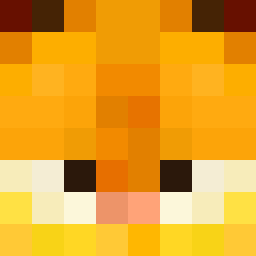 ArchTrick Bulk_Bogan_ EPILON Chechens GHzin_ cybersn Ze83 LustiqV2 GonzaCraft_2 classixxx bestbomberben MegaFluffyWolf baguetteboi13 Serjan12 gogotte2 progrymas elleveut2 Skyjuli007 NaterHater montexdarth Leony05 el1zzy Fuailei Neli7375 LetsGoBrandon111 jonotjonas SepticClingy Ash8536 Glutenfreebleach bigballz426 Mehunkaataja Goat044 yongoyat Big_Clod Helerine Grovver_ldz ChiefLad IamMewing Adriammm khingkhong DonutP1e Snorritje Redbullover PLAI_7 yassidere hallo007_ funnyminion Senpapi_Chulo aantonAbi Satizne AlphaSigma185 Eskild004 freakygarfield colin007a Cat72_ ceerel Lil_Army Gelehrter Kilted_Spy0411 iL0veMyCat_
More Garfield Minecraft skins
How to install the DangerGavin skin
- Press the Download button above to save the skin as a PNG file.
- Minecraft: Bedrock Edition (PE): open the Dressing Room from the main menu (or tap your character → Edit Character), go to Classic Skins → Owned, press the + (new skin) button, choose the downloaded PNG and pick the Classic (Steve) model. Works on PC and mobile; consoles cannot import custom skins.
- Minecraft: Java Edition: open the Minecraft Launcher, go to the Skins tab, click New Skin, load the PNG, pick the Classic (Steve) model and press Save & Use. You can also upload it at minecraft.net → Profile → Change Skin.
The skin does not show up after import - what should I do?
Restart Minecraft and open the Dressing Room again - imported skins sometimes appear only after a restart. Also make sure you selected the imported skin and picked the Classic (Steve) model.
Which model should I choose, Classic or Slim?
This skin is designed for the Classic (Steve) model. If you pick the wrong model, the arms of the skin will look stretched or squeezed.
Is the skin of DangerGavin free to download?
Yes. Press Download, save the PNG file and use it in Minecraft: Bedrock Edition or Java Edition - no payment or registration needed. The skin also works on multiplayer servers and Realms.
More skins
Looking for more? Go back to all Minecraft skins and check the top skins of the week, month and all time, or find any player's skin by nickname.