
Damagp - Minecraft Skins & Skin History
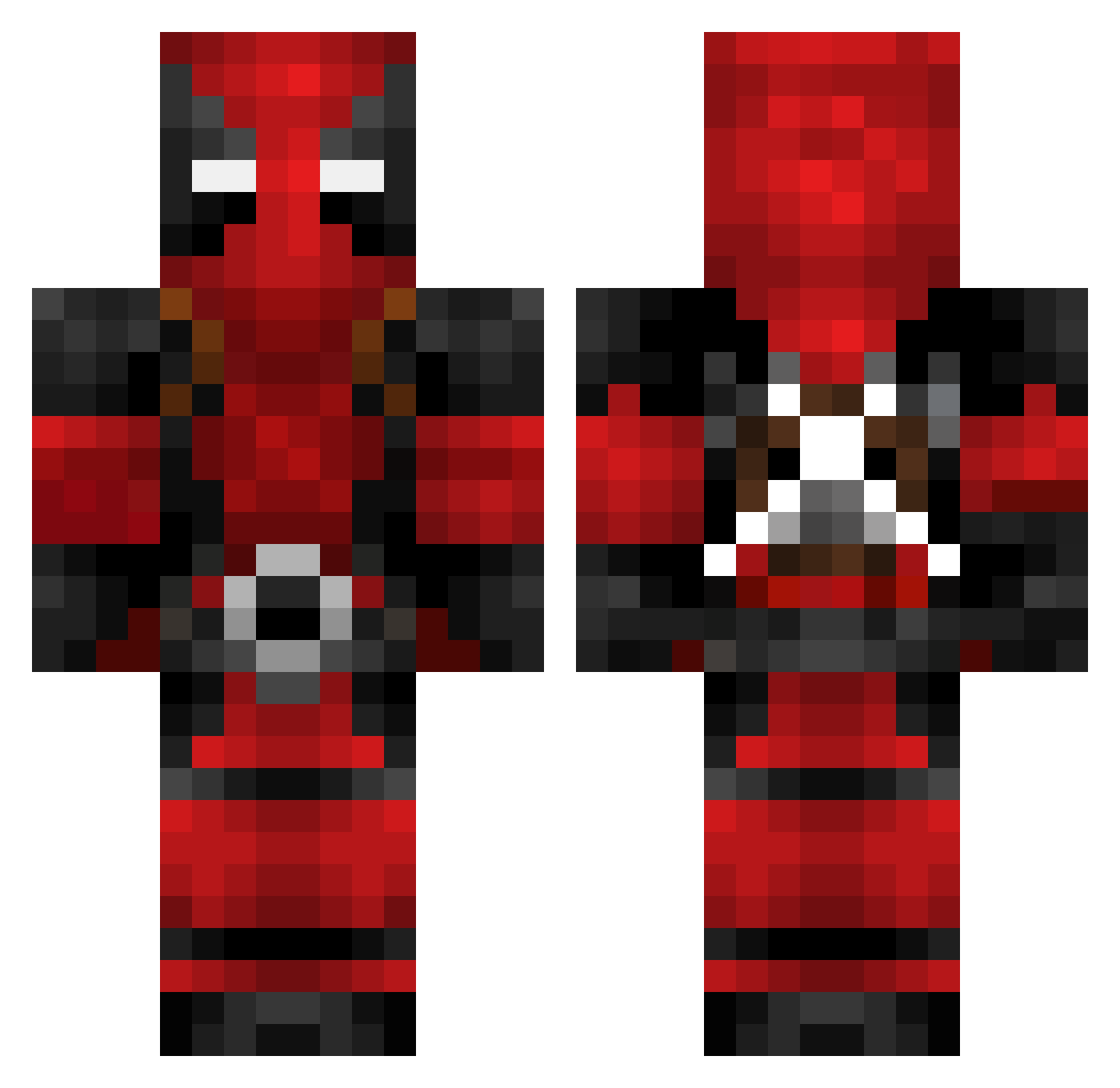
Current Minecraft skin of the player Damagp, loaded from the official Mojang API. Rotate the 3D model with your mouse or finger, then download the skin as a PNG file and use it in Minecraft: Bedrock Edition or Java Edition for free. When Damagp changes their skin, this page updates automatically and the old skin stays in the history below.
Other players with this skin (782)
Damagp was the 756th player we have seen with this skin, first spotted on 07.11.2026. The same skin was seen on these players. Open a nickname to see their current skin and skin history.
 Sig_Gause iLLuZionPlays Dutchstep Adrenalin0815 Killer20026 Ristophicz Doctor_Ore tdfacts SweeneyTood lodrpatrickk Smalls__13 Squarto99 VerminLord614 1337hium SickSee ComicFeather880 Suicidalia joakoopg Hugseu gitaek Pancakes33 blkout_121 Fabrimax Rasberrry Bobley87 SpiritIsland8 DeadPool212312 ChristianSQ tomateDanes MangoBlatt FettRenVader Reptilianleaf8 WillHertzYou ItsSquilliam Ale_Gomez22 minicev21 backlash6907 ximossi2011 Mr01Babou lil_honeybee_ reppiZ Creagh HecticMate CookieMonster923 kubakandulski Nomysz0701 Biquick Darkill_19 Luke27222 Rikardo2811 xMonolit Genkiryu 5Taa G_MoneyBagz ParkChulSoo KKLH Torq13 Saiyafino Gerrynator TouchMyTralala1
More Deadpool Minecraft skins
How to install the Damagp skin
- Press the Download button above to save the skin as a PNG file.
- Minecraft: Bedrock Edition (PE): open the Dressing Room from the main menu (or tap your character → Edit Character), go to Classic Skins → Owned, press the + (new skin) button, choose the downloaded PNG and pick the Classic (Steve) model. Works on PC and mobile; consoles cannot import custom skins.
- Minecraft: Java Edition: open the Minecraft Launcher, go to the Skins tab, click New Skin, load the PNG, pick the Classic (Steve) model and press Save & Use. You can also upload it at minecraft.net → Profile → Change Skin.
The skin does not show up after import - what should I do?
Restart Minecraft and open the Dressing Room again - imported skins sometimes appear only after a restart. Also make sure you selected the imported skin and picked the Classic (Steve) model.
Which model should I choose, Classic or Slim?
This skin is designed for the Classic (Steve) model. If you pick the wrong model, the arms of the skin will look stretched or squeezed.
Is the skin of Damagp free to download?
Yes. Press Download, save the PNG file and use it in Minecraft: Bedrock Edition or Java Edition - no payment or registration needed. The skin also works on multiplayer servers and Realms.
More skins
Looking for more? Go back to all Minecraft skins and check the top skins of the week, month and all time, or find any player's skin by nickname.