
DaDammG - Minecraft Skins & Skin History
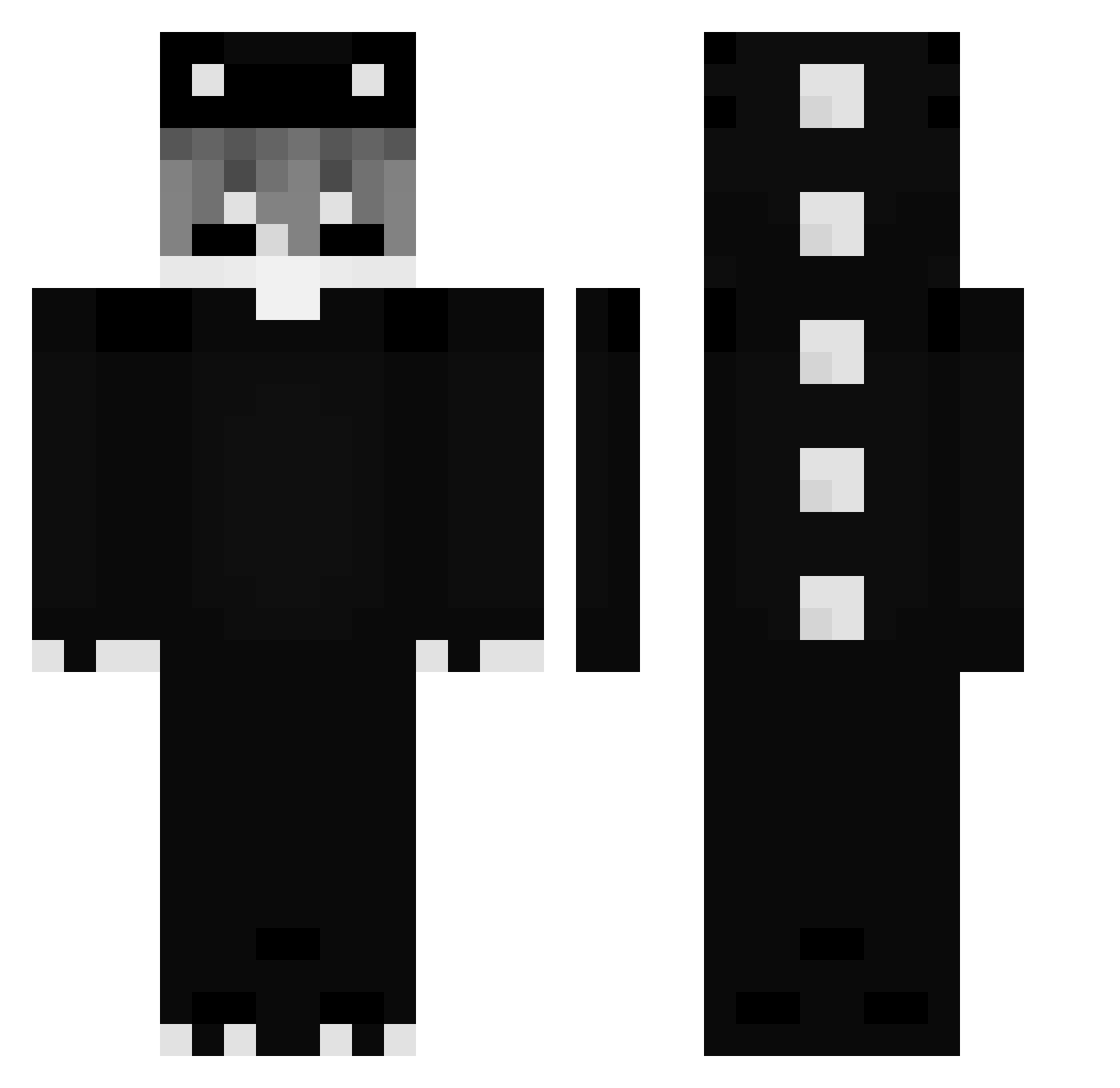
Current Minecraft skin of the player DaDammG, loaded from the official Mojang API. Rotate the 3D model with your mouse or finger, then download the skin as a PNG file and use it in Minecraft: Bedrock Edition or Java Edition for free. When DaDammG changes their skin, this page updates automatically and the old skin stays in the history below.
Other players with this skin (271)
DaDammG was the 193rd player we have seen with this skin, first spotted on 06.10.2026. The same skin was seen on these players. Open a nickname to see their current skin and skin history.
 Slewzy_ xSaboreq LEROS_83 ZouTEK RealNxco WH1T3D3ATH TMAM12 The1Target u7_u Black_Miner_ bobQOFJaeS4DpSv2 Weoooa LLKOLbNIK Frosas LaxiMuthV3 Jayho1029 Review21 Niniewx jasminx31 Saikik_G5 0xgultron Nxx1212 BARR1Y DelfMC1 Dubbxd roy0618 oxnv nevrineee TinedMouse jangma100 IwaoKung followthefate basckoo Marcello026 PPooppy Tea_d Star_Ghost_V mikacyo0416 AbdouGD bigboyyyy69 Bebexc7 M1SIO YouZzzz_ _owle SilverPeak740 ITZDANIEL01 MCATUSI Gary_Argentina_ ehenr03 Labbatee Exoduz1 Klonek_Gaming Shadoweq_1 Dark1514 Zeyt26 emorene PrimeJojo LuckyRay0717 Innocenceeeee saiyasai
More Dinosaur Minecraft skins
How to install the DaDammG skin
- Press the Download button above to save the skin as a PNG file.
- Minecraft: Bedrock Edition (PE): open the Dressing Room from the main menu (or tap your character → Edit Character), go to Classic Skins → Owned, press the + (new skin) button, choose the downloaded PNG and pick the Classic (Steve) model. Works on PC and mobile; consoles cannot import custom skins.
- Minecraft: Java Edition: open the Minecraft Launcher, go to the Skins tab, click New Skin, load the PNG, pick the Classic (Steve) model and press Save & Use. You can also upload it at minecraft.net → Profile → Change Skin.
The skin does not show up after import - what should I do?
Restart Minecraft and open the Dressing Room again - imported skins sometimes appear only after a restart. Also make sure you selected the imported skin and picked the Classic (Steve) model.
Which model should I choose, Classic or Slim?
This skin is designed for the Classic (Steve) model. If you pick the wrong model, the arms of the skin will look stretched or squeezed.
Is the skin of DaDammG free to download?
Yes. Press Download, save the PNG file and use it in Minecraft: Bedrock Edition or Java Edition - no payment or registration needed. The skin also works on multiplayer servers and Realms.
More skins
Looking for more? Go back to all Minecraft skins and check the top skins of the week, month and all time, or find any player's skin by nickname.