
DEETCH__ - Minecraft Skins & Skin History
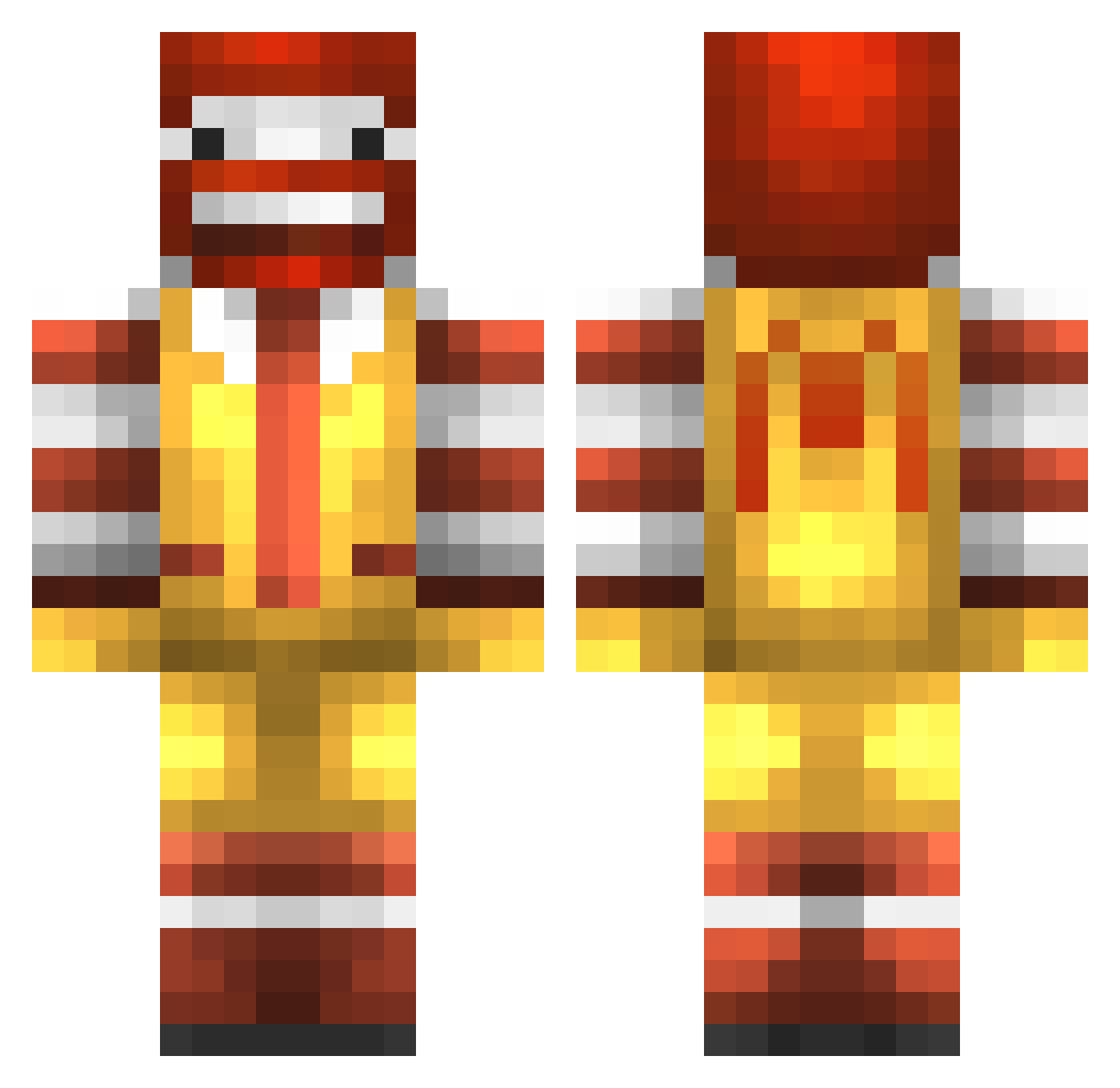
Current Minecraft skin of the player DEETCH__, loaded from the official Mojang API. Rotate the 3D model with your mouse or finger, then download the skin as a PNG file and use it in Minecraft: Bedrock Edition or Java Edition for free. When DEETCH__ changes their skin, this page updates automatically and the old skin stays in the history below.
Other players with this skin (281)
DEETCH__ was the 238th player we have seen with this skin, first spotted on 22.10.2026. The same skin was seen on these players. Open a nickname to see their current skin and skin history.
 AScientologist cosmoswrld MusclMusculeux ElMagic0o0 17Cats Minachof Blorpo_III isaiahkr cnikun11 Nezt00 Twitch_Dewey damokeyman2 MrChicken2333 Manduco Enzim_ GetMcD Balabibibi ALEX1208 SuzushimaArisu FadedLegend elfei BOREALTUNDRA Caylacayla GudrunGr jinburger Mozart_est_LA potato_247 LincolnKing Lemon_wxy mrflytroll 0benji0 horuhisu_12 danielasaclown LancelotCraft Royanik goraiasu38 _Mr_Appelflap_ Noydayo ZDub192 Pims64 69B4 Jhonx13 Wave_Liu jaime_flirt fondu_savoyarde Quackerman Treezon chohoho minet_hunderBrUk Vultuross _AlexBro_ CrazeWhite ashketchup420 kuro_ken Beagle__ Dorgahr shrekislove777 Fong00914 Yunmaster WhoseverWeevil
More Ronald Mcdonald Minecraft skins
See all 137 Ronald Mcdonald skins
How to install the DEETCH__ skin
- Press the Download button above to save the skin as a PNG file.
- Minecraft: Bedrock Edition (PE): open the Dressing Room from the main menu (or tap your character → Edit Character), go to Classic Skins → Owned, press the + (new skin) button, choose the downloaded PNG and pick the Classic (Steve) model. Works on PC and mobile; consoles cannot import custom skins.
- Minecraft: Java Edition: open the Minecraft Launcher, go to the Skins tab, click New Skin, load the PNG, pick the Classic (Steve) model and press Save & Use. You can also upload it at minecraft.net → Profile → Change Skin.
The skin does not show up after import - what should I do?
Restart Minecraft and open the Dressing Room again - imported skins sometimes appear only after a restart. Also make sure you selected the imported skin and picked the Classic (Steve) model.
Which model should I choose, Classic or Slim?
This skin is designed for the Classic (Steve) model. If you pick the wrong model, the arms of the skin will look stretched or squeezed.
Is the skin of DEETCH__ free to download?
Yes. Press Download, save the PNG file and use it in Minecraft: Bedrock Edition or Java Edition - no payment or registration needed. The skin also works on multiplayer servers and Realms.
More skins
Looking for more? Go back to all Minecraft skins and check the top skins of the week, month and all time, or find any player's skin by nickname.