
D3NNYS - Minecraft Skins & Skin History
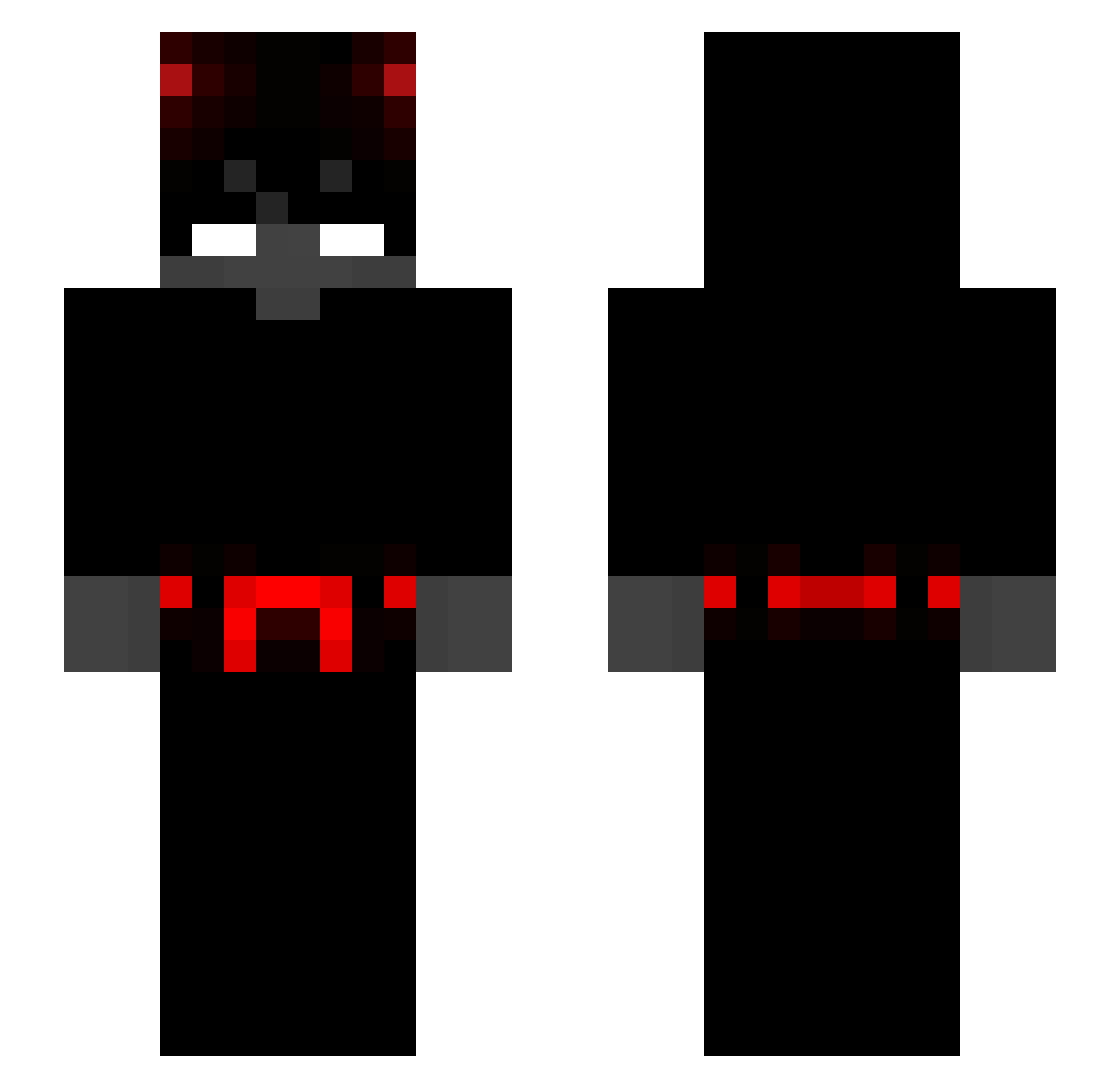
Current Minecraft skin of the player D3NNYS, loaded from the official Mojang API. Rotate the 3D model with your mouse or finger, then download the skin as a PNG file and use it in Minecraft: Bedrock Edition or Java Edition for free. When D3NNYS changes their skin, this page updates automatically and the old skin stays in the history below.
Other players with this skin (281)
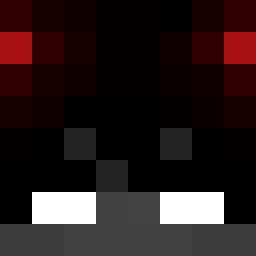
D3NNYS was the 256th player we have seen with this skin, first spotted on 12.10.2026. The same skin was seen on these players. Open a nickname to see their current skin and skin history.
 YvngFvygo DestinyChanger Bwris 1MILLON samuelctg 0g4y uzlik20 Maledicte MatonXD Lyzaair Tamashivfx Kilip_10 vcnqa TioPipol MiniVoltrush DiegoGamerDGK mokrajolanta777 CihanKanik apwj Ralph254 JuCeMaGa Geometries Whangel Itz_Trident _DarkLight_ Notjony Superflitzer123 OnlyRk PlayWithMyCubes KobbyKobs feddooss jrnlz2 LisumGHG sexxxxxxxxxxx TomFardii Andrezimzezu Moreiriinhaa_ Assumers BenjiDeJong eddson_ gabarty Number100 xHighVenom M6FOO8 Gelul Wurmi1 cedrus0708 Rebell911 Eaglestorm1537 Ms_Mermaid Destroller111 YoungBxnds OGH11 Qubler DaddyCarmichael Kvety Xaiv nonHoly Satoshi____ iAlaa
More Devil Minecraft skins
How to install the D3NNYS skin
- Press the Download button above to save the skin as a PNG file.
- Minecraft: Bedrock Edition (PE): open the Dressing Room from the main menu (or tap your character → Edit Character), go to Classic Skins → Owned, press the + (new skin) button, choose the downloaded PNG and pick the Slim (Alex) model. Works on PC and mobile; consoles cannot import custom skins.
- Minecraft: Java Edition: open the Minecraft Launcher, go to the Skins tab, click New Skin, load the PNG, pick the Slim (Alex) model and press Save & Use. You can also upload it at minecraft.net → Profile → Change Skin.
The skin does not show up after import - what should I do?
Restart Minecraft and open the Dressing Room again - imported skins sometimes appear only after a restart. Also make sure you selected the imported skin and picked the Slim (Alex) model.
Which model should I choose, Classic or Slim?
This skin is designed for the Slim (Alex) model. If you pick the wrong model, the arms of the skin will look stretched or squeezed.
Is the skin of D3NNYS free to download?
Yes. Press Download, save the PNG file and use it in Minecraft: Bedrock Edition or Java Edition - no payment or registration needed. The skin also works on multiplayer servers and Realms.
More skins
Looking for more? Go back to all Minecraft skins and check the top skins of the week, month and all time, or find any player's skin by nickname.