
Cybermunkel - Minecraft Skins & Skin History
Current Minecraft skin of the player Cybermunkel, loaded from the official Mojang API. Rotate the 3D model with your mouse or finger, then download the skin as a PNG file and use it in Minecraft: Bedrock Edition or Java Edition for free. When Cybermunkel changes their skin, this page updates automatically and the old skin stays in the history below.
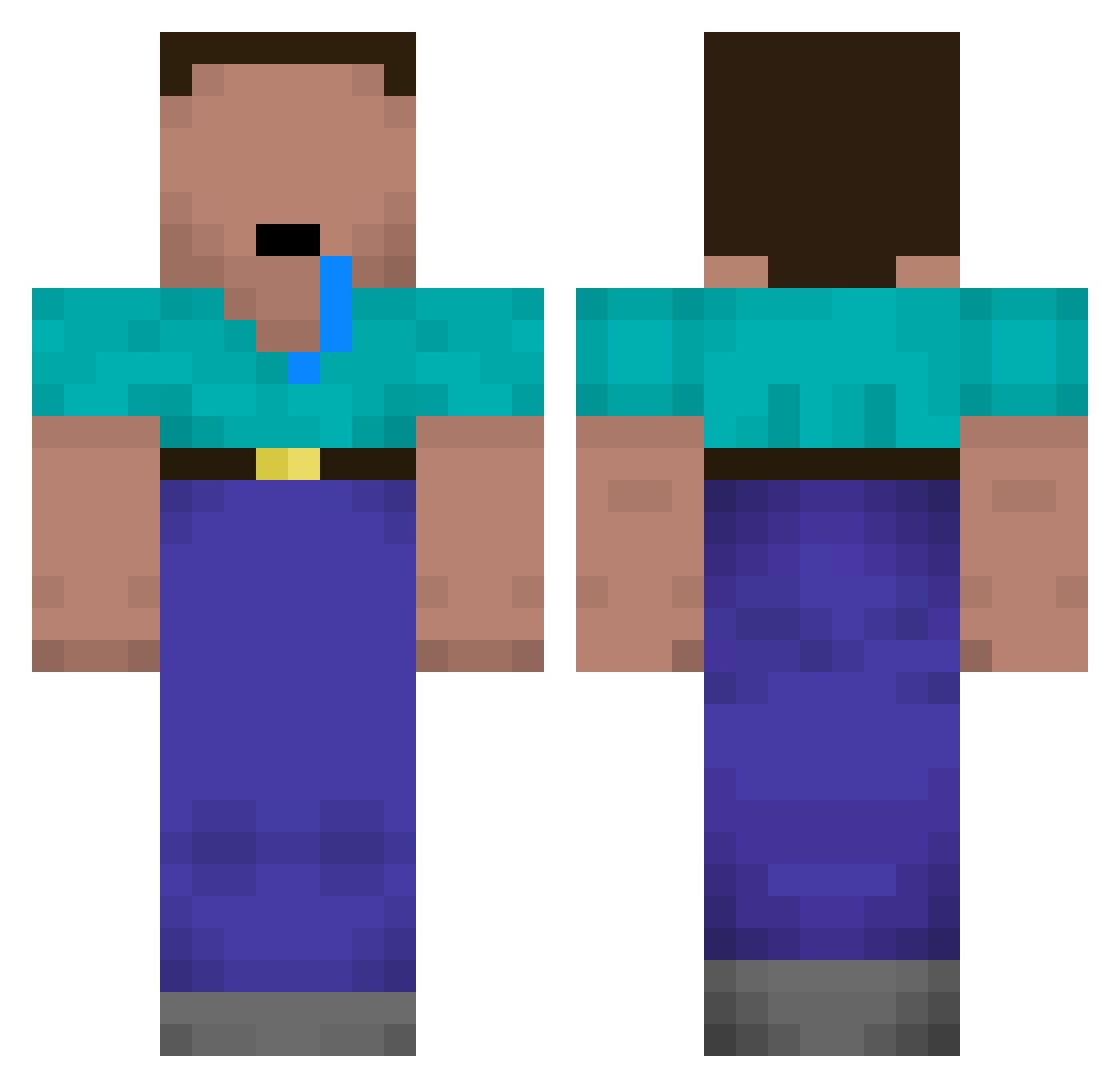
Other players with this skin (148)
Cybermunkel was the 134th player we have seen with this skin, first spotted on 13.10.2026. The same skin was seen on these players. Open a nickname to see their current skin and skin history.
 Ducphong09 GOATMAN_GOATMAN Ban_Geun 12038qofjkg 3mksaod1230 AaliyahS1786 garyfranz Latsche_Burf John_Judd ChunkyAvacado XXXMEME kimyo2242 Spirgiz QshtQ Dennis_Gamez Bodolf_Sh1tler Lightbird1 Lino_0831 Radazle c1d_kagenou projustin21 I2yll sv0nyx ZedKaa dunkindonut_ OriginalWalrus wcsng38 Eddie_Edward custer42069 ryanyangg radnad02 Abujindad Player34 LeoKawwai Noob_Alan _Neffo narpro sheloves_Geovani Jamk14 ONIO_YT Oliwer2014 Gopopopp kaktus_13 finnsidelinsi leandro0422 Brahahams Izzakzu juan_2 CHUNK_MONKE 00hyun seongbin_1209 Caluride hyperlink25 gloryxxet Nils1223 xdschnickfitzl GldVoid xxhamdogxx PlainMirror Jais0n
More Drooling Minecraft skins
How to install the Cybermunkel skin
- Press the Download button above to save the skin as a PNG file.
- Minecraft: Bedrock Edition (PE): open the Dressing Room from the main menu (or tap your character → Edit Character), go to Classic Skins → Owned, press the + (new skin) button, choose the downloaded PNG and pick the Classic (Steve) model. Works on PC and mobile; consoles cannot import custom skins.
- Minecraft: Java Edition: open the Minecraft Launcher, go to the Skins tab, click New Skin, load the PNG, pick the Classic (Steve) model and press Save & Use. You can also upload it at minecraft.net → Profile → Change Skin.
The skin does not show up after import - what should I do?
Restart Minecraft and open the Dressing Room again - imported skins sometimes appear only after a restart. Also make sure you selected the imported skin and picked the Classic (Steve) model.
Which model should I choose, Classic or Slim?
This skin is designed for the Classic (Steve) model. If you pick the wrong model, the arms of the skin will look stretched or squeezed.
Is the skin of Cybermunkel free to download?
Yes. Press Download, save the PNG file and use it in Minecraft: Bedrock Edition or Java Edition - no payment or registration needed. The skin also works on multiplayer servers and Realms.
More skins
Looking for more? Go back to all Minecraft skins and check the top skins of the week, month and all time, or find any player's skin by nickname.