
CrownedPenny - Minecraft Skins & Skin History
Current Minecraft skin of the player CrownedPenny, loaded from the official Mojang API. Rotate the 3D model with your mouse or finger, then download the skin as a PNG file and use it in Minecraft: Bedrock Edition or Java Edition for free. When CrownedPenny changes their skin, this page updates automatically and the old skin stays in the history below.
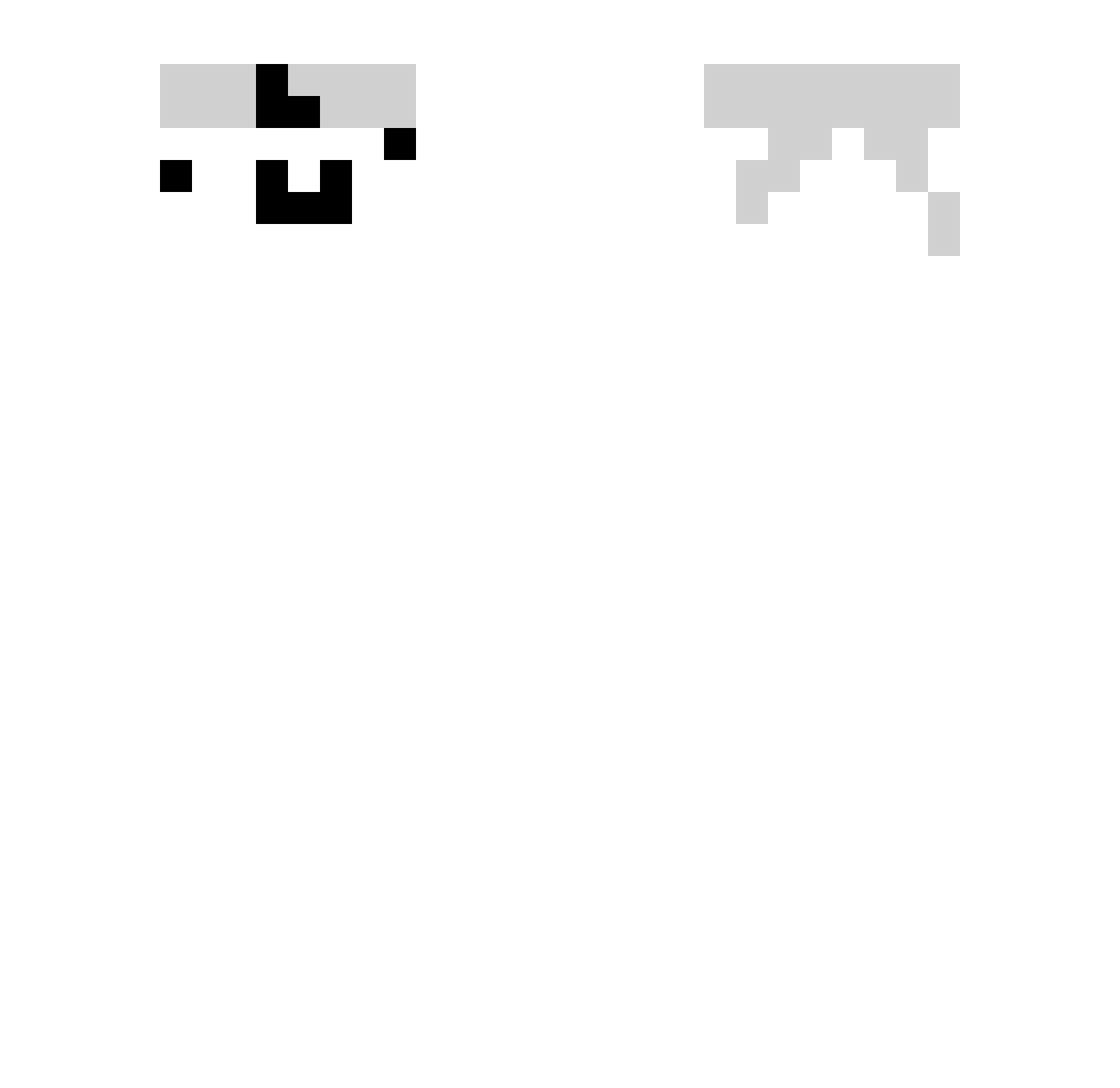
Other players with this skin (332)
CrownedPenny was the 31st player we have seen with this skin, first spotted on 02.08.2026. The same skin was seen on these players. Open a nickname to see their current skin and skin history.
 cawessia Ton12138 island_rk
 holaqueasem Limjeongsoon smilehy skushi_ Rgl7loh Xiao_ZhangYa
 doyul689
 NEME2409 Hakyemeyen RUDENARU LegacyJulek olivetester Dektop12321 M_Tap Bakygear jjjjey LUO555 gghhooo Rail4557 NOOM1894 Roseeee_O DonPatoF gaul11 wesley920516 EnderOfTheNight qcldrqwq ckato1 NO_DOP Kippod XK12335 Slowly2214 YeMei_wolf ItzJustSyn CFDEMJT dumtraukisW Sandel_Network kktrsm1179 OldSkillzFather YuJuan2333 Qeaty sv1n_1488 CuddlyWalk78609 TheLittleSix Burakthespy letianya Civan21 BeamBlox 0puls Lu3s Braisone buta4sea ikun6219 blockbuster2432 Gemt_ ssunnnnn zey_16 SuperGamer101
How to install the CrownedPenny skin
- Press the Download button above to save the skin as a PNG file.
- Minecraft: Bedrock Edition (PE): open the Dressing Room from the main menu (or tap your character → Edit Character), go to Classic Skins → Owned, press the + (new skin) button, choose the downloaded PNG and pick the Slim (Alex) model. Works on PC and mobile; consoles cannot import custom skins.
- Minecraft: Java Edition: open the Minecraft Launcher, go to the Skins tab, click New Skin, load the PNG, pick the Slim (Alex) model and press Save & Use. You can also upload it at minecraft.net → Profile → Change Skin.
The skin does not show up after import - what should I do?
Restart Minecraft and open the Dressing Room again - imported skins sometimes appear only after a restart. Also make sure you selected the imported skin and picked the Slim (Alex) model.
Which model should I choose, Classic or Slim?
This skin is designed for the Slim (Alex) model. If you pick the wrong model, the arms of the skin will look stretched or squeezed.
Is the skin of CrownedPenny free to download?
Yes. Press Download, save the PNG file and use it in Minecraft: Bedrock Edition or Java Edition - no payment or registration needed. The skin also works on multiplayer servers and Realms.
More skins
Looking for more? Go back to all Minecraft skins and check the top skins of the week, month and all time, or find any player's skin by nickname.