
Cristake67 - Minecraft Skins & Skin History
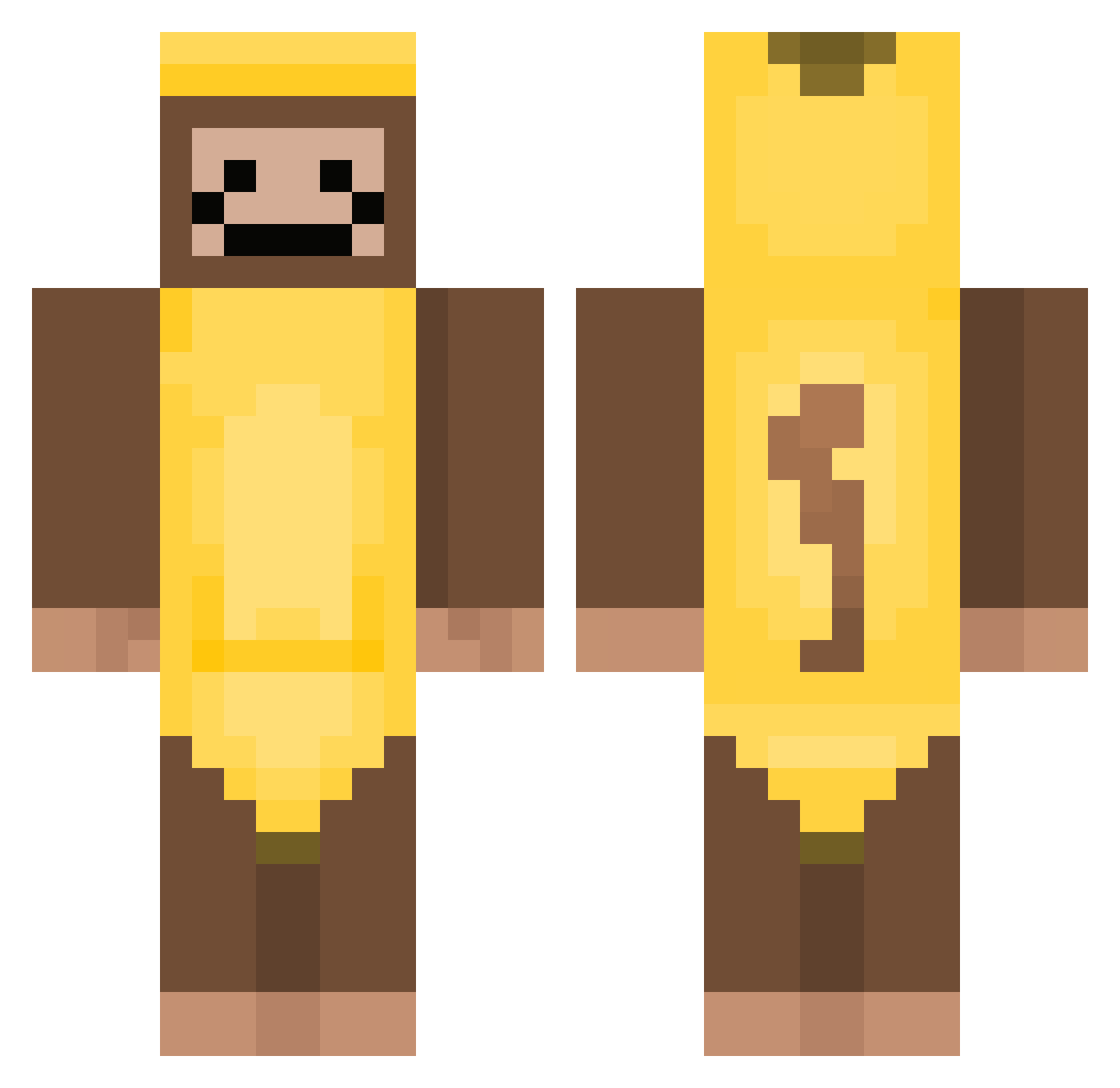
Current Minecraft skin of the player Cristake67, loaded from the official Mojang API. Rotate the 3D model with your mouse or finger, then download the skin as a PNG file and use it in Minecraft: Bedrock Edition or Java Edition for free. When Cristake67 changes their skin, this page updates automatically and the old skin stays in the history below.
Other players with this skin (383)
Cristake67 was the 138th player we have seen with this skin, first spotted on 05.09.2026. The same skin was seen on these players. Open a nickname to see their current skin and skin history.
 chromihomi pok903078 ToxicSimp69 Jaxrey anaIstasia007 TinyMuffin0_0 marchelo_momazos ka3ties maenggooo dayamgood The_stranger135 Babacule11k TintedSky__ ethandastick CrimsonFruitss freaky_bridge BigBlackAlphaMan anasuf Lewolk TGMatcha ltav2014 pipas24 basketballman421 roseambrose3 Laidbackmonke gomorning06 stnaley SHERRY94877 inkdemon77 SumTingWong1216 Goon_james123 yeller10000 PenguinJasper Maoli13214 anongaming2025 Navi_0 lxtrcs hpoe MonkieLord Guuubi123 FocaTyer sigmacoy woojin0119 1likepotato MIAZYFANGIRLLLLL IshieTheOne Dogboy1003 joey72111 Eh_Tu_Brutus Ar1p m0tsz Cooltsmeknamn bluebirdie9 SexiBrownie pinkblotch gisuuk emanuelcrsz
 iloveshrek223 abubandit1778 MIKYLE66
More Banana Costume Minecraft skins
See all 52 Banana Costume skins
How to install the Cristake67 skin
- Press the Download button above to save the skin as a PNG file.
- Minecraft: Bedrock Edition (PE): open the Dressing Room from the main menu (or tap your character → Edit Character), go to Classic Skins → Owned, press the + (new skin) button, choose the downloaded PNG and pick the Classic (Steve) model. Works on PC and mobile; consoles cannot import custom skins.
- Minecraft: Java Edition: open the Minecraft Launcher, go to the Skins tab, click New Skin, load the PNG, pick the Classic (Steve) model and press Save & Use. You can also upload it at minecraft.net → Profile → Change Skin.
The skin does not show up after import - what should I do?
Restart Minecraft and open the Dressing Room again - imported skins sometimes appear only after a restart. Also make sure you selected the imported skin and picked the Classic (Steve) model.
Which model should I choose, Classic or Slim?
This skin is designed for the Classic (Steve) model. If you pick the wrong model, the arms of the skin will look stretched or squeezed.
Is the skin of Cristake67 free to download?
Yes. Press Download, save the PNG file and use it in Minecraft: Bedrock Edition or Java Edition - no payment or registration needed. The skin also works on multiplayer servers and Realms.
More skins
Looking for more? Go back to all Minecraft skins and check the top skins of the week, month and all time, or find any player's skin by nickname.