
CptNickLz - Minecraft Skins & Skin History
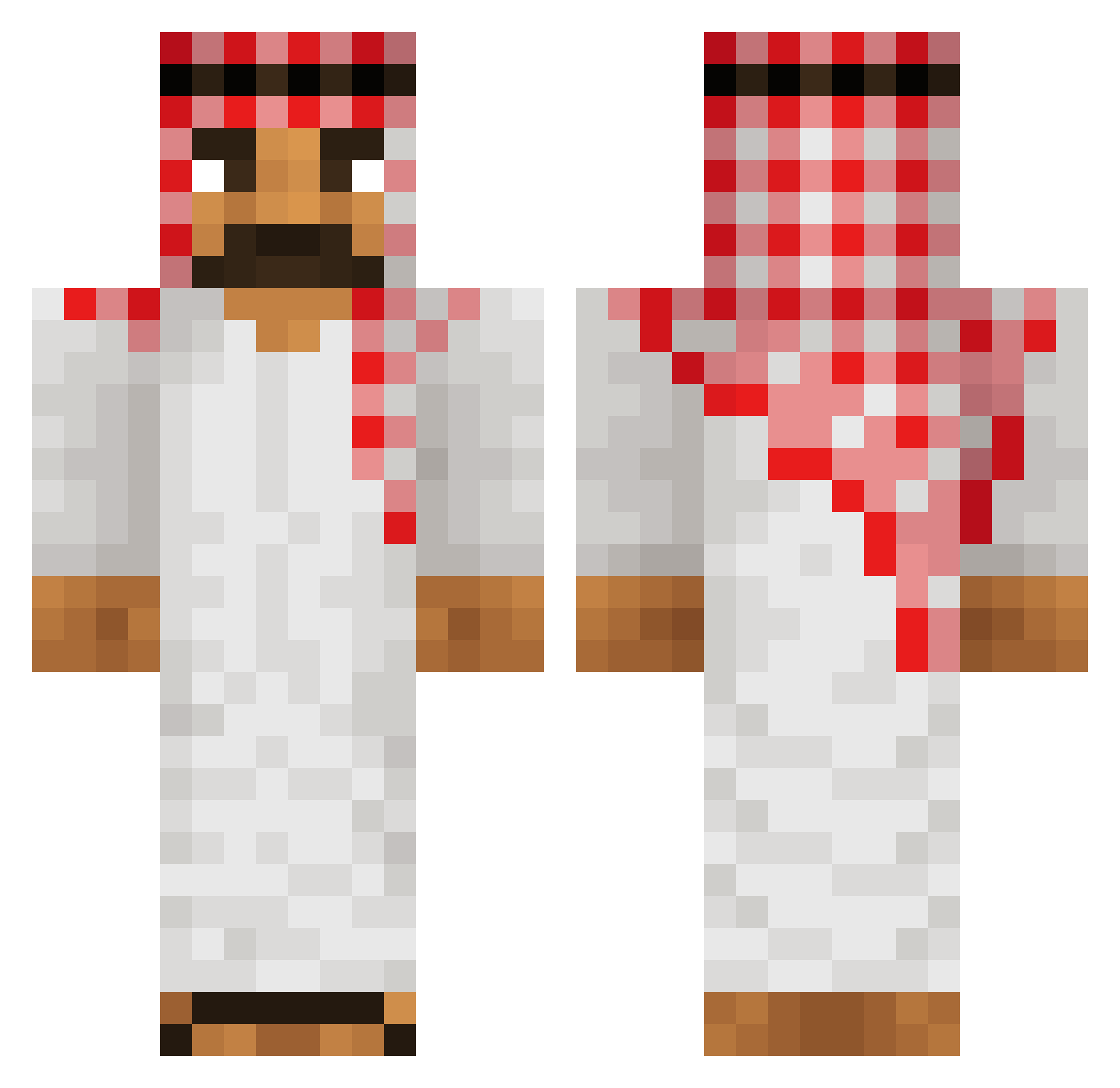
Current Minecraft skin of the player CptNickLz, loaded from the official Mojang API. Rotate the 3D model with your mouse or finger, then download the skin as a PNG file and use it in Minecraft: Bedrock Edition or Java Edition for free. When CptNickLz changes their skin, this page updates automatically and the old skin stays in the history below.
Other players with this skin (487)
CptNickLz was the 454th player we have seen with this skin, first spotted on 17.10.2026. The same skin was seen on these players. Open a nickname to see their current skin and skin history.
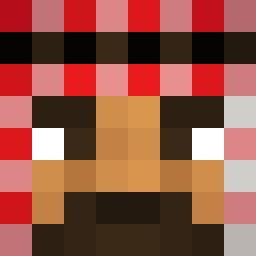 Muselmann67 alamjeet trunkjunk poldo_rlw Noxtan lavgezeryiyen69 Unmans Knower BasR01 mgamer632 slapbgfheikm_666 miao123 Avioero Ci4snyMichal3k HuanSon1100 Kwiky ziya61 Naoxi_ LincolnFPS F_Lagg Tadziook Dejvid1865 vertex_sh Fiercec Michciooo toaost godisgreatBOOM rvnc SlodkaSuzan98 Nick_Bono JakeyBoi1324 AlmightyMao DeViL34 W13N0L FabiRief zsalaam CzinkoMinem yeva01 3anzai insanefish34 ToJaPexar maxi0250 Obcecada superninja69 Neky__ frenchbagel KentaKofot88 omeryus MullemeckMedStor Guigomess reg0o Noah026 Boyens osamabinboming Perlstoner MalhoneDBZ RicanBlaze1 Pullback unct avz777
More Traditional Minecraft skins
How to install the CptNickLz skin
- Press the Download button above to save the skin as a PNG file.
- Minecraft: Bedrock Edition (PE): open the Dressing Room from the main menu (or tap your character → Edit Character), go to Classic Skins → Owned, press the + (new skin) button, choose the downloaded PNG and pick the Classic (Steve) model. Works on PC and mobile; consoles cannot import custom skins.
- Minecraft: Java Edition: open the Minecraft Launcher, go to the Skins tab, click New Skin, load the PNG, pick the Classic (Steve) model and press Save & Use. You can also upload it at minecraft.net → Profile → Change Skin.
The skin does not show up after import - what should I do?
Restart Minecraft and open the Dressing Room again - imported skins sometimes appear only after a restart. Also make sure you selected the imported skin and picked the Classic (Steve) model.
Which model should I choose, Classic or Slim?
This skin is designed for the Classic (Steve) model. If you pick the wrong model, the arms of the skin will look stretched or squeezed.
Is the skin of CptNickLz free to download?
Yes. Press Download, save the PNG file and use it in Minecraft: Bedrock Edition or Java Edition - no payment or registration needed. The skin also works on multiplayer servers and Realms.
More skins
Looking for more? Go back to all Minecraft skins and check the top skins of the week, month and all time, or find any player's skin by nickname.