
CorkyWaif - Minecraft Skins & Skin History
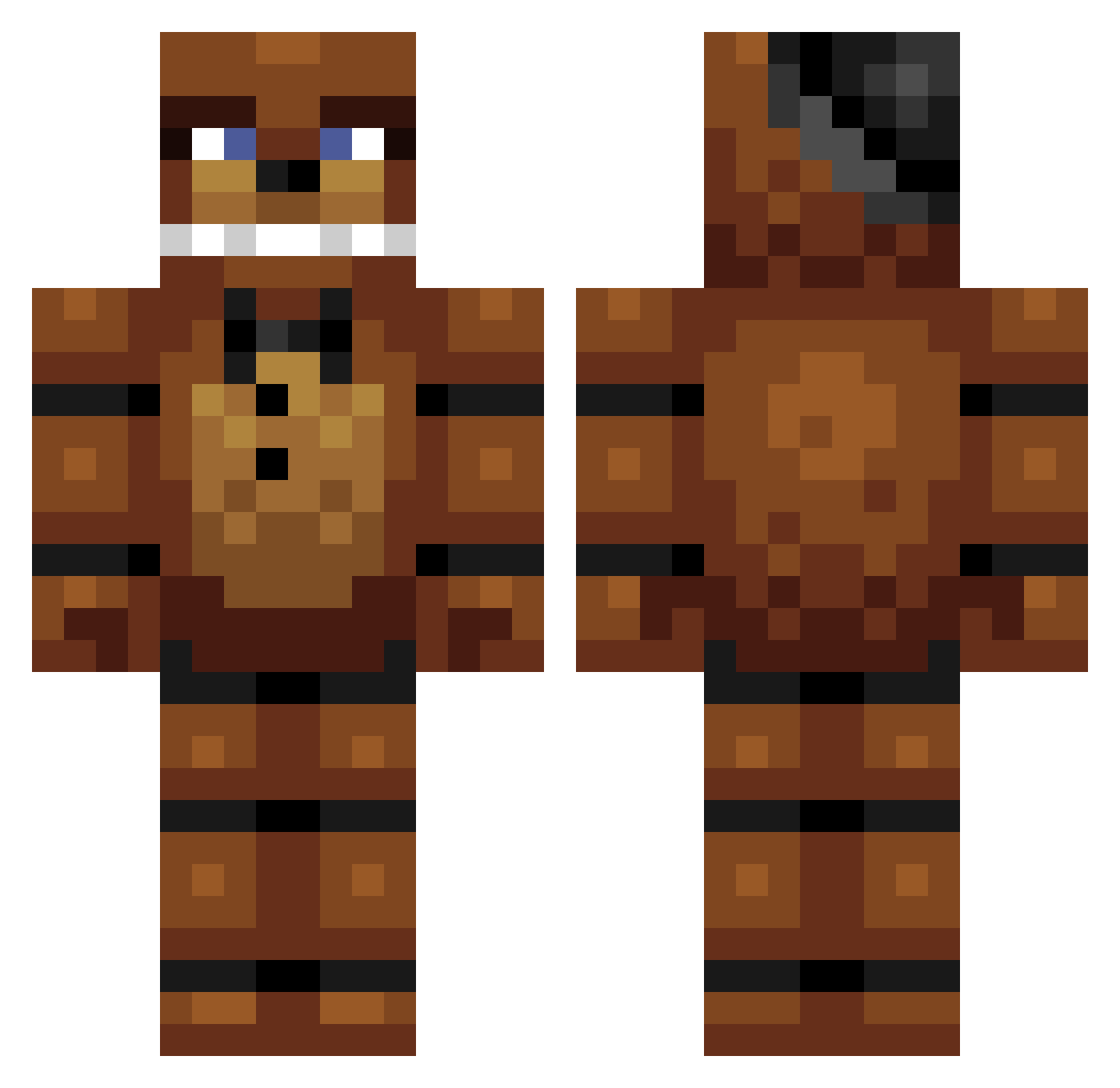
Current Minecraft skin of the player CorkyWaif, loaded from the official Mojang API. Rotate the 3D model with your mouse or finger, then download the skin as a PNG file and use it in Minecraft: Bedrock Edition or Java Edition for free. When CorkyWaif changes their skin, this page updates automatically and the old skin stays in the history below.
Other players with this skin (369)
CorkyWaif was the 347th player we have seen with this skin, first spotted on 11.11.2026. The same skin was seen on these players. Open a nickname to see their current skin and skin history.
 BLAZING_MINER66 zombiepigmanh Evanator2 braainbangg Sjors026 Hudson0007 lilAlex1129 snork06 Nanarus Mitchy4951 henricae awesomegamer153 wrinklylucas BarBaRaBBaRT Melonikauppias Gaminggutta PandaLaura Penghao scottie100 H2O_Swag Jeatz_ beer69 apagar321 sam139 SquashyRelic478 dazmister12 shapsythemad 1Rooster DBoy9119 Chrisby1996 lamachina39 arte_999 crazywolfman555 shadow_falcon13 ELITESLAYERDUDE Maweli93 christianbeck123 tanztheman20 zachcadima GutsyCrow SlaveTrading tui4433 Bret937 MetroidPrime_20 davo335 Gorillamane QuinnMV Brody1019 chrisb114MC Sounderchart14 matlog2007 Timanttisotilas Momolicious2003 ChaosEmerald64 Boatnector TheFlapjack17 Psycho_Gingerboy Freddy137 SietseCraft RecklessLex
More Freddy Fazbear Minecraft skins
See all 282 Freddy Fazbear skins
How to install the CorkyWaif skin
- Press the Download button above to save the skin as a PNG file.
- Minecraft: Bedrock Edition (PE): open the Dressing Room from the main menu (or tap your character → Edit Character), go to Classic Skins → Owned, press the + (new skin) button, choose the downloaded PNG and pick the Classic (Steve) model. Works on PC and mobile; consoles cannot import custom skins.
- Minecraft: Java Edition: open the Minecraft Launcher, go to the Skins tab, click New Skin, load the PNG, pick the Classic (Steve) model and press Save & Use. You can also upload it at minecraft.net → Profile → Change Skin.
The skin does not show up after import - what should I do?
Restart Minecraft and open the Dressing Room again - imported skins sometimes appear only after a restart. Also make sure you selected the imported skin and picked the Classic (Steve) model.
Which model should I choose, Classic or Slim?
This skin is designed for the Classic (Steve) model. If you pick the wrong model, the arms of the skin will look stretched or squeezed.
Is the skin of CorkyWaif free to download?
Yes. Press Download, save the PNG file and use it in Minecraft: Bedrock Edition or Java Edition - no payment or registration needed. The skin also works on multiplayer servers and Realms.
More skins
Looking for more? Go back to all Minecraft skins and check the top skins of the week, month and all time, or find any player's skin by nickname.