
CoolerCaesar - Minecraft Skins & Skin History
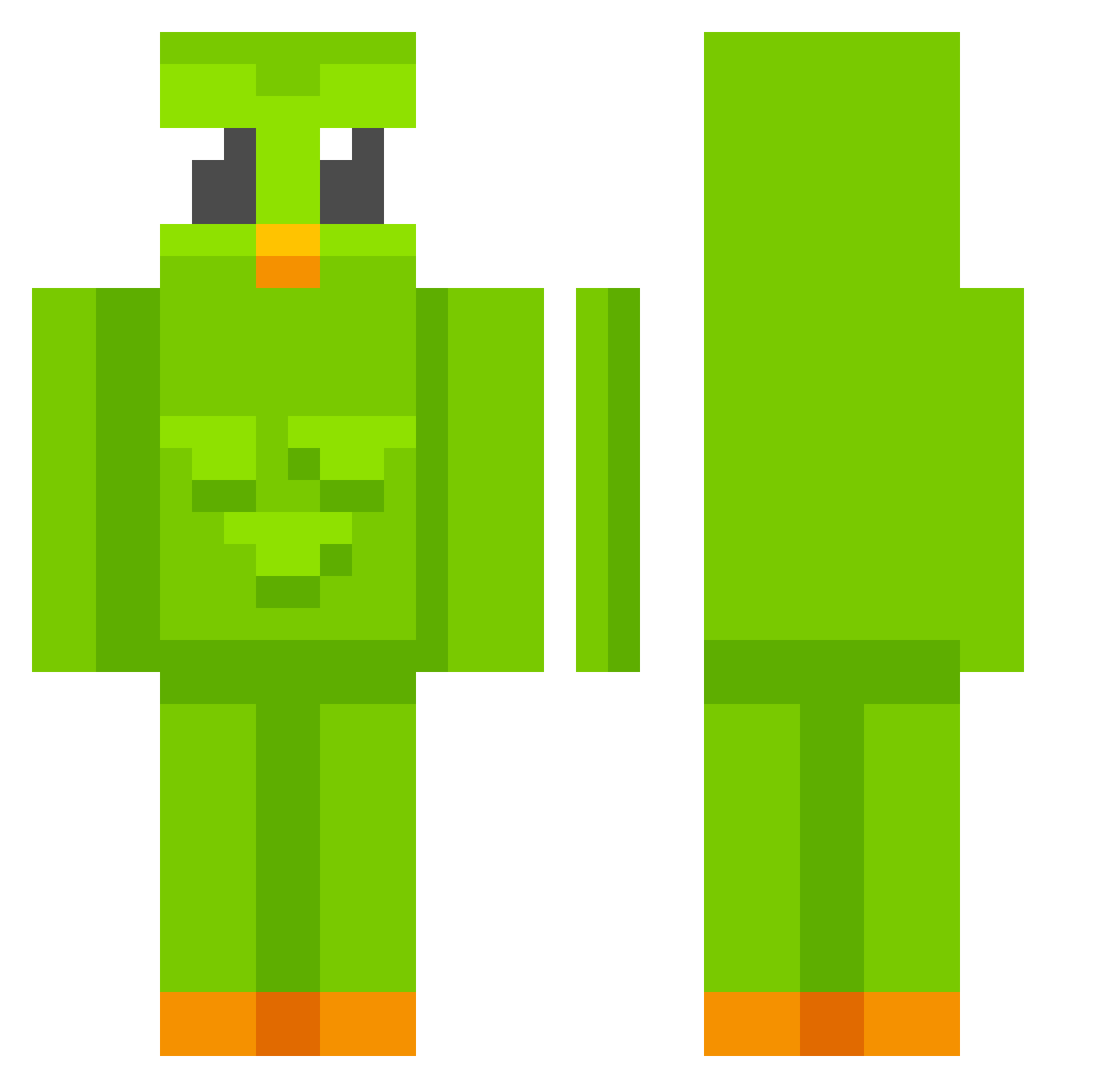
Current Minecraft skin of the player CoolerCaesar, loaded from the official Mojang API. Rotate the 3D model with your mouse or finger, then download the skin as a PNG file and use it in Minecraft: Bedrock Edition or Java Edition for free. When CoolerCaesar changes their skin, this page updates automatically and the old skin stays in the history below.
Other players with this skin (812)
CoolerCaesar was the 685th player we have seen with this skin, first spotted on 02.11.2026. The same skin was seen on these players. Open a nickname to see their current skin and skin history.
 Janosch_BA Wolch day77777 Voki1 CNomades Racol908 Blizzki HawkFrost007 Lakkern1 raykue ryloriesvictim TRDkg ConstructorC137 pirui0809 WritingMyWill Duskayy xlumin0us yeet_030 Aljora limstift12 Barneyboo2 prienzz PacoTaco25 brimordia You_Ge_oVo Agustillero nath255 reche_ ice_91 xWajda wap210 FishtailTitan FanTastiCccc coret18 CLOROXXX1234 MaxiTheFirst StreZiX _monthSick DLuk4 mhawink Dorappi FreeeFood cheezmonger1805 torpidwhale7 niezlasunia69 Gaesaekki69 Obdormivi 79angveeel Faar01 DequInnit Hennessy21 SowaXXL AngryOctopi Marconcillo xcxccxcxxcxxxcxc Fossil_23 ApolloAnsem Dramazar MopsKiller37 _Zapper8
More Duo Minecraft skins
How to install the CoolerCaesar skin
- Press the Download button above to save the skin as a PNG file.
- Minecraft: Bedrock Edition (PE): open the Dressing Room from the main menu (or tap your character → Edit Character), go to Classic Skins → Owned, press the + (new skin) button, choose the downloaded PNG and pick the Classic (Steve) model. Works on PC and mobile; consoles cannot import custom skins.
- Minecraft: Java Edition: open the Minecraft Launcher, go to the Skins tab, click New Skin, load the PNG, pick the Classic (Steve) model and press Save & Use. You can also upload it at minecraft.net → Profile → Change Skin.
The skin does not show up after import - what should I do?
Restart Minecraft and open the Dressing Room again - imported skins sometimes appear only after a restart. Also make sure you selected the imported skin and picked the Classic (Steve) model.
Which model should I choose, Classic or Slim?
This skin is designed for the Classic (Steve) model. If you pick the wrong model, the arms of the skin will look stretched or squeezed.
Is the skin of CoolerCaesar free to download?
Yes. Press Download, save the PNG file and use it in Minecraft: Bedrock Edition or Java Edition - no payment or registration needed. The skin also works on multiplayer servers and Realms.
More skins
Looking for more? Go back to all Minecraft skins and check the top skins of the week, month and all time, or find any player's skin by nickname.