
Coffin_Crash - Minecraft Skins & Skin History
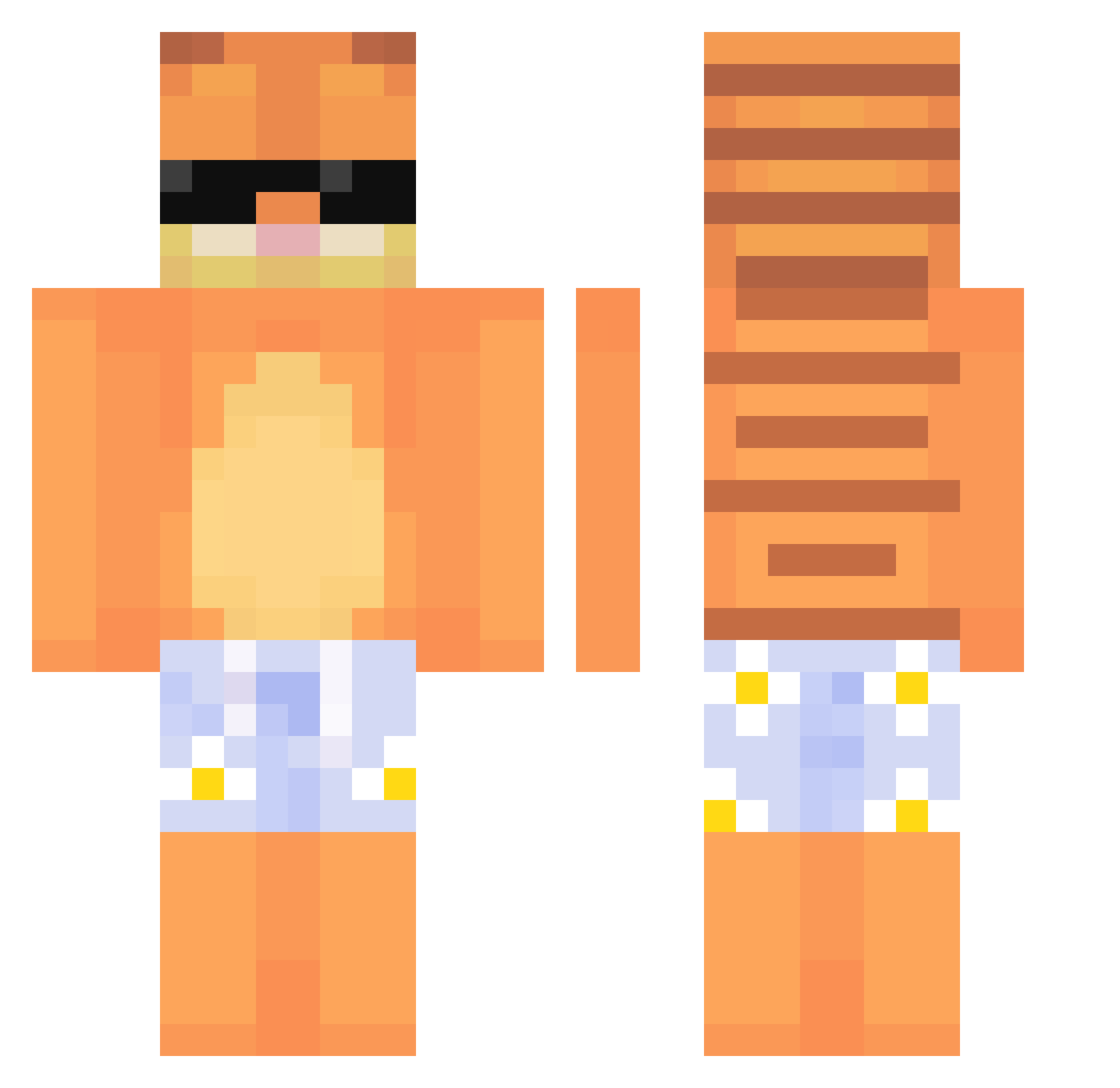
Current Minecraft skin of the player Coffin_Crash, loaded from the official Mojang API. Rotate the 3D model with your mouse or finger, then download the skin as a PNG file and use it in Minecraft: Bedrock Edition or Java Edition for free. When Coffin_Crash changes their skin, this page updates automatically and the old skin stays in the history below.
Other players with this skin (770)
Coffin_Crash was the 732nd player we have seen with this skin, first spotted on 14.11.2026. The same skin was seen on these players. Open a nickname to see their current skin and skin history.
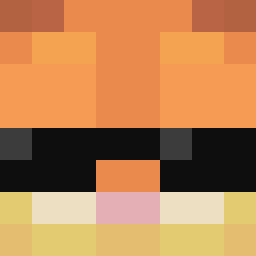 MNetrebko ItzPheonix213 whappolow danieIboss Madtiger5656YT irekly NoHit701 kvaRa0 Kodakkjk DisneyDude38 olivoov Miizuka_ Mininator487 sqindler BaconGotTaken KakalowyJoe Ori97 PortalAxis1928 ShapeshiftGG Ewwingg susainis198 Big_Funkle lili221100 thebbhog BIGNEVO Catttacular Animo321 BigFatLasagnaCat Qotig jolanielojalnaa DAVEHAUTAFFEN Exilic_ ImMondayz Gore_Hound Luxembuao xx_Dkzin longv ZN_BCV Furtle_ Eotak piotrek3240 _towser Kyytsuu ronniwr muhahaha4 dos30103 Gdog627 Brocku viovellyy JamJelly1122 nocoled KqrlN Bruuuum Killer200012 neogulman1 Slyzee_ vM4rc oUNOo IceColtd101 cl0udnik
More Garfield Minecraft skins
How to install the Coffin_Crash skin
- Press the Download button above to save the skin as a PNG file.
- Minecraft: Bedrock Edition (PE): open the Dressing Room from the main menu (or tap your character → Edit Character), go to Classic Skins → Owned, press the + (new skin) button, choose the downloaded PNG and pick the Classic (Steve) model. Works on PC and mobile; consoles cannot import custom skins.
- Minecraft: Java Edition: open the Minecraft Launcher, go to the Skins tab, click New Skin, load the PNG, pick the Classic (Steve) model and press Save & Use. You can also upload it at minecraft.net → Profile → Change Skin.
The skin does not show up after import - what should I do?
Restart Minecraft and open the Dressing Room again - imported skins sometimes appear only after a restart. Also make sure you selected the imported skin and picked the Classic (Steve) model.
Which model should I choose, Classic or Slim?
This skin is designed for the Classic (Steve) model. If you pick the wrong model, the arms of the skin will look stretched or squeezed.
Is the skin of Coffin_Crash free to download?
Yes. Press Download, save the PNG file and use it in Minecraft: Bedrock Edition or Java Edition - no payment or registration needed. The skin also works on multiplayer servers and Realms.
More skins
Looking for more? Go back to all Minecraft skins and check the top skins of the week, month and all time, or find any player's skin by nickname.