
ClusterF - Minecraft Skins & Skin History
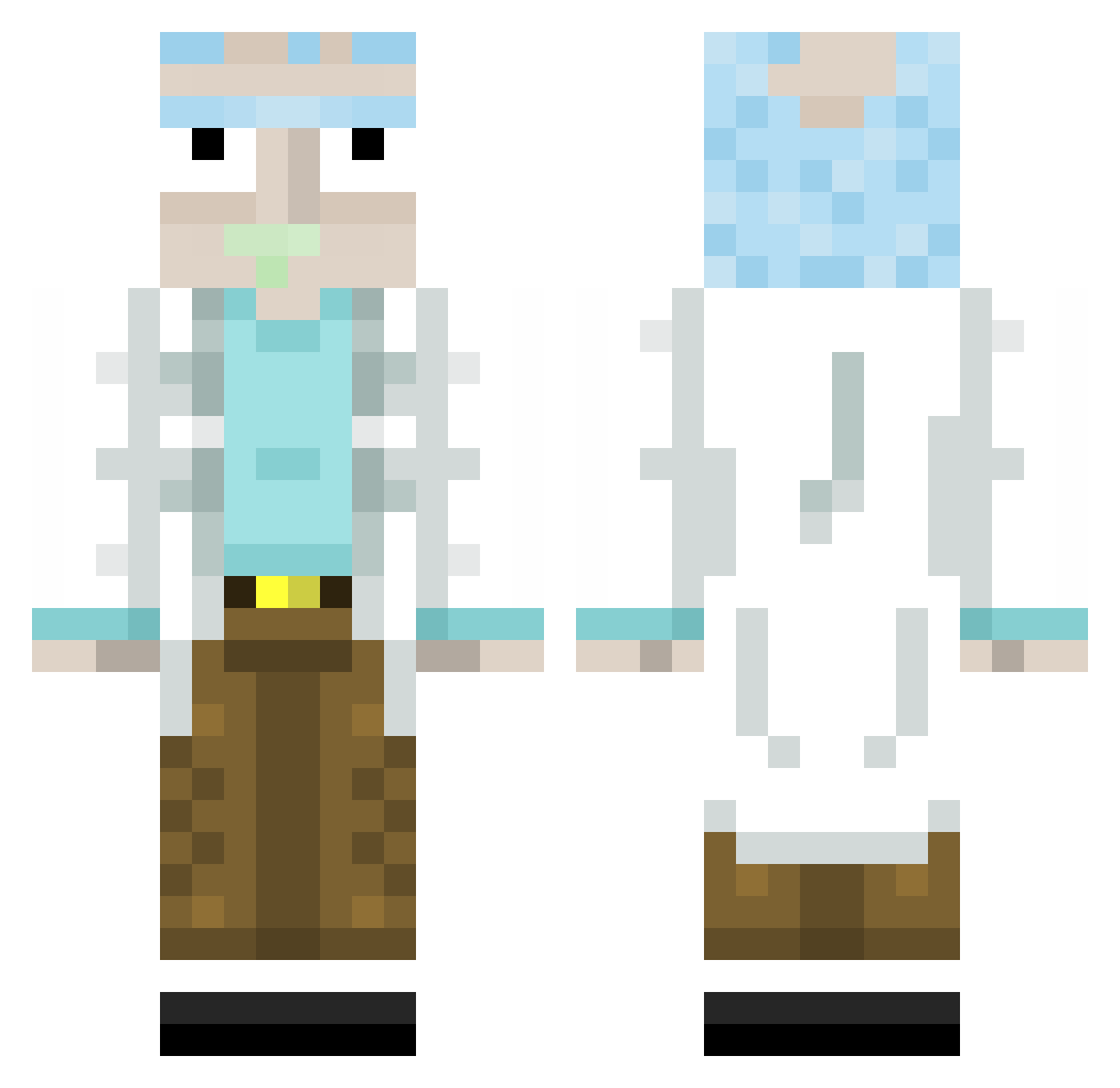
Current Minecraft skin of the player ClusterF, loaded from the official Mojang API. Rotate the 3D model with your mouse or finger, then download the skin as a PNG file and use it in Minecraft: Bedrock Edition or Java Edition for free. When ClusterF changes their skin, this page updates automatically and the old skin stays in the history below.
Other players with this skin (313)
ClusterF was the 160th player we have seen with this skin, first spotted on 20.09.2026. The same skin was seen on these players. Open a nickname to see their current skin and skin history.
 KsawierXXX Jebigati Maratovic Sonicfan176 Henry_Kohl JeanMarkLaCarpe Strongbow7 Lexaldinho Jacocos TPApathy xEazyTx Ongee WangoDango Kaspar1221 Icon__xD Mr_Vin Pridezen JUICEFOUNTAIN_MW paliCZ GrandAutismo131 jorizorz g1des NaidenMMD MRVIGAS imbu_tw JaimBienTaCanada ediz0304 DingoAteMyGrann Vinisal Albertohc9 MyLittleAirport Cie005 SimDoge 420Gunner Yankeejake2 Niggo0o DvNx eXCrypt TheEqualizer162 elgipsy Chiaao noowtz7 Rxmirou_ Dyl_Dyl bboyalonso nienwoody2 Tayman279 Leptoss Gamb RogerCeni AnkaraNic Ivankiki popka13 YordiBeelen Spirtovich Knukkohed TheClappning ImHezzii BuddaBean RatedShaft
More Rick Sanchez Minecraft skins
See all 214 Rick Sanchez skins
How to install the ClusterF skin
- Press the Download button above to save the skin as a PNG file.
- Minecraft: Bedrock Edition (PE): open the Dressing Room from the main menu (or tap your character → Edit Character), go to Classic Skins → Owned, press the + (new skin) button, choose the downloaded PNG and pick the Classic (Steve) model. Works on PC and mobile; consoles cannot import custom skins.
- Minecraft: Java Edition: open the Minecraft Launcher, go to the Skins tab, click New Skin, load the PNG, pick the Classic (Steve) model and press Save & Use. You can also upload it at minecraft.net → Profile → Change Skin.
The skin does not show up after import - what should I do?
Restart Minecraft and open the Dressing Room again - imported skins sometimes appear only after a restart. Also make sure you selected the imported skin and picked the Classic (Steve) model.
Which model should I choose, Classic or Slim?
This skin is designed for the Classic (Steve) model. If you pick the wrong model, the arms of the skin will look stretched or squeezed.
Is the skin of ClusterF free to download?
Yes. Press Download, save the PNG file and use it in Minecraft: Bedrock Edition or Java Edition - no payment or registration needed. The skin also works on multiplayer servers and Realms.
More skins
Looking for more? Go back to all Minecraft skins and check the top skins of the week, month and all time, or find any player's skin by nickname.