
ClayisBae_ - Minecraft Skins & Skin History
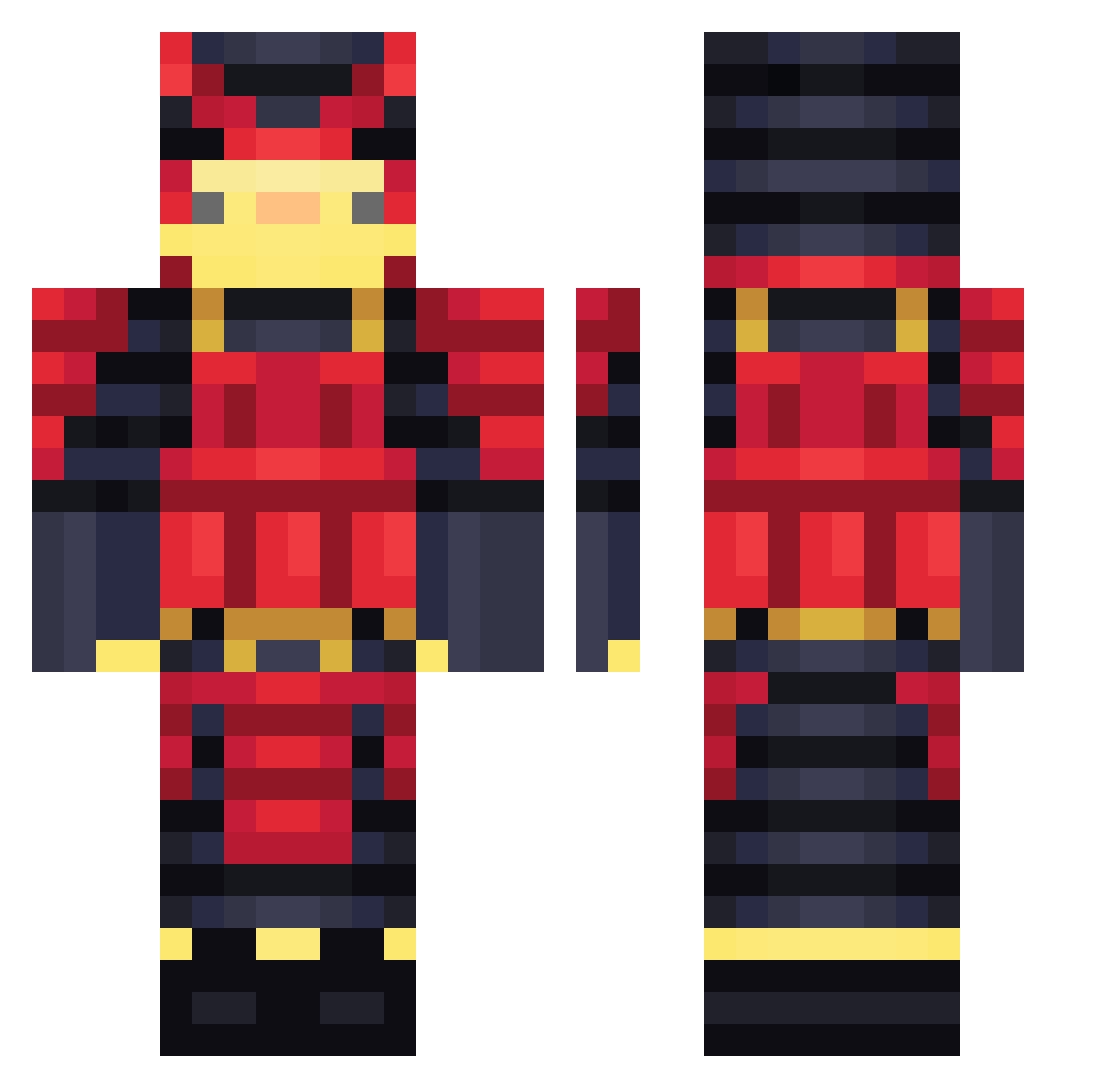
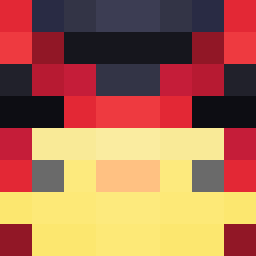
Current Minecraft skin of the player ClayisBae_, loaded from the official Mojang API. Rotate the 3D model with your mouse or finger, then download the skin as a PNG file and use it in Minecraft: Bedrock Edition or Java Edition for free. When ClayisBae_ changes their skin, this page updates automatically and the old skin stays in the history below.
Other players with this skin (459)
ClayisBae_ was the 398th player we have seen with this skin, first spotted on 20.10.2026. The same skin was seen on these players. Open a nickname to see their current skin and skin history.
 oCoffeHXXk MAZIT0 Synoptical IlikeTrainsaLot Sebas_M57 Jayhum MineMateus Victore13 Nachitopo MiguelNeutro ecocofu kirn0 IAmOcu _MrGrin_ HollowBread3909 CLDOverLord Marmacedu WilliamMMT alonchxd Dragon0623 Darkemperor7 ElKokodrail kawarai03 Platte_Jef HelloiIsDead_ erThem RONONONOZ XAytuxX BLUE0920 Nano_2u LeCactusCaPique Samurai_Bloody screamn_tomato24 retatuka jsa123 YDAY tomasz_hajto12 Zigorneta Akira_Shimiuzu hwest Katha2004 Criper_08 Korrupt563 AhiruHeika Bealte SNAFUboy drdrsoap Albior GeniaAlex ApolloProject INSIGNIO Itz_StiNG shark_boyis NotHerb Fowlgal SoggyLemon DuckyV22081 SardinaLaCochina HairyCluck GamblerMoney
More Samurai Minecraft skins
How to install the ClayisBae_ skin
- Press the Download button above to save the skin as a PNG file.
- Minecraft: Bedrock Edition (PE): open the Dressing Room from the main menu (or tap your character → Edit Character), go to Classic Skins → Owned, press the + (new skin) button, choose the downloaded PNG and pick the Classic (Steve) model. Works on PC and mobile; consoles cannot import custom skins.
- Minecraft: Java Edition: open the Minecraft Launcher, go to the Skins tab, click New Skin, load the PNG, pick the Classic (Steve) model and press Save & Use. You can also upload it at minecraft.net → Profile → Change Skin.
The skin does not show up after import - what should I do?
Restart Minecraft and open the Dressing Room again - imported skins sometimes appear only after a restart. Also make sure you selected the imported skin and picked the Classic (Steve) model.
Which model should I choose, Classic or Slim?
This skin is designed for the Classic (Steve) model. If you pick the wrong model, the arms of the skin will look stretched or squeezed.
Is the skin of ClayisBae_ free to download?
Yes. Press Download, save the PNG file and use it in Minecraft: Bedrock Edition or Java Edition - no payment or registration needed. The skin also works on multiplayer servers and Realms.
More skins
Looking for more? Go back to all Minecraft skins and check the top skins of the week, month and all time, or find any player's skin by nickname.