
Cirospapiros - Minecraft Skins & Skin History
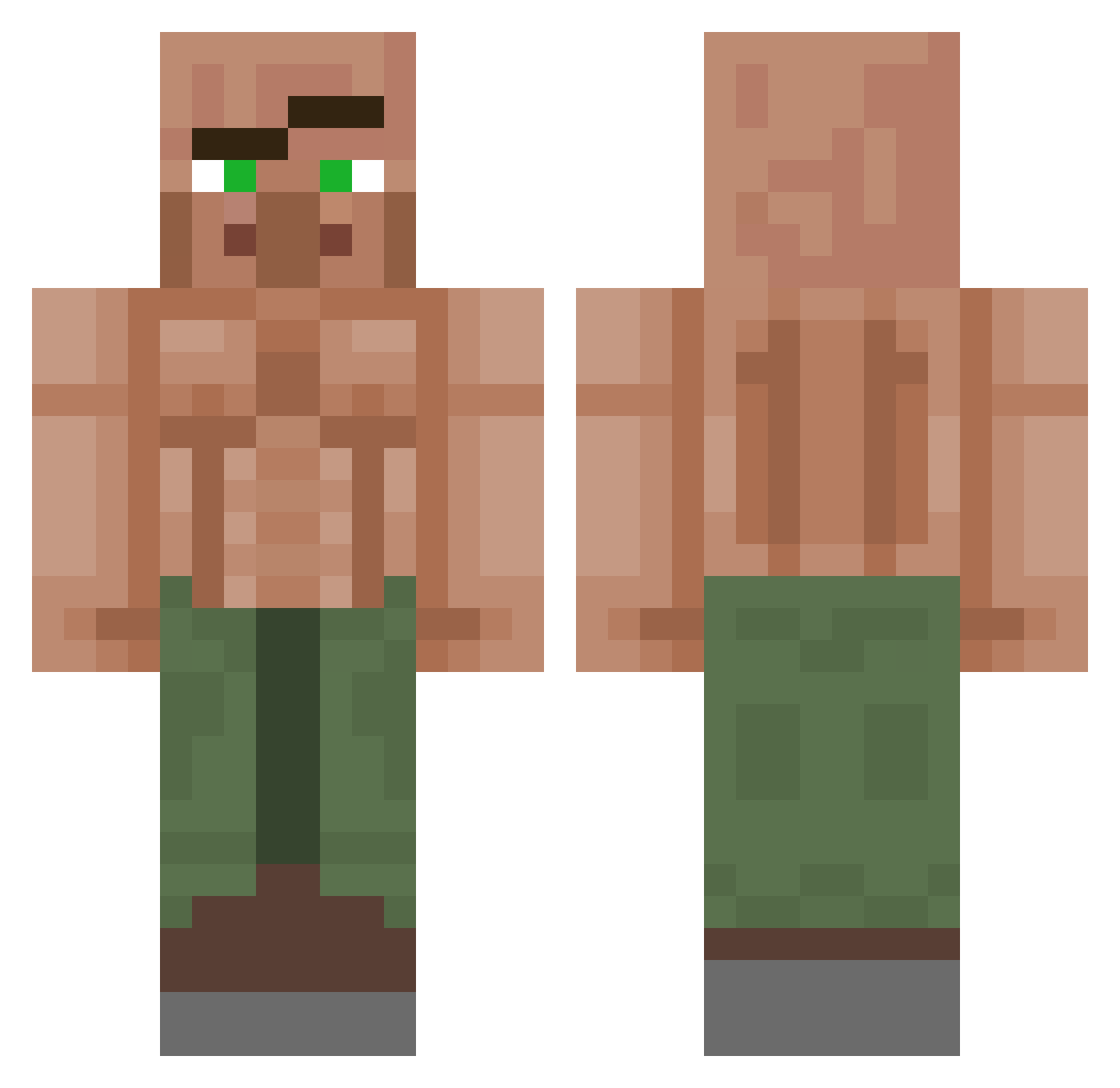
Current Minecraft skin of the player Cirospapiros, loaded from the official Mojang API. Rotate the 3D model with your mouse or finger, then download the skin as a PNG file and use it in Minecraft: Bedrock Edition or Java Edition for free. When Cirospapiros changes their skin, this page updates automatically and the old skin stays in the history below.
Other players with this skin (1155)
Cirospapiros was the 443rd player we have seen with this skin, first spotted on 05.09.2026. The same skin was seen on these players. Open a nickname to see their current skin and skin history.
 FoolishOdin AZOZ_SE_RO eagle200678 manabana1 JoseA4718 Boxer4220 mikewazow69 Kupson03 Creax7 Slaktarias Post404 Fongii JordyTheGuy silenceofdeath The_Hermit420 _Hudzy LogginOn joedt100 Paumafe03 TxstyYT Shiso99 FreddyBoy13 Karamiye SameUwU chupano3000 GANZERGUNTER TitoZatarraa HappierAxis Gdgilipollas Dillyboi412 Empya_ ratlicker9062 Meme_Dealer29999 RetroTheCreator Rubirru zidancelo Gyattrizler Jeotwo1 Rienmaarten Neagoedavid laoning17 TheClap6oh Cafi6464 JQuas Anik25 Chrowm DavaWest61 rafa2199 dlekrud4 reno43557 Gandys4403 Skugi mrpolski69 JhonixBR ayy_fruit TheLord76 Mayevb Feki_69 Wizehop02 Shcoolkid
More Buff Villager Minecraft skins
See all 40 Buff Villager skins
How to install the Cirospapiros skin
- Press the Download button above to save the skin as a PNG file.
- Minecraft: Bedrock Edition (PE): open the Dressing Room from the main menu (or tap your character → Edit Character), go to Classic Skins → Owned, press the + (new skin) button, choose the downloaded PNG and pick the Classic (Steve) model. Works on PC and mobile; consoles cannot import custom skins.
- Minecraft: Java Edition: open the Minecraft Launcher, go to the Skins tab, click New Skin, load the PNG, pick the Classic (Steve) model and press Save & Use. You can also upload it at minecraft.net → Profile → Change Skin.
The skin does not show up after import - what should I do?
Restart Minecraft and open the Dressing Room again - imported skins sometimes appear only after a restart. Also make sure you selected the imported skin and picked the Classic (Steve) model.
Which model should I choose, Classic or Slim?
This skin is designed for the Classic (Steve) model. If you pick the wrong model, the arms of the skin will look stretched or squeezed.
Is the skin of Cirospapiros free to download?
Yes. Press Download, save the PNG file and use it in Minecraft: Bedrock Edition or Java Edition - no payment or registration needed. The skin also works on multiplayer servers and Realms.
More skins
Looking for more? Go back to all Minecraft skins and check the top skins of the week, month and all time, or find any player's skin by nickname.