
Chronic1 - Minecraft Skins & Skin History
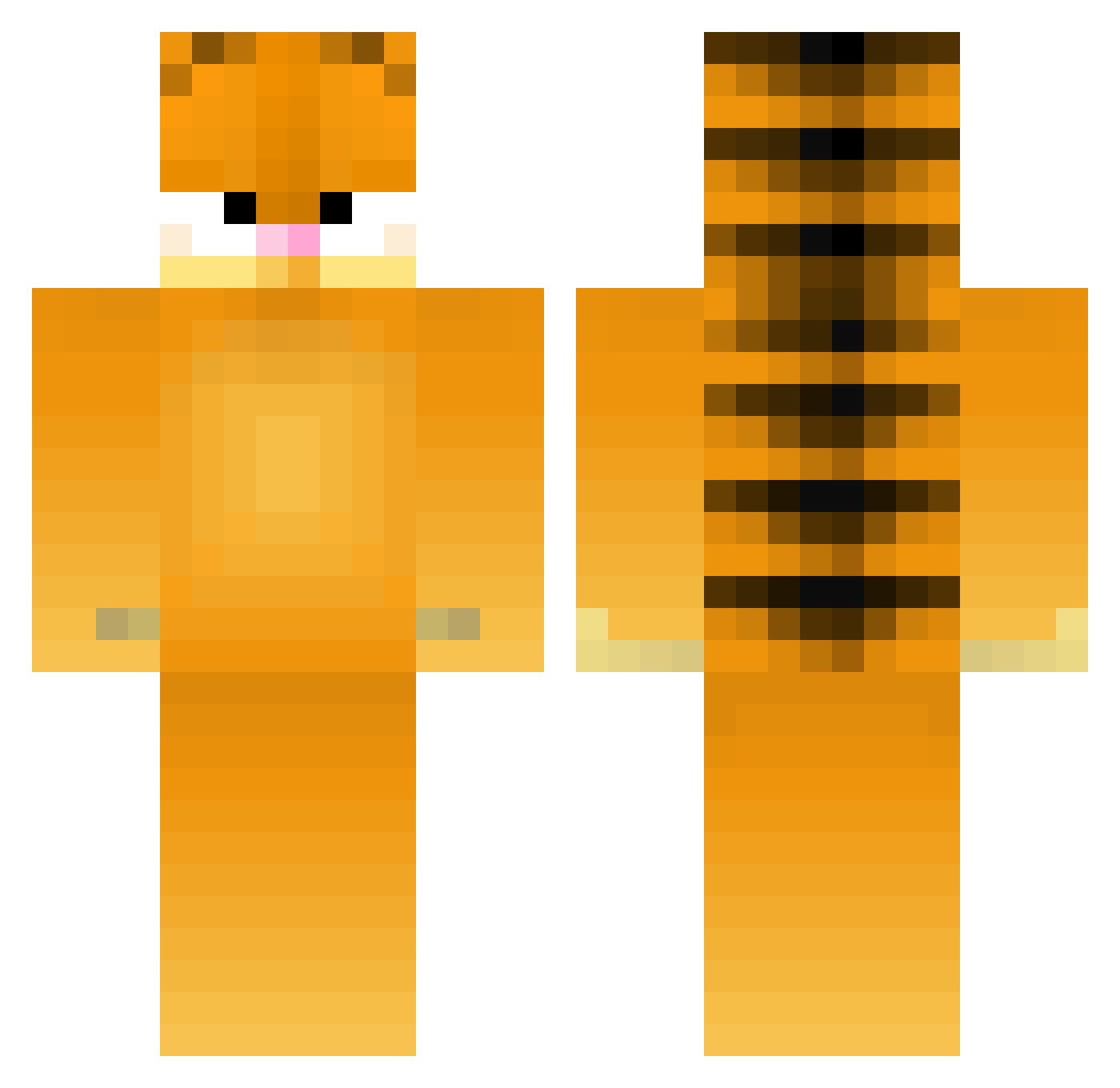
Current Minecraft skin of the player Chronic1, loaded from the official Mojang API. Rotate the 3D model with your mouse or finger, then download the skin as a PNG file and use it in Minecraft: Bedrock Edition or Java Edition for free. When Chronic1 changes their skin, this page updates automatically and the old skin stays in the history below.
Other players with this skin (372)
Chronic1 was the 312th player we have seen with this skin, first spotted on 13.10.2026. The same skin was seen on these players. Open a nickname to see their current skin and skin history.
 BIGMAN621 RivetWrench PiggyEatBacon Hans_WuLn5U bananamommy69 ALEXJH11 SUNNYBOY_66 Quickspeedy OogaBooga_____ jiggy_smalls LEXERAN ZoarialCat34311 Ratituie Cataracta13 warbush_gaga ImEunHo die_qi Robin_Q angeldust66 PoteznyBambik Lillian2023 RedPineTree LilyBridg Crash_Hulk Shr0oo0m Dip0 nastyinmytaxi_ Gengoli THirtysauce18 SofieOrca dunbarthemighty JL_ADR chevroletprizm Flapppy123 _xbubblex_ DaddyDeVito47 CJMADZ l0singDgs emm3rss Fallen_stan NEENJACAT Controllerbang HanJob1 Killer_AJ111 Gaalyleo tachibun shenwangdadi520 KissingPeach XxYYXxyx WillTheThing maxallin21 xiaoyi0310 frogya Dzonson2660 Arkettype JaymannJay Garfieldlasagn4 Roxu_77 laurenfae22 VVYZzed
More Garfield Minecraft skins
How to install the Chronic1 skin
- Press the Download button above to save the skin as a PNG file.
- Minecraft: Bedrock Edition (PE): open the Dressing Room from the main menu (or tap your character → Edit Character), go to Classic Skins → Owned, press the + (new skin) button, choose the downloaded PNG and pick the Classic (Steve) model. Works on PC and mobile; consoles cannot import custom skins.
- Minecraft: Java Edition: open the Minecraft Launcher, go to the Skins tab, click New Skin, load the PNG, pick the Classic (Steve) model and press Save & Use. You can also upload it at minecraft.net → Profile → Change Skin.
The skin does not show up after import - what should I do?
Restart Minecraft and open the Dressing Room again - imported skins sometimes appear only after a restart. Also make sure you selected the imported skin and picked the Classic (Steve) model.
Which model should I choose, Classic or Slim?
This skin is designed for the Classic (Steve) model. If you pick the wrong model, the arms of the skin will look stretched or squeezed.
Is the skin of Chronic1 free to download?
Yes. Press Download, save the PNG file and use it in Minecraft: Bedrock Edition or Java Edition - no payment or registration needed. The skin also works on multiplayer servers and Realms.
More skins
Looking for more? Go back to all Minecraft skins and check the top skins of the week, month and all time, or find any player's skin by nickname.