
ChocoBibit - Minecraft Skins & Skin History
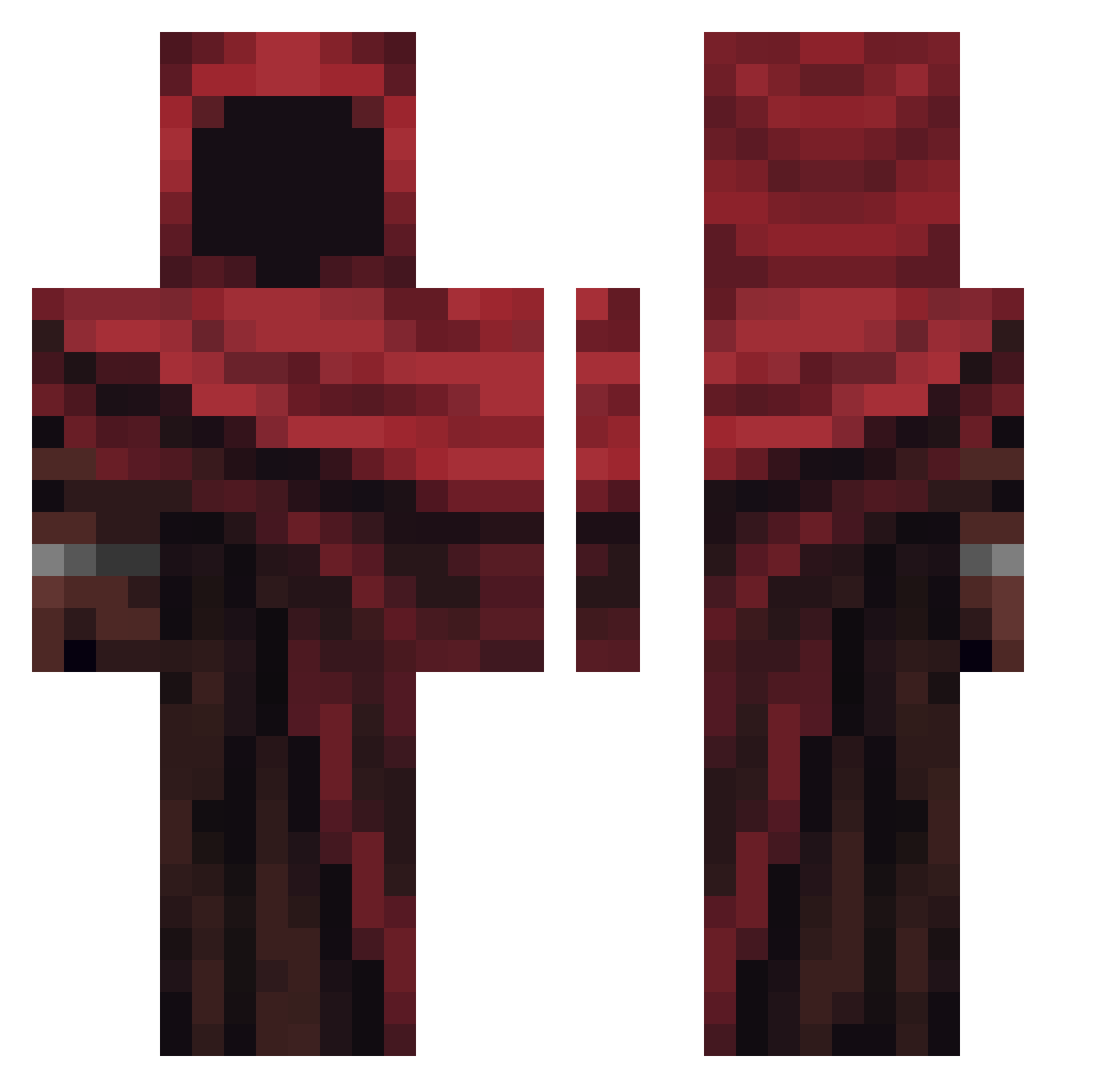
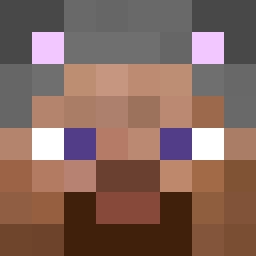
Current Minecraft skin of the player ChocoBibit, loaded from the official Mojang API. Rotate the 3D model with your mouse or finger, then download the skin as a PNG file and use it in Minecraft: Bedrock Edition or Java Edition for free. When ChocoBibit changes their skin, this page updates automatically and the old skin stays in the history below.
Other players with this skin (305)
ChocoBibit was the 82nd player we have seen with this skin, first spotted on 17.08.2026. The same skin was seen on these players. Open a nickname to see their current skin and skin history.
 hide0109
 BlazingDragon130 PatrickTheGoat13 Lobo_bends_over anteyria Legion9620 Welchertron lerisquedelavie
 wHoracio galaxyking123 Nikorkon lxstrous chrishbd AustismDiddyBall
 Pi0tru3 CrystalDream09
 OhhGlazee dlstjek123 chuchu_XD Adams2004 Jackjww
 Ich_habe_Hunga zachisflute
 X_Vesper Aalex3 nemifet itaqqyunlocked DashedNebula905 LordShadowww Satiiva QuirkyFire7 Projimo33 fatzge123 Skormsghost Smokerrrrr
 LuaW00 ThePunmasterD EquipeCaos_ Snailre Skynet_93
 Sirtrium ABO_Tahrer Syco7306 wiktoxy ystery CoinAardvark426 ThreeHeadedDingo CookieGmng GenLead3r jasonxx09 finetony ChrisTuckerSon dummyforlove trick29 Chorlash NotSquezzer uwufries Inden_I compass_flame B0MBER_N0VA
More Rogue Minecraft skins
How to install the ChocoBibit skin
- Press the Download button above to save the skin as a PNG file.
- Minecraft: Bedrock Edition (PE): open the Dressing Room from the main menu (or tap your character → Edit Character), go to Classic Skins → Owned, press the + (new skin) button, choose the downloaded PNG and pick the Classic (Steve) model. Works on PC and mobile; consoles cannot import custom skins.
- Minecraft: Java Edition: open the Minecraft Launcher, go to the Skins tab, click New Skin, load the PNG, pick the Classic (Steve) model and press Save & Use. You can also upload it at minecraft.net → Profile → Change Skin.
The skin does not show up after import - what should I do?
Restart Minecraft and open the Dressing Room again - imported skins sometimes appear only after a restart. Also make sure you selected the imported skin and picked the Classic (Steve) model.
Which model should I choose, Classic or Slim?
This skin is designed for the Classic (Steve) model. If you pick the wrong model, the arms of the skin will look stretched or squeezed.
Is the skin of ChocoBibit free to download?
Yes. Press Download, save the PNG file and use it in Minecraft: Bedrock Edition or Java Edition - no payment or registration needed. The skin also works on multiplayer servers and Realms.
More skins
Looking for more? Go back to all Minecraft skins and check the top skins of the week, month and all time, or find any player's skin by nickname.