
ChironRoy - Minecraft Skins & Skin History
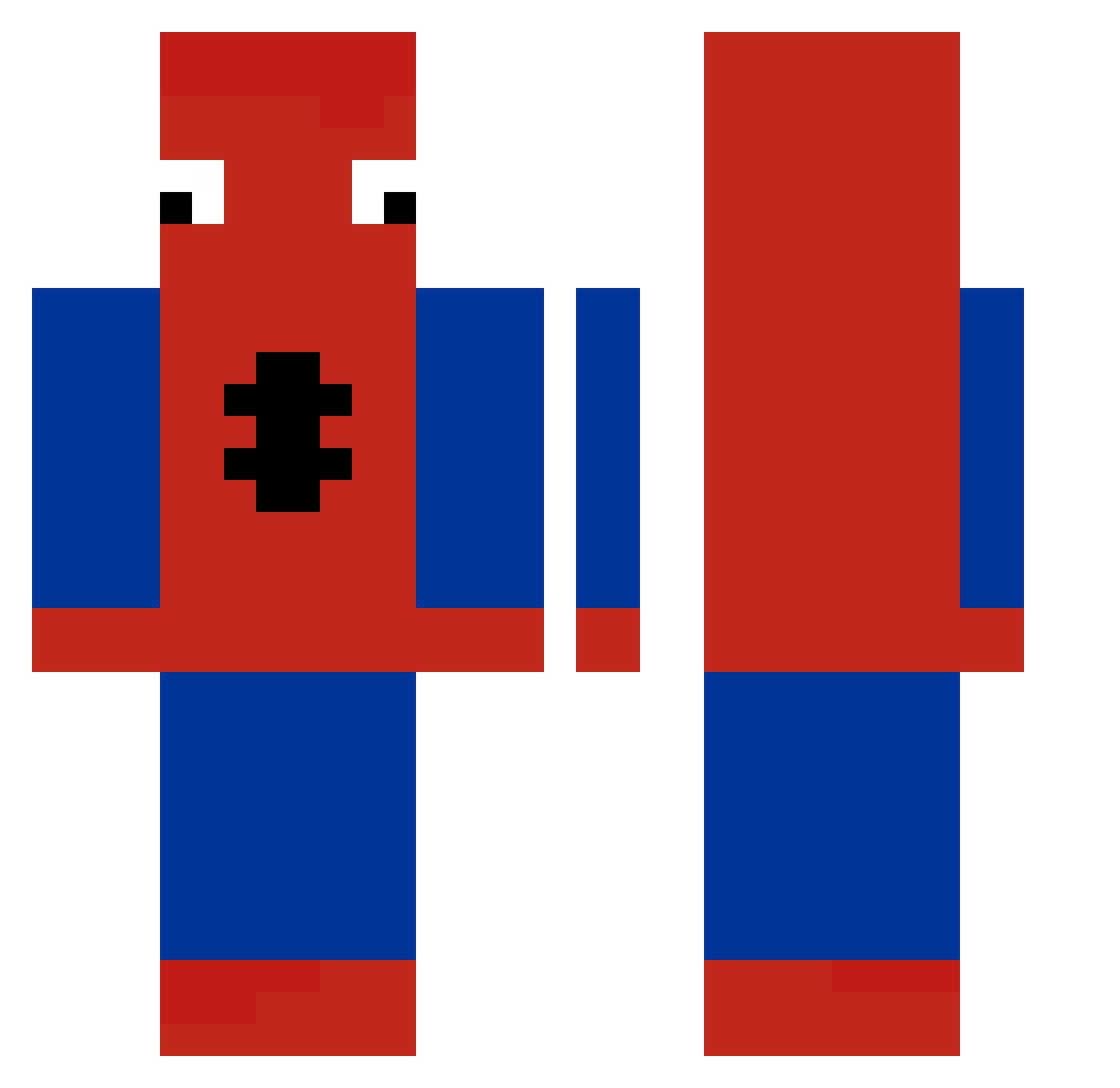
Current Minecraft skin of the player ChironRoy, loaded from the official Mojang API. Rotate the 3D model with your mouse or finger, then download the skin as a PNG file and use it in Minecraft: Bedrock Edition or Java Edition for free. When ChironRoy changes their skin, this page updates automatically and the old skin stays in the history below.
Other players with this skin (258)
ChironRoy was the 41st player we have seen with this skin, first spotted on 14.08.2026. The same skin was seen on these players. Open a nickname to see their current skin and skin history.
 RainbowFrogz13 LonskiiGaming lavvey Audovo saw2007 Yvanoz xyh3Q lyncutie UcciM orcawe Mooool ZebrasBusiu Zerayma juwulio NarutoSnapY TOTTI_1817 EsiRog09 mugzinn FFK_M0lbj3rg04 Golem2040 CoolBrick45 Kfqyzzz monkeylover69420 marzoavril RusserBarnet KoT_v_CaIIoGaX TTW1060
 Rofrati12 LaVieEnRose2001 Koresssssss Irakling1231 WLU007 brunotyt astodenn xvampxkittenx Slowwbo RAKUN69 mcfartboy Cybwer78 VefrenC Sylun1 Charlotte21_21 lovfv LilShortie1738 HildaPro jessmariano13 YYKBS Lubia_ joueur237 M0BLIN Snurbo NOTOTOT Pap_isra nikkiiyqh specialfetus koreiagamer LuckyBoomBoom mmoeb TIKALLLL __Anula__
More Spider-Man Minecraft skins
How to install the ChironRoy skin
- Press the Download button above to save the skin as a PNG file.
- Minecraft: Bedrock Edition (PE): open the Dressing Room from the main menu (or tap your character → Edit Character), go to Classic Skins → Owned, press the + (new skin) button, choose the downloaded PNG and pick the Classic (Steve) model. Works on PC and mobile; consoles cannot import custom skins.
- Minecraft: Java Edition: open the Minecraft Launcher, go to the Skins tab, click New Skin, load the PNG, pick the Classic (Steve) model and press Save & Use. You can also upload it at minecraft.net → Profile → Change Skin.
The skin does not show up after import - what should I do?
Restart Minecraft and open the Dressing Room again - imported skins sometimes appear only after a restart. Also make sure you selected the imported skin and picked the Classic (Steve) model.
Which model should I choose, Classic or Slim?
This skin is designed for the Classic (Steve) model. If you pick the wrong model, the arms of the skin will look stretched or squeezed.
Is the skin of ChironRoy free to download?
Yes. Press Download, save the PNG file and use it in Minecraft: Bedrock Edition or Java Edition - no payment or registration needed. The skin also works on multiplayer servers and Realms.
More skins
Looking for more? Go back to all Minecraft skins and check the top skins of the week, month and all time, or find any player's skin by nickname.