
Child_Blender - Minecraft Skins & Skin History
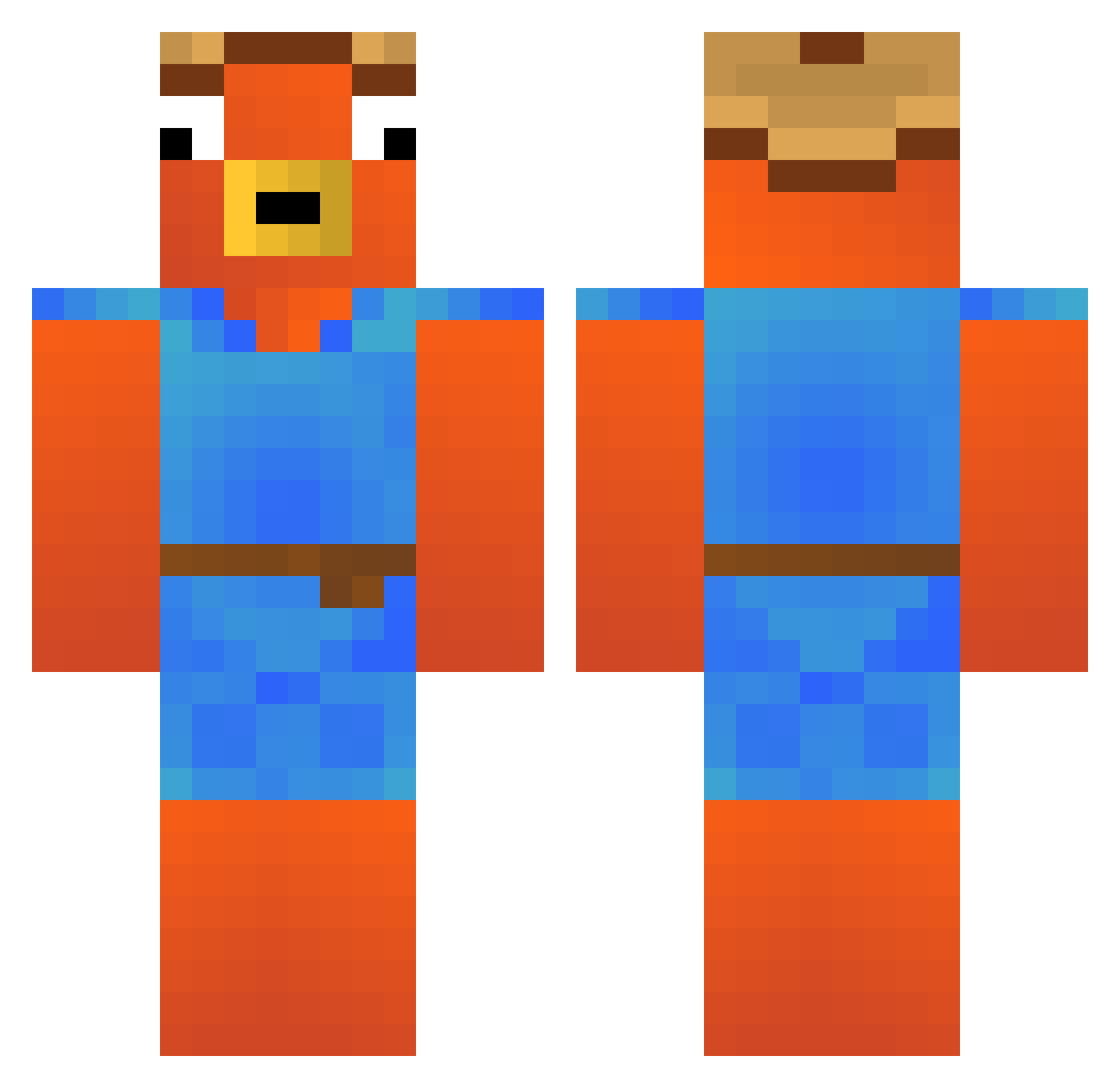
Current Minecraft skin of the player Child_Blender, loaded from the official Mojang API. Rotate the 3D model with your mouse or finger, then download the skin as a PNG file and use it in Minecraft: Bedrock Edition or Java Edition for free. When Child_Blender changes their skin, this page updates automatically and the old skin stays in the history below.
Other players with this skin (292)
Child_Blender was the 132nd player we have seen with this skin, first spotted on 13.09.2026. The same skin was seen on these players. Open a nickname to see their current skin and skin history.
 Clemix32 citos2014 FischerAbi Noahqls leoarbast Miro0o_ krabby_patty1800 zeywi IquaRiuus Bannoxx Fender165 TvHypnoo Swanky25 Akoss0 cryzqr ori_gever1 VitasHD riguruto kaijieleow Lachenumdenbaum Ta910karu Big_Eyal77 LuceroGOAT prowler75 Enmar66 Jasonml721 Gambitlox_ Pii32 xxsnapoux Ale2punto0 Bypas Roseliap vinicinADM einfallslos187 VALFFF jiggy880 GHFantasma Daaanthje Cemderbabo LeNN2109 noel2905 jaumePA KeiizyYT Neyko_RS portierebandit x12fio12x MuratBoss9 Bigboybuks1337 Flnpojuu vaentix CollinRic0 Xamwelll TOPRAKTT10 DaniMasterFA Blackjack_04 Hasoking11 Ryjba Parkplatz1 LucasDoTings hry2k
Previous skins of Child_Blender
Skins that Child_Blender wore before, newest first. Click a skin to open its page and download it.
More Fishstick Minecraft skins
How to install the Child_Blender skin
- Press the Download button above to save the skin as a PNG file.
- Minecraft: Bedrock Edition (PE): open the Dressing Room from the main menu (or tap your character → Edit Character), go to Classic Skins → Owned, press the + (new skin) button, choose the downloaded PNG and pick the Classic (Steve) model. Works on PC and mobile; consoles cannot import custom skins.
- Minecraft: Java Edition: open the Minecraft Launcher, go to the Skins tab, click New Skin, load the PNG, pick the Classic (Steve) model and press Save & Use. You can also upload it at minecraft.net → Profile → Change Skin.
The skin does not show up after import - what should I do?
Restart Minecraft and open the Dressing Room again - imported skins sometimes appear only after a restart. Also make sure you selected the imported skin and picked the Classic (Steve) model.
Which model should I choose, Classic or Slim?
This skin is designed for the Classic (Steve) model. If you pick the wrong model, the arms of the skin will look stretched or squeezed.
Is the skin of Child_Blender free to download?
Yes. Press Download, save the PNG file and use it in Minecraft: Bedrock Edition or Java Edition - no payment or registration needed. The skin also works on multiplayer servers and Realms.
More skins
Looking for more? Go back to all Minecraft skins and check the top skins of the week, month and all time, or find any player's skin by nickname.