
Chelu21 - Minecraft Skins & Skin History
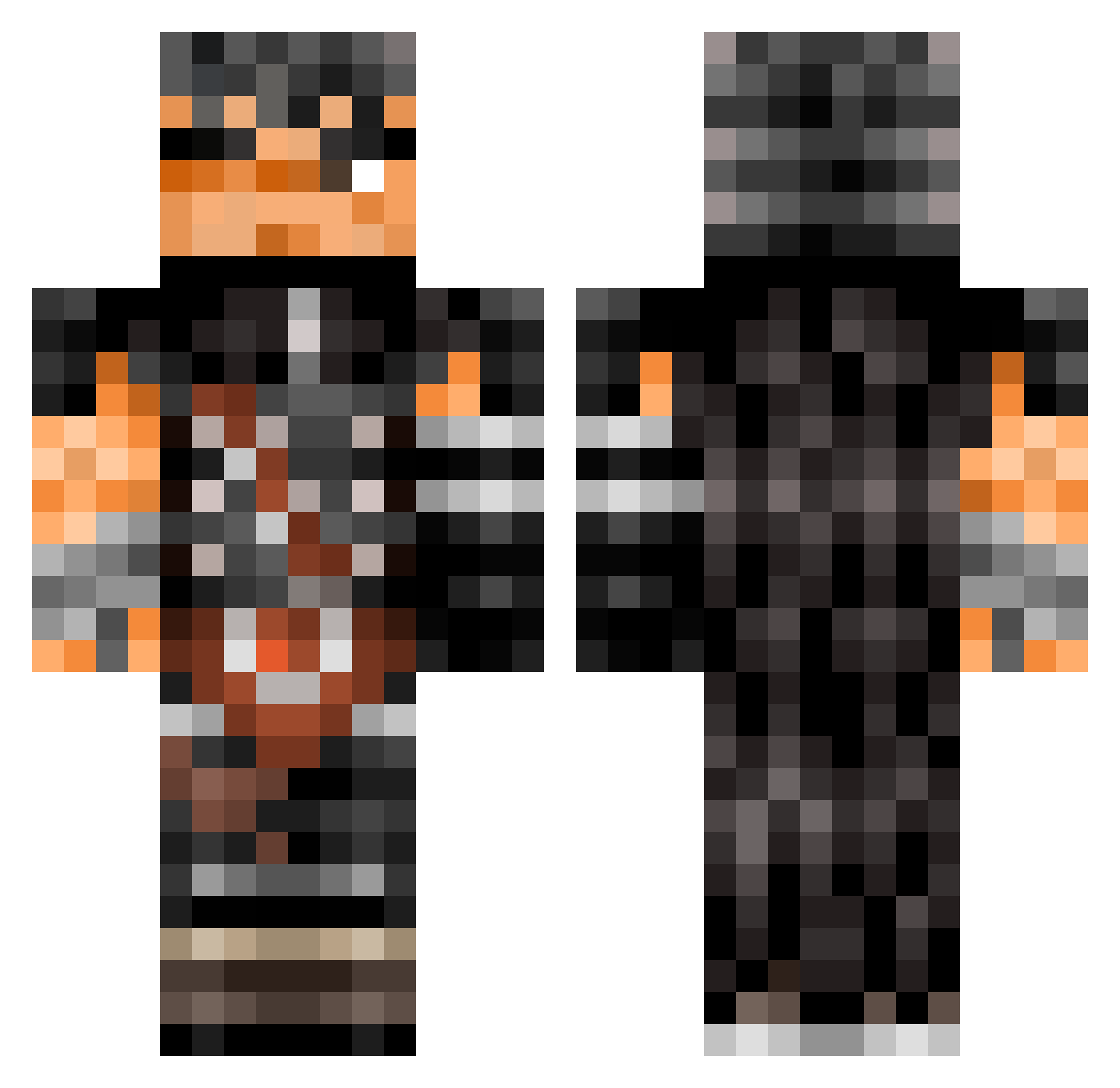
Current Minecraft skin of the player Chelu21, loaded from the official Mojang API. Rotate the 3D model with your mouse or finger, then download the skin as a PNG file and use it in Minecraft: Bedrock Edition or Java Edition for free. When Chelu21 changes their skin, this page updates automatically and the old skin stays in the history below.
Other players with this skin (534)
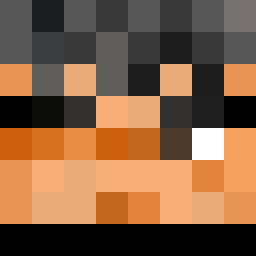
Chelu21 was the 258th player we have seen with this skin, first spotted on 22.09.2026. The same skin was seen on these players. Open a nickname to see their current skin and skin history.
 ShlumpMyDump Nannitaiz FoxGringo YoPJ Elert69 s0yd yosel463 Rebelpine phyxloz d3mon_ice Erimineta ZeroZamus _Fiq_ tcmiller99 BubberDuck LilPeeStain TotoSaan Tsuru_303 rumast Elconcker Kurisui nicomichea Rice_crissy Peppers2000 erick_hanma abatarr Tank3n ghouullll Bocchi1234 XDGlitch LumiereTerne TheNpq Juanite Junecomaluco22 zedaoraGD SlaYtt 0porp Ace_Jermaine Galex_MD fontemorta Sanshirro Bepis_Man69 MrAleeeIV DazedBerserker Glaurshka Iloveminers5567 OltiK ImSoSoLegend Tamisuqui el_mecos MashmaIIow BlindCrow28 Moctezuma01 Shiinade Tatsxo ZzZBoy JardinierBorgne George2343 xBlackNeo fembussygaper
More Guts Minecraft skins
How to install the Chelu21 skin
- Press the Download button above to save the skin as a PNG file.
- Minecraft: Bedrock Edition (PE): open the Dressing Room from the main menu (or tap your character → Edit Character), go to Classic Skins → Owned, press the + (new skin) button, choose the downloaded PNG and pick the Classic (Steve) model. Works on PC and mobile; consoles cannot import custom skins.
- Minecraft: Java Edition: open the Minecraft Launcher, go to the Skins tab, click New Skin, load the PNG, pick the Classic (Steve) model and press Save & Use. You can also upload it at minecraft.net → Profile → Change Skin.
The skin does not show up after import - what should I do?
Restart Minecraft and open the Dressing Room again - imported skins sometimes appear only after a restart. Also make sure you selected the imported skin and picked the Classic (Steve) model.
Which model should I choose, Classic or Slim?
This skin is designed for the Classic (Steve) model. If you pick the wrong model, the arms of the skin will look stretched or squeezed.
Is the skin of Chelu21 free to download?
Yes. Press Download, save the PNG file and use it in Minecraft: Bedrock Edition or Java Edition - no payment or registration needed. The skin also works on multiplayer servers and Realms.
More skins
Looking for more? Go back to all Minecraft skins and check the top skins of the week, month and all time, or find any player's skin by nickname.