
Chantu - Minecraft Skins & Skin History
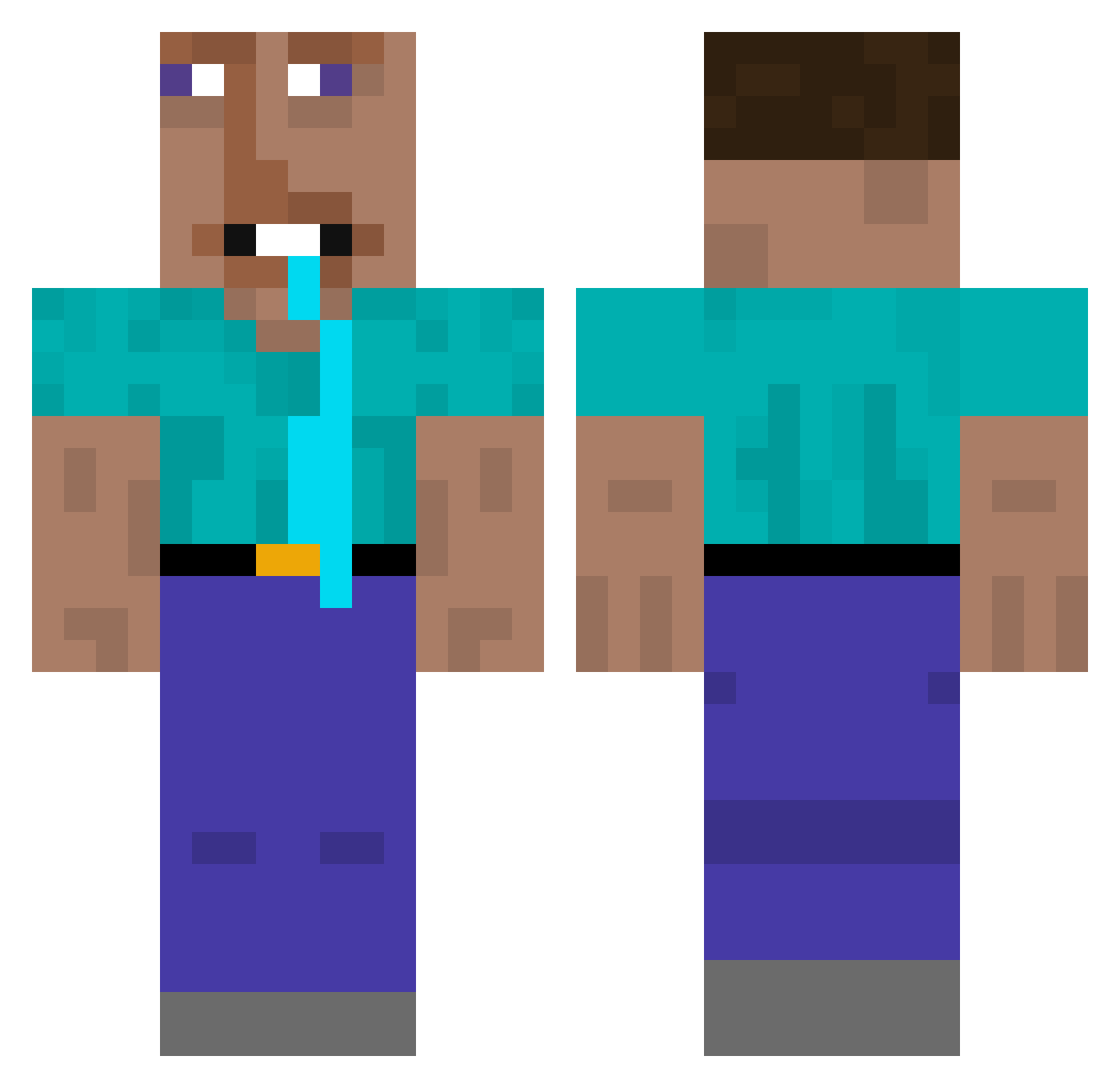
Current Minecraft skin of the player Chantu, loaded from the official Mojang API. Rotate the 3D model with your mouse or finger, then download the skin as a PNG file and use it in Minecraft: Bedrock Edition or Java Edition for free. When Chantu changes their skin, this page updates automatically and the old skin stays in the history below.
Other players with this skin (348)
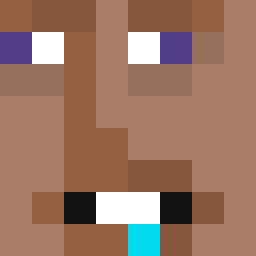
Chantu was the 260th player we have seen with this skin, first spotted on 30.09.2026. The same skin was seen on these players. Open a nickname to see their current skin and skin history.
 Dmninja03 MIZUHO666 Tolqx explicary aalmahanna kokeninhale angelflwr RafaeloRanzen pitoproadam mahothemine ras1 Calcium1413 CheeseBao2005 winter929 DOROLLA shnyeevee Bebexm24 Veijja leechypleechy SAULITO33 Perbacco MiloDotCom rongrong8072 Exo64 Erik7882 KAZAN144 pnypt craftrunner138 galaxygrogu BLU_E92 loui_1709 EndermanEnema Suhwanta_ Tylah_yay X_eq KeperaX91 eraycangotkenar ghoulishgoulash Do9ag raresk0 Noodle_Thing101 Mr_GeP AethonPhantom FreeVolcano6339 SejeInuk wise_monke zizpazok Xaelzin NongTanny 3BRG minioboy fw_gxbe Famg0rn LIcCu Dxminik1220 themoba bubbery BrutalC0ckOwner ItsOnlyEo Shi_YuTing
More Drooling Minecraft skins
How to install the Chantu skin
- Press the Download button above to save the skin as a PNG file.
- Minecraft: Bedrock Edition (PE): open the Dressing Room from the main menu (or tap your character → Edit Character), go to Classic Skins → Owned, press the + (new skin) button, choose the downloaded PNG and pick the Classic (Steve) model. Works on PC and mobile; consoles cannot import custom skins.
- Minecraft: Java Edition: open the Minecraft Launcher, go to the Skins tab, click New Skin, load the PNG, pick the Classic (Steve) model and press Save & Use. You can also upload it at minecraft.net → Profile → Change Skin.
The skin does not show up after import - what should I do?
Restart Minecraft and open the Dressing Room again - imported skins sometimes appear only after a restart. Also make sure you selected the imported skin and picked the Classic (Steve) model.
Which model should I choose, Classic or Slim?
This skin is designed for the Classic (Steve) model. If you pick the wrong model, the arms of the skin will look stretched or squeezed.
Is the skin of Chantu free to download?
Yes. Press Download, save the PNG file and use it in Minecraft: Bedrock Edition or Java Edition - no payment or registration needed. The skin also works on multiplayer servers and Realms.
More skins
Looking for more? Go back to all Minecraft skins and check the top skins of the week, month and all time, or find any player's skin by nickname.