
ChairPear - Minecraft Skins & Skin History
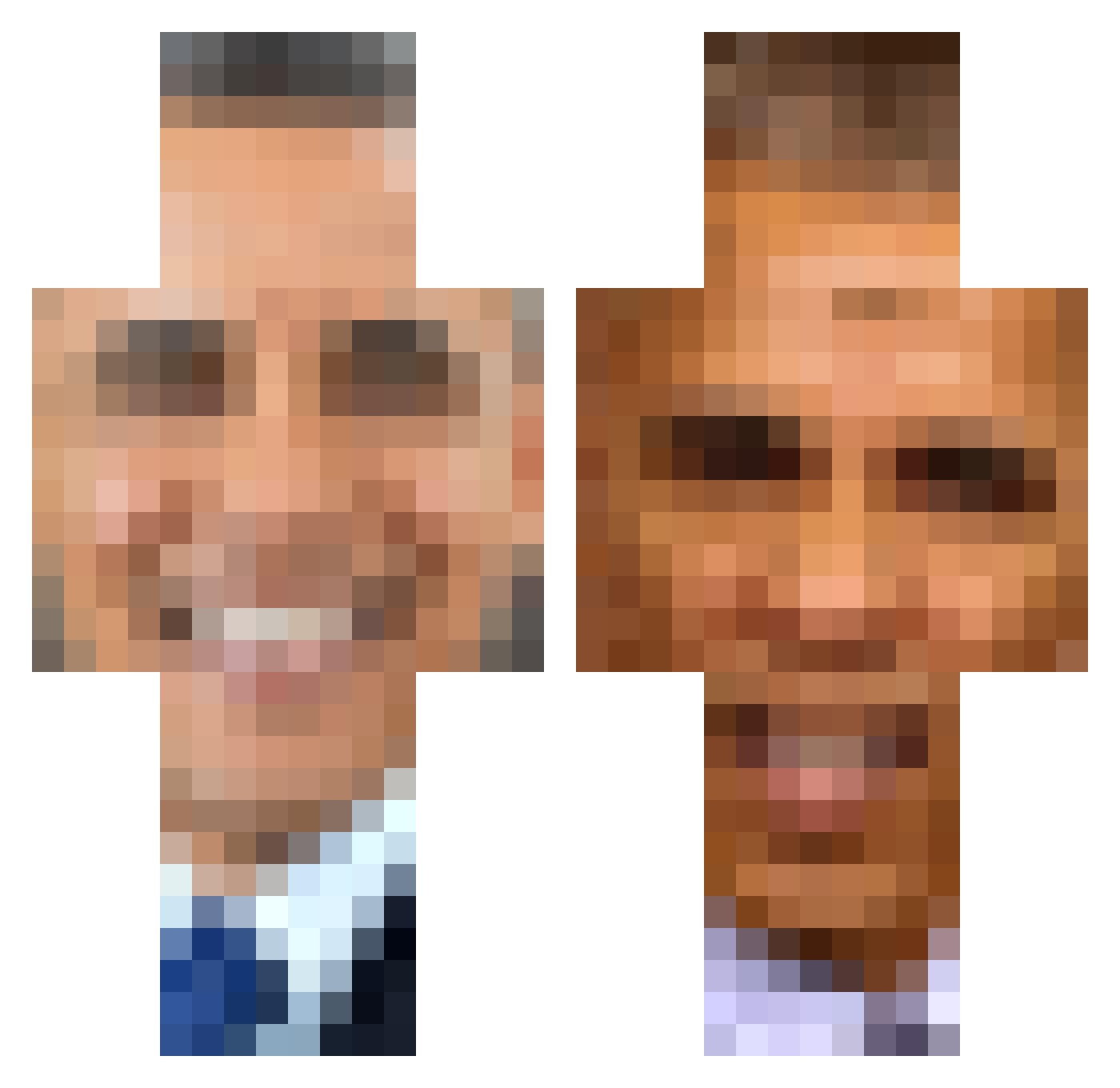
Current Minecraft skin of the player ChairPear, loaded from the official Mojang API. Rotate the 3D model with your mouse or finger, then download the skin as a PNG file and use it in Minecraft: Bedrock Edition or Java Edition for free. When ChairPear changes their skin, this page updates automatically and the old skin stays in the history below.
Other players with this skin (398)
ChairPear was the 334th player we have seen with this skin, first spotted on 18.10.2026. The same skin was seen on these players. Open a nickname to see their current skin and skin history.
 Jashands2 SeaJupiter3454 BlackAlmond SlapNutz8 pindakaas69 BigBootyLatina64 supersiguy1012 Jessica_Ross luckyday9701 shdbdjdhdnxi SoupOrCyanEyes vojtech878 faZe123456789 BlackLung05 casinosushi chlepwjajku Spyinglouie carsnnnbtw ielliee C_monke LetsGetThisBed Iademarco stevenmelsteve DamperPlayer35 kyler206 pippin37 kriss1796 taliawalia123 550m solrzzzz Gilbertonthe obamaFlex Davalicious_ PuzzledPotato1 BurlyBoy3 CoconutMonkeyy DohHey OverNastyy DankRaider69 trabelu Cinnamonbun623 grumlomeister ThyBeanest_04 LilDairyFarmer yrumgone RickyF23 Kristukas_ PlsCallMeDaddy SXCZZU L_Discord_Mod Lhjinx yourahoodrat sita123321 I_Eat_Soup_ Manuthatone jj760 DarknessXI daddy12345 MrPrisedent djet6254
More Barack Obama Minecraft skins
See all 248 Barack Obama skins
How to install the ChairPear skin
- Press the Download button above to save the skin as a PNG file.
- Minecraft: Bedrock Edition (PE): open the Dressing Room from the main menu (or tap your character → Edit Character), go to Classic Skins → Owned, press the + (new skin) button, choose the downloaded PNG and pick the Classic (Steve) model. Works on PC and mobile; consoles cannot import custom skins.
- Minecraft: Java Edition: open the Minecraft Launcher, go to the Skins tab, click New Skin, load the PNG, pick the Classic (Steve) model and press Save & Use. You can also upload it at minecraft.net → Profile → Change Skin.
The skin does not show up after import - what should I do?
Restart Minecraft and open the Dressing Room again - imported skins sometimes appear only after a restart. Also make sure you selected the imported skin and picked the Classic (Steve) model.
Which model should I choose, Classic or Slim?
This skin is designed for the Classic (Steve) model. If you pick the wrong model, the arms of the skin will look stretched or squeezed.
Is the skin of ChairPear free to download?
Yes. Press Download, save the PNG file and use it in Minecraft: Bedrock Edition or Java Edition - no payment or registration needed. The skin also works on multiplayer servers and Realms.
More skins
Looking for more? Go back to all Minecraft skins and check the top skins of the week, month and all time, or find any player's skin by nickname.