
Chacha71 - Minecraft Skins & Skin History
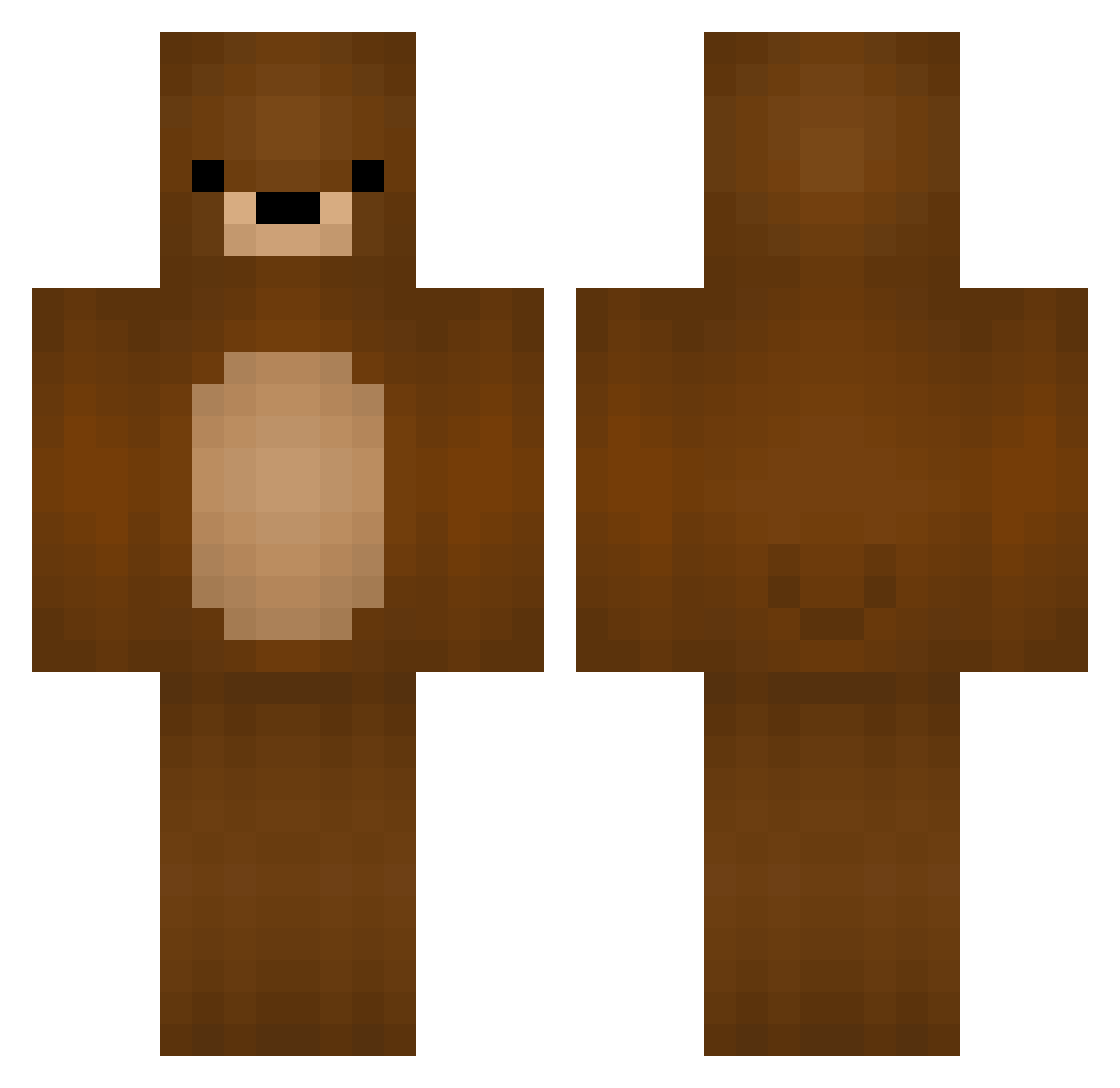
Current Minecraft skin of the player Chacha71, loaded from the official Mojang API. Rotate the 3D model with your mouse or finger, then download the skin as a PNG file and use it in Minecraft: Bedrock Edition or Java Edition for free. When Chacha71 changes their skin, this page updates automatically and the old skin stays in the history below.
Other players with this skin (329)
Chacha71 was the 136th player we have seen with this skin, first spotted on 03.09.2026. The same skin was seen on these players. Open a nickname to see their current skin and skin history.
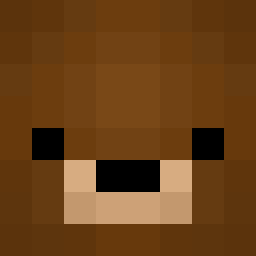 Xiorryy shaldoumian Sananabanana stormpoopr Wranglur CHU621 TotalPanic ANGELOMEGABRABO toxic_goldfish Gregpr Uniqueen07 Le_Alchimiste TyYatos KoboClappper123 Not_Bear BearKing898 Bearchux Fiizt Ediz05 RaulZeu yukata_1007 FreezeLS Maplejoe ApfelDirektSaft1 _becky21 Balihaoren __Darmian__ mimidebu GOTH_Fish ConKen00 Kian_Elmholdt Norbi_2 Arjenys isimatosbe apex82 MinecraftBear_ jordy_pordy lillylooa elaxus10 CJtaylor03 Dr_Maxx paperhat13 ChunyGaymer Professor_Yi bear990704 David_RO Lillyin k1ymet Dece1t SawaTseng bear_324 MrChouplo BoLaHaiNam BrycieBear01 antoniofm_04 Rus5050 DrianDrian Spo0kyBeard MurseNikko Cucurbitace64
More Teddy Bear Minecraft skins
How to install the Chacha71 skin
- Press the Download button above to save the skin as a PNG file.
- Minecraft: Bedrock Edition (PE): open the Dressing Room from the main menu (or tap your character → Edit Character), go to Classic Skins → Owned, press the + (new skin) button, choose the downloaded PNG and pick the Classic (Steve) model. Works on PC and mobile; consoles cannot import custom skins.
- Minecraft: Java Edition: open the Minecraft Launcher, go to the Skins tab, click New Skin, load the PNG, pick the Classic (Steve) model and press Save & Use. You can also upload it at minecraft.net → Profile → Change Skin.
The skin does not show up after import - what should I do?
Restart Minecraft and open the Dressing Room again - imported skins sometimes appear only after a restart. Also make sure you selected the imported skin and picked the Classic (Steve) model.
Which model should I choose, Classic or Slim?
This skin is designed for the Classic (Steve) model. If you pick the wrong model, the arms of the skin will look stretched or squeezed.
Is the skin of Chacha71 free to download?
Yes. Press Download, save the PNG file and use it in Minecraft: Bedrock Edition or Java Edition - no payment or registration needed. The skin also works on multiplayer servers and Realms.
More skins
Looking for more? Go back to all Minecraft skins and check the top skins of the week, month and all time, or find any player's skin by nickname.