
Cercai - Minecraft Skins & Skin History
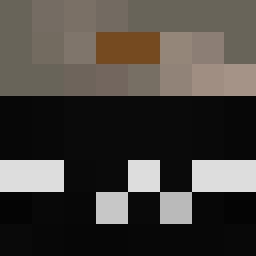
Current Minecraft skin of the player Cercai, loaded from the official Mojang API. Rotate the 3D model with your mouse or finger, then download the skin as a PNG file and use it in Minecraft: Bedrock Edition or Java Edition for free. When Cercai changes their skin, this page updates automatically and the old skin stays in the history below.
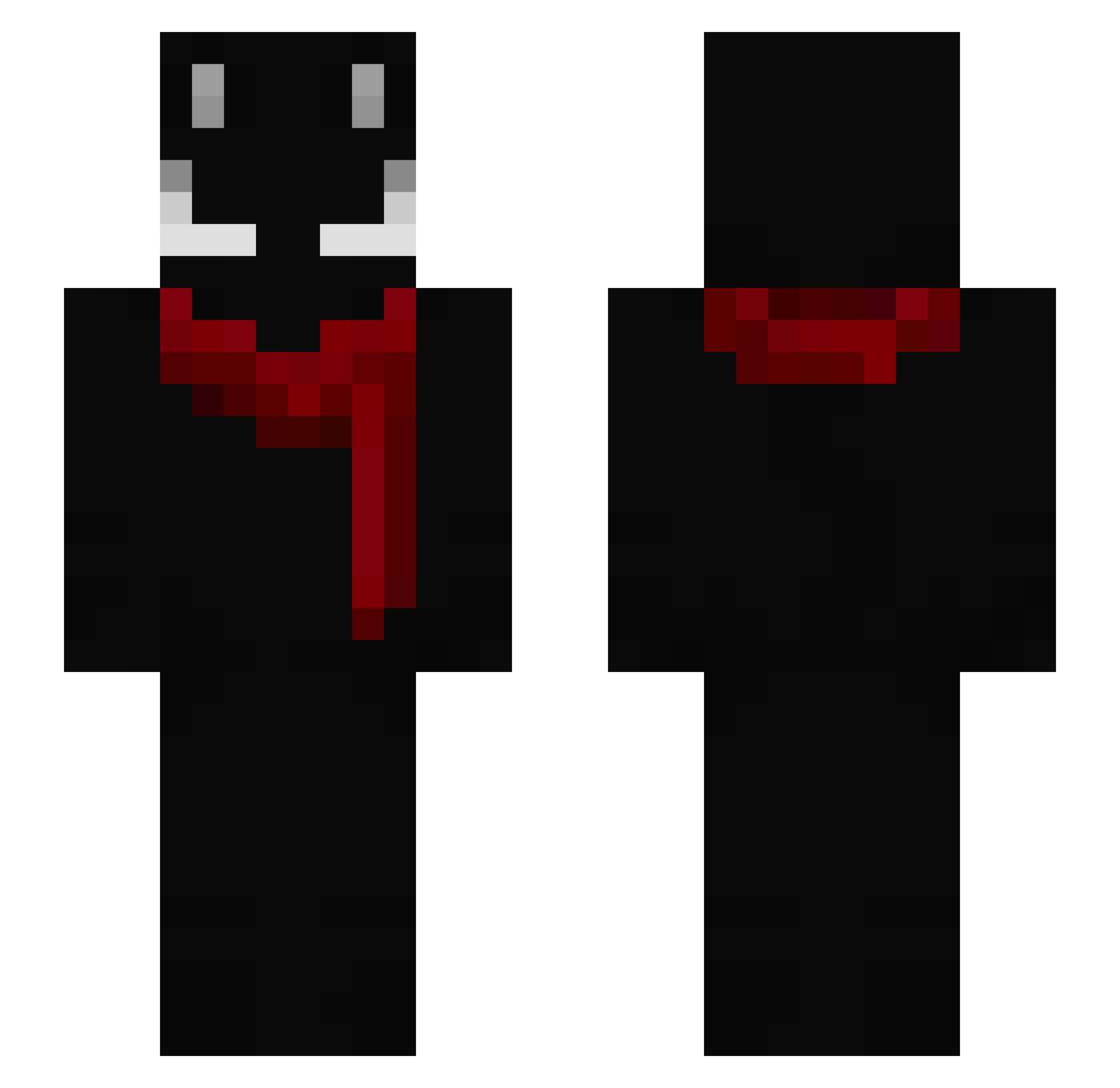
Other players with this skin (151)
Cercai was the 27th player we have seen with this skin, first spotted on 11.08.2026. The same skin was seen on these players. Open a nickname to see their current skin and skin history.
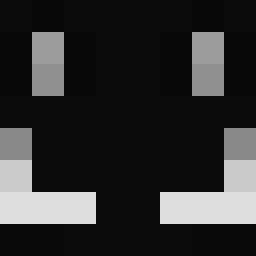 LeDUMDUM_
 haahaha
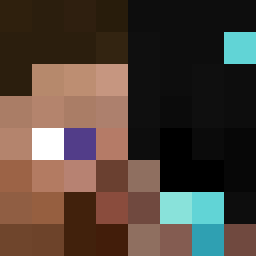 Theloveforyou _MACAR0N_ eight_05 omartwvv Hanzo787 ERICK_CRAFT5
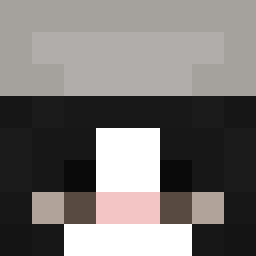 Isaahi _flover__ zToxicPlayzzXD jacob1015 Dodzs zamp_vss boostjason polarbear1130 Maxtopen
 spidi393 MrT4gs
 calljp angkkimoggi2738 ilovecats247 cosmo860 spacecatsu BatsNova Maz1y qPlaned dosvll MrPanquequeOu Lavamati Just_Frost owo07050 Mechepm Epykzin Brimbus_ Natry
 karma0909 WerDum420 veixinho FlF4
 TiredKev_ Ryzuo47
 sunncris VoltzOnMc squ1z WenYIFan_1225712 Reesb AkariNami33 Llead MrVoid07 bobazo Luckky_Snow _____ey
 qCrafterr TacosAreReal NumEODino
 AstroZealous lalonja4k
 SillY_i
 LuckyySnow
How to install the Cercai skin
- Press the Download button above to save the skin as a PNG file.
- Minecraft: Bedrock Edition (PE): open the Dressing Room from the main menu (or tap your character → Edit Character), go to Classic Skins → Owned, press the + (new skin) button, choose the downloaded PNG and pick the Slim (Alex) model. Works on PC and mobile; consoles cannot import custom skins.
- Minecraft: Java Edition: open the Minecraft Launcher, go to the Skins tab, click New Skin, load the PNG, pick the Slim (Alex) model and press Save & Use. You can also upload it at minecraft.net → Profile → Change Skin.
The skin does not show up after import - what should I do?
Restart Minecraft and open the Dressing Room again - imported skins sometimes appear only after a restart. Also make sure you selected the imported skin and picked the Slim (Alex) model.
Which model should I choose, Classic or Slim?
This skin is designed for the Slim (Alex) model. If you pick the wrong model, the arms of the skin will look stretched or squeezed.
Is the skin of Cercai free to download?
Yes. Press Download, save the PNG file and use it in Minecraft: Bedrock Edition or Java Edition - no payment or registration needed. The skin also works on multiplayer servers and Realms.
More skins
Looking for more? Go back to all Minecraft skins and check the top skins of the week, month and all time, or find any player's skin by nickname.