
Cataclysmic47 - Minecraft Skins & Skin History
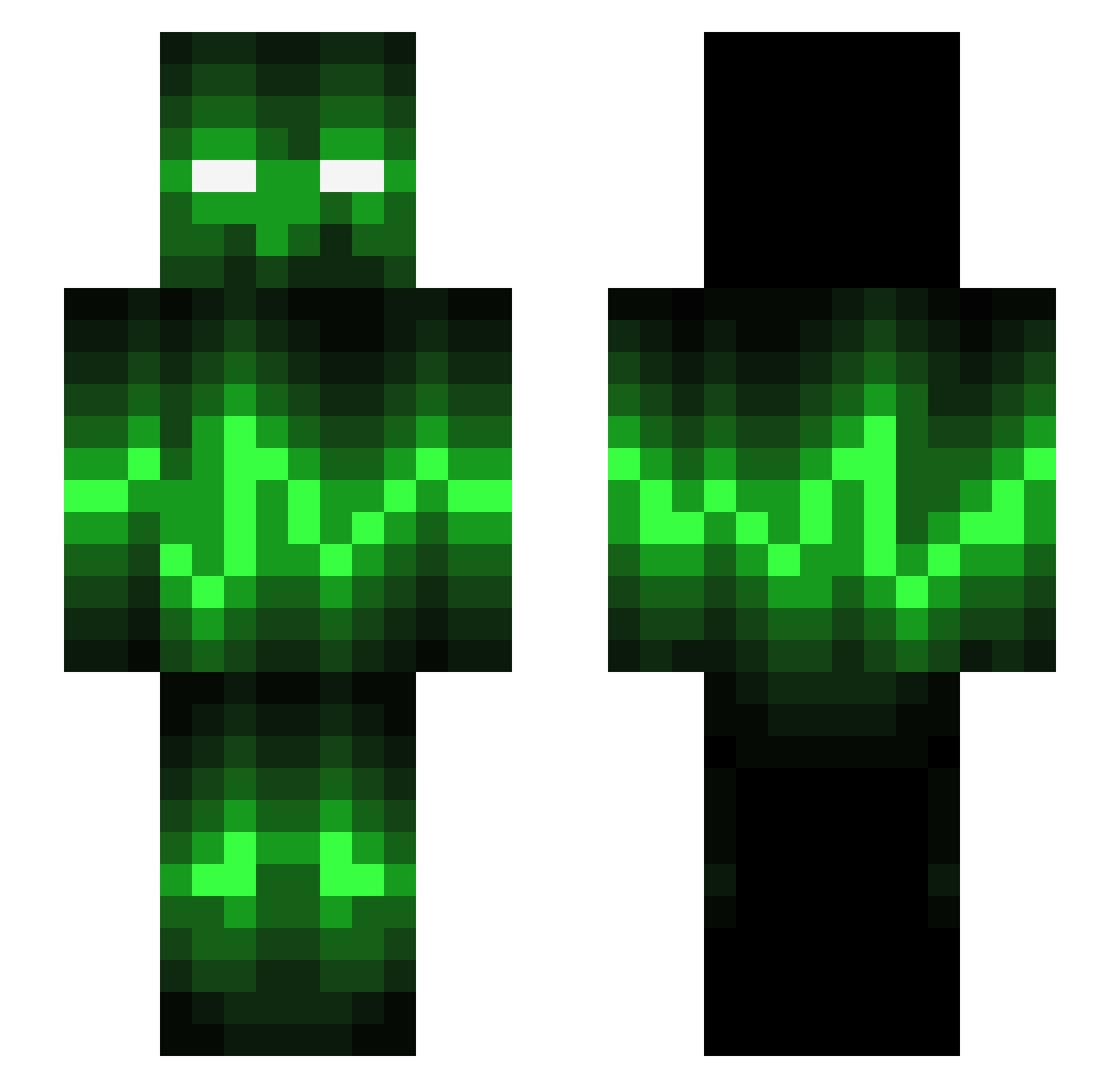
Current Minecraft skin of the player Cataclysmic47, loaded from the official Mojang API. Rotate the 3D model with your mouse or finger, then download the skin as a PNG file and use it in Minecraft: Bedrock Edition or Java Edition for free. When Cataclysmic47 changes their skin, this page updates automatically and the old skin stays in the history below.
Other players with this skin (542)
Cataclysmic47 was the 95th player we have seen with this skin, first spotted on 14.08.2026. The same skin was seen on these players. Open a nickname to see their current skin and skin history.
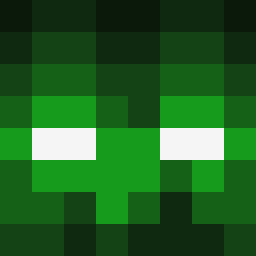 LeghornFoghorn Li2CO3 Omarios KitThomas gmen1520 KingWesley SAZGamer TheCraftCreeper BaGiEtQa Alv666 Death_By_Cheese martin40030 Mr_Maiden Heromaster2000 Basjansma16 JOSHGOWER badabiem CyanTaffy475 beaneyboy1111 Jagon313 The_Megabeast Toxic_Jo1569 shockwave002 killboy609 dukesem maxliam05 Ambrithius Tofuu_69 Hardias Kingossley VtSigma DrKalamity Z3r0HD Computer56 mining_max2003 OrbqTz ImmFitzz skullclaw2002 popwei CilloB TheLaggingPotato dragonFire103 BlakeTheSnake17 victorgomez99 NickDollarD sny0607 xBeatz97 LivvyM miLLaX Weary bluenoteyt Kennersons JohnnyyBoyy101 jsp_power Rasmus_0213 nac2001 Tasymuffin33 LeTR0niX nurijoker5 Mushedpotatoes
More Audio Wave Minecraft skins
How to install the Cataclysmic47 skin
- Press the Download button above to save the skin as a PNG file.
- Minecraft: Bedrock Edition (PE): open the Dressing Room from the main menu (or tap your character → Edit Character), go to Classic Skins → Owned, press the + (new skin) button, choose the downloaded PNG and pick the Slim (Alex) model. Works on PC and mobile; consoles cannot import custom skins.
- Minecraft: Java Edition: open the Minecraft Launcher, go to the Skins tab, click New Skin, load the PNG, pick the Slim (Alex) model and press Save & Use. You can also upload it at minecraft.net → Profile → Change Skin.
The skin does not show up after import - what should I do?
Restart Minecraft and open the Dressing Room again - imported skins sometimes appear only after a restart. Also make sure you selected the imported skin and picked the Slim (Alex) model.
Which model should I choose, Classic or Slim?
This skin is designed for the Slim (Alex) model. If you pick the wrong model, the arms of the skin will look stretched or squeezed.
Is the skin of Cataclysmic47 free to download?
Yes. Press Download, save the PNG file and use it in Minecraft: Bedrock Edition or Java Edition - no payment or registration needed. The skin also works on multiplayer servers and Realms.
More skins
Looking for more? Go back to all Minecraft skins and check the top skins of the week, month and all time, or find any player's skin by nickname.