
Caphel - Minecraft Skins & Skin History
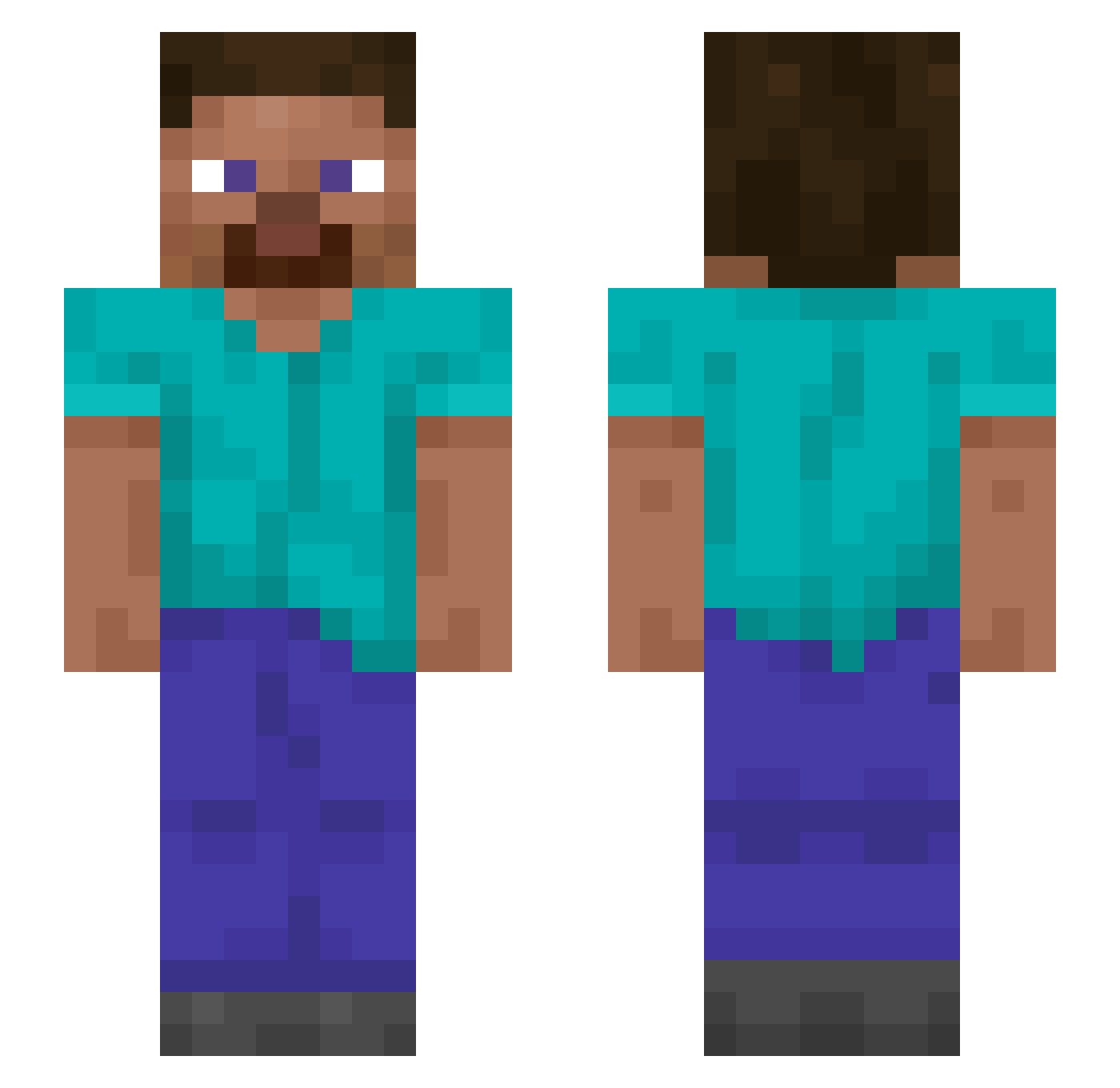
Current Minecraft skin of the player Caphel, loaded from the official Mojang API. Rotate the 3D model with your mouse or finger, then download the skin as a PNG file and use it in Minecraft: Bedrock Edition or Java Edition for free. When Caphel changes their skin, this page updates automatically and the old skin stays in the history below.
Other players with this skin (1308)
Caphel was the 605th player we have seen with this skin, first spotted on 15.09.2026. The same skin was seen on these players. Open a nickname to see their current skin and skin history.
 Godetia Kamha kingcraft Juhoooz TheLaughHouse Vwws Seabird Rauleliasxd WHYWONTSHELIKEME Phosphatase Jamdani Zornhammer BryanHNC Strawbewiee Padded DeineMuhhm ZanAlex54 pwig Tinean Kubaspo ItzSegal Maccaroni IFailed3timeslol Scallion TrapLordAustin superPAP DuzyZydowskiNos CherryHorse35 Famacide 0ruma Mellerkipper zxcstich FazeSuein Ensnared der_braunbear Polemics gryphonsword Trenit56 Svaale Ray950611 Phlebotomus Schemati XiaoYU0631 Miko_123 sixzr1337 weejeeeee Misderpanti MitharaiApogee obi_wifey GravityXShadow Viewy Ilmainen P3PPA_P1G Sparidae DerpyDonut0217 k3gez Wadenmuskulatur Wuzy Bacchii Autoclave
How to install the Caphel skin
- Press the Download button above to save the skin as a PNG file.
- Minecraft: Bedrock Edition (PE): open the Dressing Room from the main menu (or tap your character → Edit Character), go to Classic Skins → Owned, press the + (new skin) button, choose the downloaded PNG and pick the Slim (Alex) model. Works on PC and mobile; consoles cannot import custom skins.
- Minecraft: Java Edition: open the Minecraft Launcher, go to the Skins tab, click New Skin, load the PNG, pick the Slim (Alex) model and press Save & Use. You can also upload it at minecraft.net → Profile → Change Skin.
The skin does not show up after import - what should I do?
Restart Minecraft and open the Dressing Room again - imported skins sometimes appear only after a restart. Also make sure you selected the imported skin and picked the Slim (Alex) model.
Which model should I choose, Classic or Slim?
This skin is designed for the Slim (Alex) model. If you pick the wrong model, the arms of the skin will look stretched or squeezed.
Is the skin of Caphel free to download?
Yes. Press Download, save the PNG file and use it in Minecraft: Bedrock Edition or Java Edition - no payment or registration needed. The skin also works on multiplayer servers and Realms.
More skins
Looking for more? Go back to all Minecraft skins and check the top skins of the week, month and all time, or find any player's skin by nickname.