
CanCarry - Minecraft Skins & Skin History
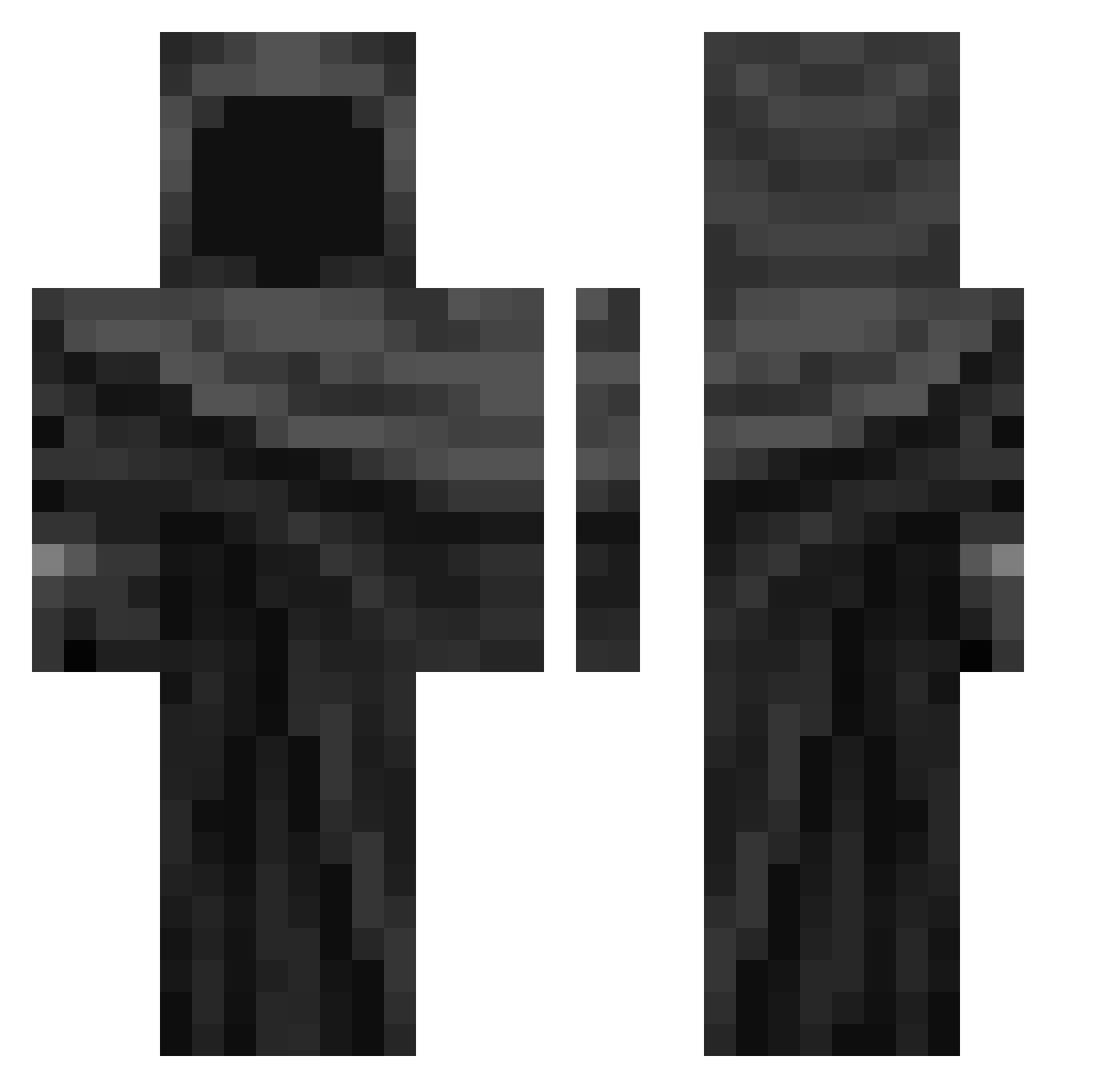
Current Minecraft skin of the player CanCarry, loaded from the official Mojang API. Rotate the 3D model with your mouse or finger, then download the skin as a PNG file and use it in Minecraft: Bedrock Edition or Java Edition for free. When CanCarry changes their skin, this page updates automatically and the old skin stays in the history below.
Other players with this skin (343)
CanCarry was the 198th player we have seen with this skin, first spotted on 22.09.2026. The same skin was seen on these players. Open a nickname to see their current skin and skin history.
 Axulio VoiceConnected Gumblox ShokoKot younguest7z VSDVwef231ef 0x0ccTV ItzXXX Esteves543 odevzdanbohu MindVN Yuri_94 MaceWarrior5000 anthony000b DrAbood ALEJODELCAP G6H4TheBot semxtary Bobi63rd connosr smoking_kills69 apeekintothevoid santosxw toxicnoclip cervenacek groking44 Axel_rock BasKert JAC08_l LinhSfaue0121 Mucstei 9GhostsHauntingU DKXD4life Exyoth FRS14 danuu12 HARIN_YEON MrRealy _nickname_221 unairb Fadin_laws Macc18 dobbymydog liamstevo2008 Syiiiii silvermaster___ TtavinnN mattdamonbacon beullang132468 jealousarroww323 ii6i DELCASBELIKE Elkan13 aXyca iRnzin67 BMatrix360 impt0 Ndby eo7_ TGW26050
More Cloak Minecraft skins
How to install the CanCarry skin
- Press the Download button above to save the skin as a PNG file.
- Minecraft: Bedrock Edition (PE): open the Dressing Room from the main menu (or tap your character → Edit Character), go to Classic Skins → Owned, press the + (new skin) button, choose the downloaded PNG and pick the Classic (Steve) model. Works on PC and mobile; consoles cannot import custom skins.
- Minecraft: Java Edition: open the Minecraft Launcher, go to the Skins tab, click New Skin, load the PNG, pick the Classic (Steve) model and press Save & Use. You can also upload it at minecraft.net → Profile → Change Skin.
The skin does not show up after import - what should I do?
Restart Minecraft and open the Dressing Room again - imported skins sometimes appear only after a restart. Also make sure you selected the imported skin and picked the Classic (Steve) model.
Which model should I choose, Classic or Slim?
This skin is designed for the Classic (Steve) model. If you pick the wrong model, the arms of the skin will look stretched or squeezed.
Is the skin of CanCarry free to download?
Yes. Press Download, save the PNG file and use it in Minecraft: Bedrock Edition or Java Edition - no payment or registration needed. The skin also works on multiplayer servers and Realms.
More skins
Looking for more? Go back to all Minecraft skins and check the top skins of the week, month and all time, or find any player's skin by nickname.