
Cam_the_Fam - Minecraft Skins & Skin History
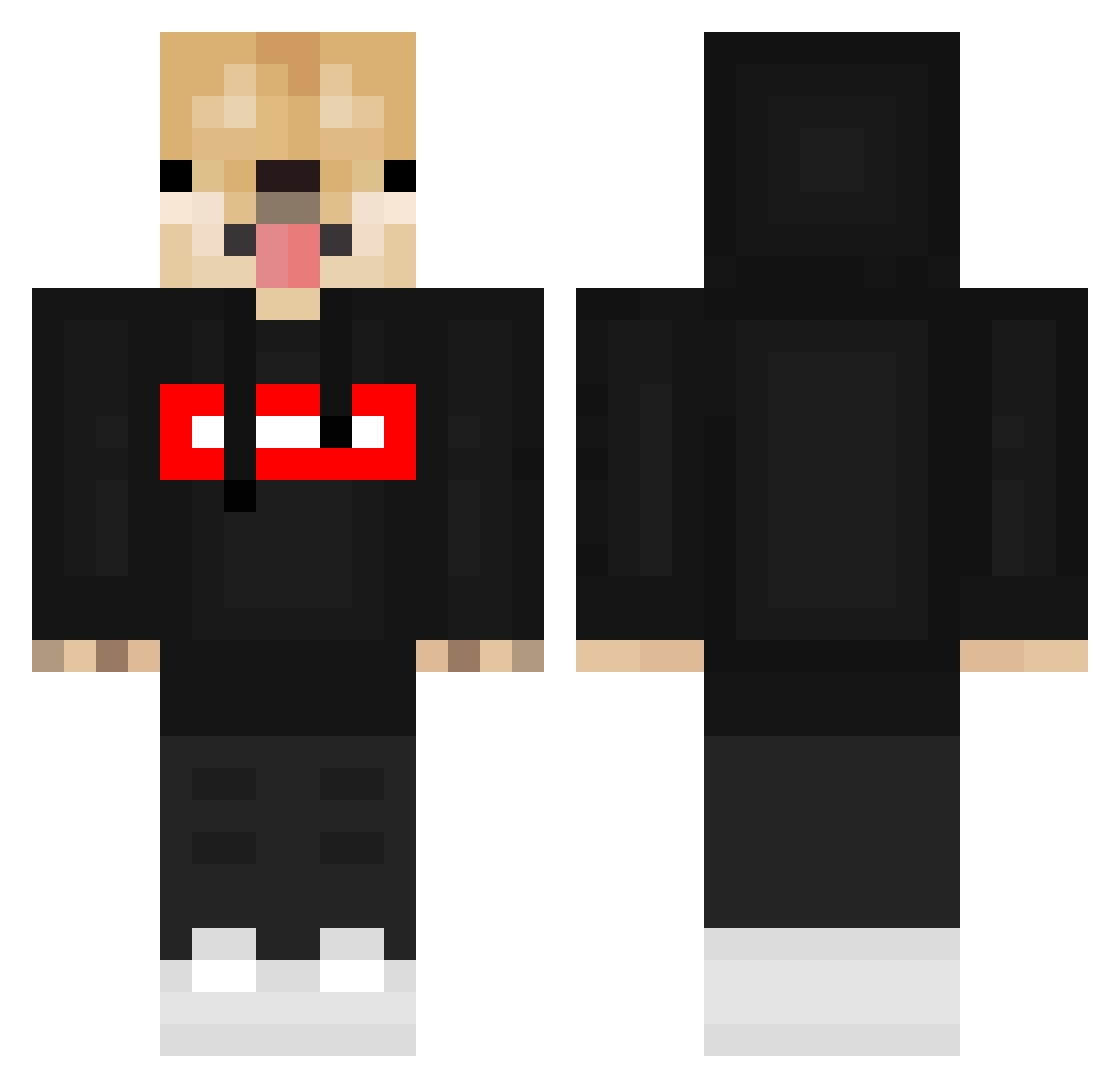
Current Minecraft skin of the player Cam_the_Fam, loaded from the official Mojang API. Rotate the 3D model with your mouse or finger, then download the skin as a PNG file and use it in Minecraft: Bedrock Edition or Java Edition for free. When Cam_the_Fam changes their skin, this page updates automatically and the old skin stays in the history below.
Other players with this skin (548)
Cam_the_Fam was the 146th player we have seen with this skin, first spotted on 23.08.2026. The same skin was seen on these players. Open a nickname to see their current skin and skin history.
 Cartyoo MonjumaL _Jonikosowy_ mllamos Lamb0_ PETERTY RazR_Eddy Hiriko_lol Drakeiscool CarameL_Play EL_BoUdI TheRealSurfPro PeskyBird327 Youngster5152 ItamarBarnea TheRominuS
 juancho010 Hblue04 Andrzej93 Elixris BikerRiderLambo MatteCento bat83 DestroyerDec27 sya6_ MENPerk3 MattiX8 hamzabari 8Xun Sophia_202 Puma_player1 Ower_Adry ScrumfelNutz akaklinurffuc Alexander1124 Mikkel1945 Urijah2020 ardenisawesome tres_336 Weichy04 HappyGamer0110 Bingso 123_ABC_123 Supriim Paynecomi vNoxiiZ ProHerif DonatedPegasus MONKKEEY AndercrackkYT X_SOLDIER47 SmexyAlex blackeder12 Senjola Ajanos10 SudoPineapple xXDakillerX mikeas5 CronoCat handsomeian_0120
More Doge Minecraft skins
How to install the Cam_the_Fam skin
- Press the Download button above to save the skin as a PNG file.
- Minecraft: Bedrock Edition (PE): open the Dressing Room from the main menu (or tap your character → Edit Character), go to Classic Skins → Owned, press the + (new skin) button, choose the downloaded PNG and pick the Classic (Steve) model. Works on PC and mobile; consoles cannot import custom skins.
- Minecraft: Java Edition: open the Minecraft Launcher, go to the Skins tab, click New Skin, load the PNG, pick the Classic (Steve) model and press Save & Use. You can also upload it at minecraft.net → Profile → Change Skin.
The skin does not show up after import - what should I do?
Restart Minecraft and open the Dressing Room again - imported skins sometimes appear only after a restart. Also make sure you selected the imported skin and picked the Classic (Steve) model.
Which model should I choose, Classic or Slim?
This skin is designed for the Classic (Steve) model. If you pick the wrong model, the arms of the skin will look stretched or squeezed.
Is the skin of Cam_the_Fam free to download?
Yes. Press Download, save the PNG file and use it in Minecraft: Bedrock Edition or Java Edition - no payment or registration needed. The skin also works on multiplayer servers and Realms.
More skins
Looking for more? Go back to all Minecraft skins and check the top skins of the week, month and all time, or find any player's skin by nickname.