
Cai_in - Minecraft Skins & Skin History
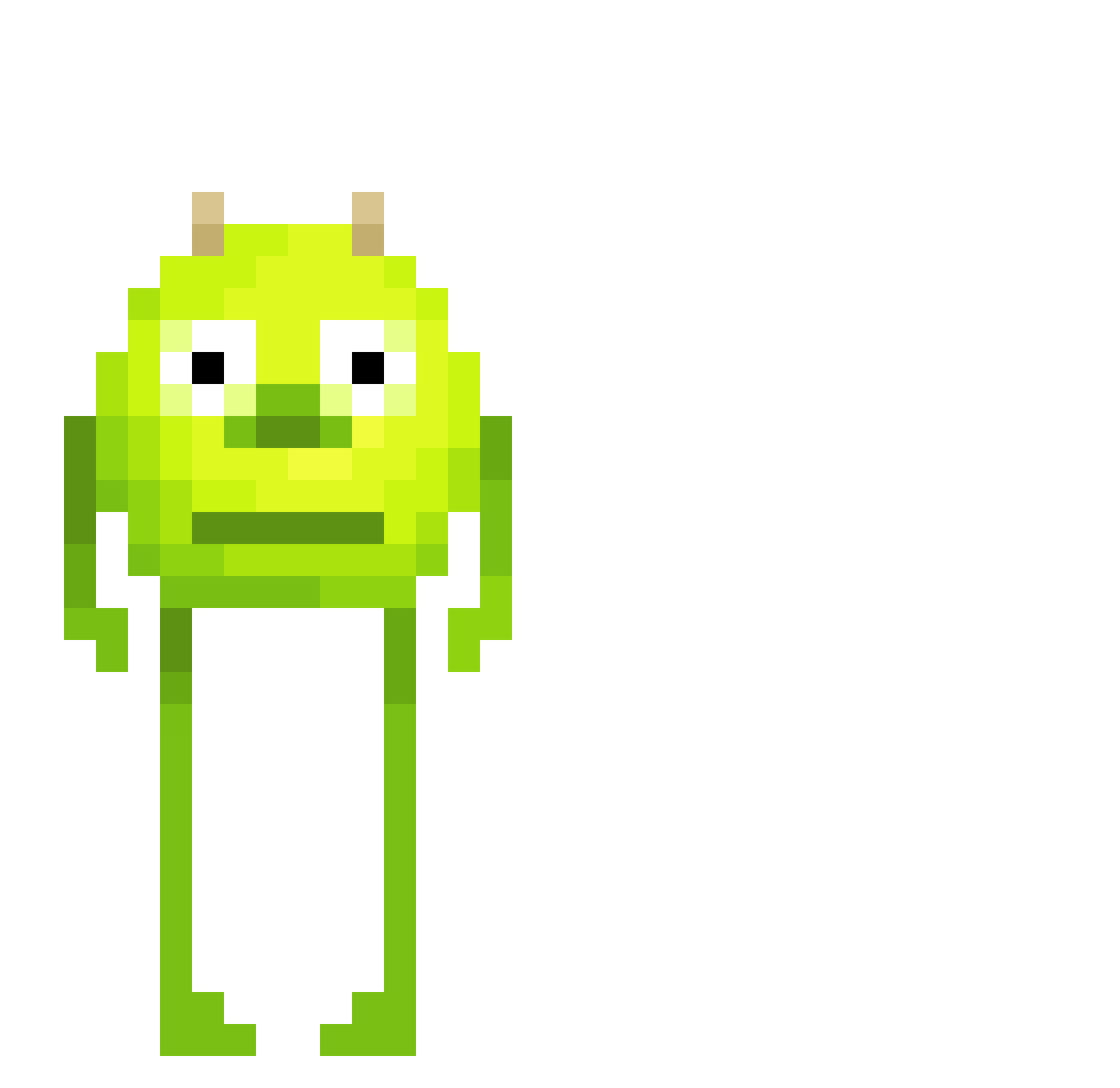
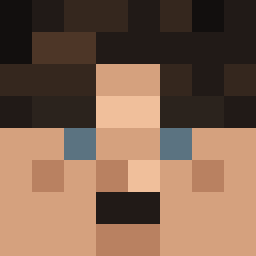
Current Minecraft skin of the player Cai_in, loaded from the official Mojang API. Rotate the 3D model with your mouse or finger, then download the skin as a PNG file and use it in Minecraft: Bedrock Edition or Java Edition for free. When Cai_in changes their skin, this page updates automatically and the old skin stays in the history below.
Other players with this skin (465)
Cai_in was the 71st player we have seen with this skin, first spotted on 09.08.2026. The same skin was seen on these players. Open a nickname to see their current skin and skin history.
 pollo3040 StayWkl elLEL33 parkerzin PxrpleDanK OxygenAddict April30th_1945 KURIBOO22 timotebg Florianverhagen twichgamerdk trxsh_wvlf VesperalPanda23 Gargolai GreenPrayMantis
 DragonGirl_80 Kanakastike12 Herozin adpted Crazyups MineDatBlock123
 DaddyTomato1027 shadowcat9 ZendarYT Fantasmita1337 ItzDriftyBoi Swiftor67 EagleJoji warloq dnlb Sid_Le_Caid BabyAxolotl1 annefrankgames redditlegend alejandrorecio ProneDestruction maitre_boz VALDESIR Mischnael_2008 eAzxmpt Publichost_fo COYI_Reaper boldo2004 myc4n OpA220 Kirschzao
 Snocoloco hannnnes03 Szotyi yuukih1 LivingCoder3225
 LoreChill Nkmk73 GURG3NA vertoxlax 5beersdown nootynooty p_griddy187 chuerc01 marley2a2b
More Mike Wazowski Minecraft skins
See all 282 Mike Wazowski skins
How to install the Cai_in skin
- Press the Download button above to save the skin as a PNG file.
- Minecraft: Bedrock Edition (PE): open the Dressing Room from the main menu (or tap your character → Edit Character), go to Classic Skins → Owned, press the + (new skin) button, choose the downloaded PNG and pick the Classic (Steve) model. Works on PC and mobile; consoles cannot import custom skins.
- Minecraft: Java Edition: open the Minecraft Launcher, go to the Skins tab, click New Skin, load the PNG, pick the Classic (Steve) model and press Save & Use. You can also upload it at minecraft.net → Profile → Change Skin.
The skin does not show up after import - what should I do?
Restart Minecraft and open the Dressing Room again - imported skins sometimes appear only after a restart. Also make sure you selected the imported skin and picked the Classic (Steve) model.
Which model should I choose, Classic or Slim?
This skin is designed for the Classic (Steve) model. If you pick the wrong model, the arms of the skin will look stretched or squeezed.
Is the skin of Cai_in free to download?
Yes. Press Download, save the PNG file and use it in Minecraft: Bedrock Edition or Java Edition - no payment or registration needed. The skin also works on multiplayer servers and Realms.
More skins
Looking for more? Go back to all Minecraft skins and check the top skins of the week, month and all time, or find any player's skin by nickname.