
CNChyro - Minecraft Skins & Skin History
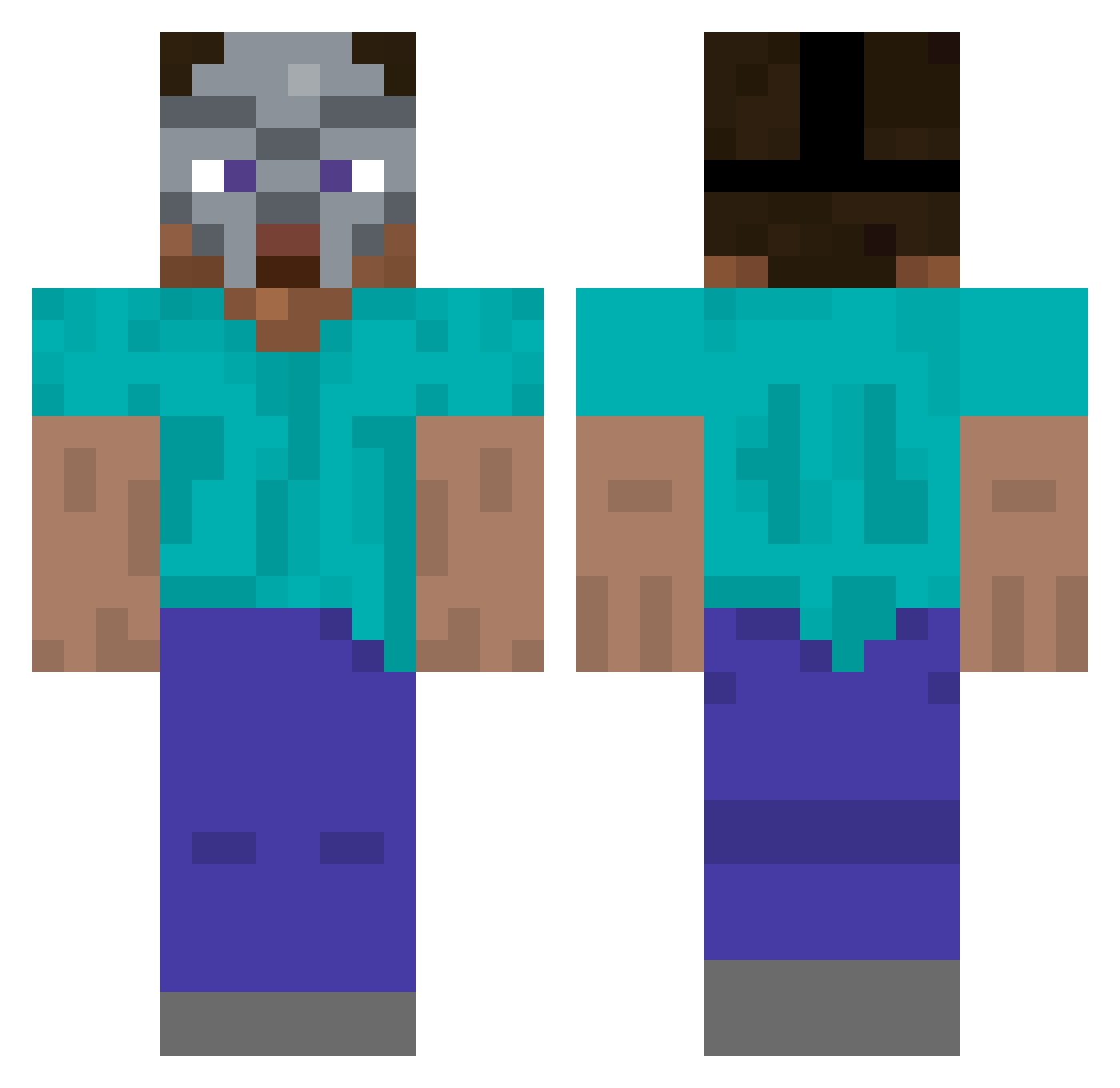
Current Minecraft skin of the player CNChyro, loaded from the official Mojang API. Rotate the 3D model with your mouse or finger, then download the skin as a PNG file and use it in Minecraft: Bedrock Edition or Java Edition for free. When CNChyro changes their skin, this page updates automatically and the old skin stays in the history below.
Other players with this skin (262)
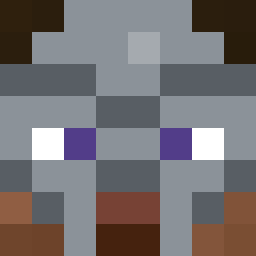
CNChyro was the 239th player we have seen with this skin, first spotted on 15.10.2026. The same skin was seen on these players. Open a nickname to see their current skin and skin history.
 Rickydidit Hammando evelyxn wateruners luke_reyes101 Julixn307 MrGl8d mathiyaas MrPerson31 Neobatrachia DOOMPATH Legend_Mohamed Robloxxer CursedMartinn Zhiji_ RONHEDE SleepyM0MT0M riverhall VidSlo WhatsAdonut Ieat10children zadedark Macabroso Carl8D NolstagiaAddict6 ces3k jswj Milanthebread EMC3877 unprada Maitzwile BOKZA5 madedominique Cloizy FadingFire_ TTVBLUEWN oaxqk e4ddie RealBazinga typhos01 Miloshswag C1assi3 Krinklebop nacred _Utajr HumanGPS itsYoshi007 SOFTYm Exodash PhatB00tyFanatic ba9uette iron_inkot ConsciousSapiens Swindlez savntt obeseblackdood44 Nichku _sleezer A1ester Keshl0p
More Hip Hop Minecraft skins
How to install the CNChyro skin
- Press the Download button above to save the skin as a PNG file.
- Minecraft: Bedrock Edition (PE): open the Dressing Room from the main menu (or tap your character → Edit Character), go to Classic Skins → Owned, press the + (new skin) button, choose the downloaded PNG and pick the Classic (Steve) model. Works on PC and mobile; consoles cannot import custom skins.
- Minecraft: Java Edition: open the Minecraft Launcher, go to the Skins tab, click New Skin, load the PNG, pick the Classic (Steve) model and press Save & Use. You can also upload it at minecraft.net → Profile → Change Skin.
The skin does not show up after import - what should I do?
Restart Minecraft and open the Dressing Room again - imported skins sometimes appear only after a restart. Also make sure you selected the imported skin and picked the Classic (Steve) model.
Which model should I choose, Classic or Slim?
This skin is designed for the Classic (Steve) model. If you pick the wrong model, the arms of the skin will look stretched or squeezed.
Is the skin of CNChyro free to download?
Yes. Press Download, save the PNG file and use it in Minecraft: Bedrock Edition or Java Edition - no payment or registration needed. The skin also works on multiplayer servers and Realms.
More skins
Looking for more? Go back to all Minecraft skins and check the top skins of the week, month and all time, or find any player's skin by nickname.