
CGZack - Minecraft Skins & Skin History
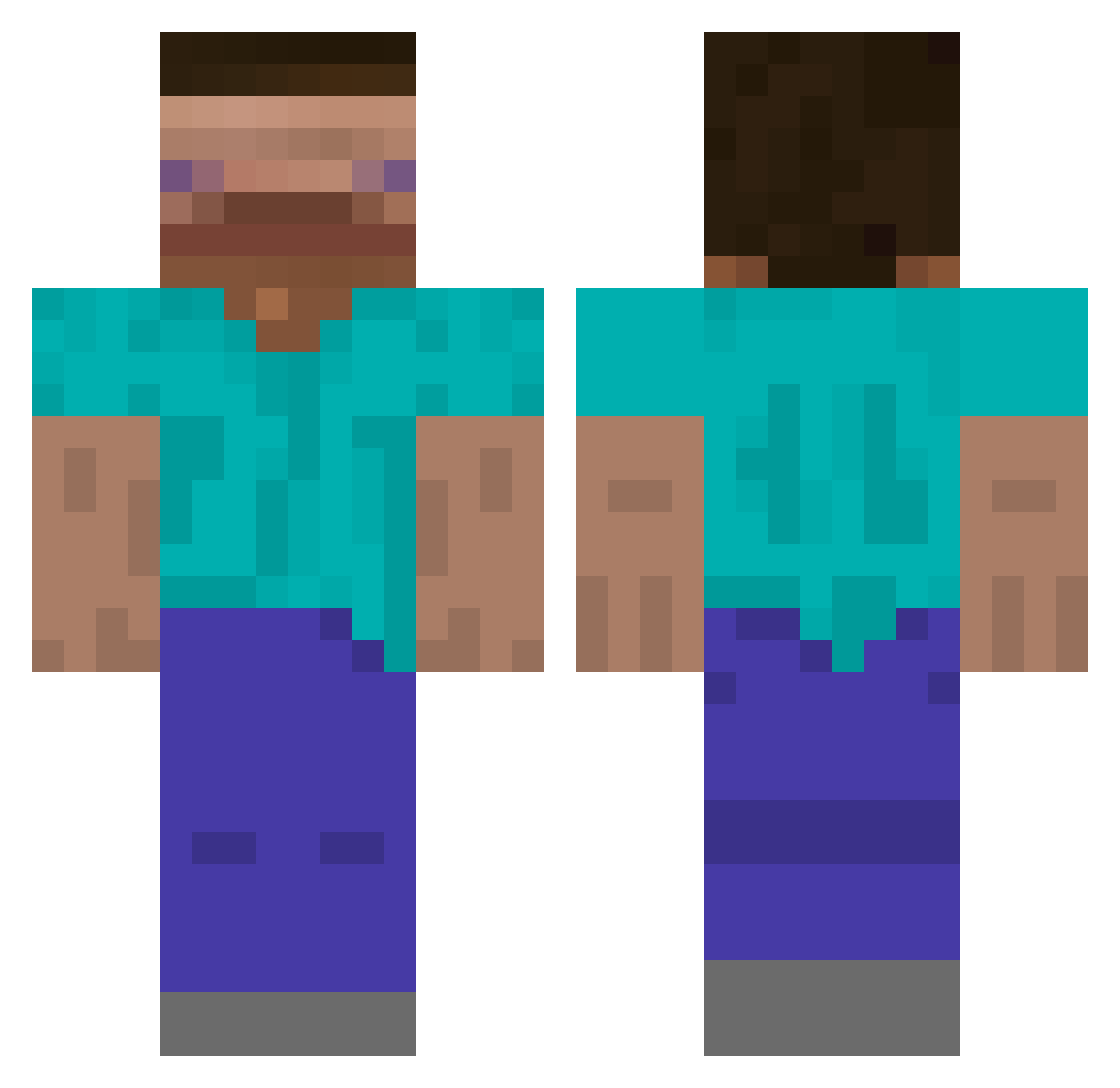
Current Minecraft skin of the player CGZack, loaded from the official Mojang API. Rotate the 3D model with your mouse or finger, then download the skin as a PNG file and use it in Minecraft: Bedrock Edition or Java Edition for free. When CGZack changes their skin, this page updates automatically and the old skin stays in the history below.
Other players with this skin (602)
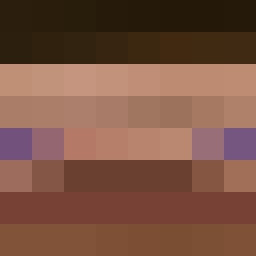
CGZack was the 498th player we have seen with this skin, first spotted on 16.10.2026. The same skin was seen on these players. Open a nickname to see their current skin and skin history.
 Yaip Investoigatorno3 commit123 MatFeat Emanuel2703 Veetuhh PI5SALLOWING _Reamer auwui imjuss Capoo_OvO juekani taojea PanBananek WielkiIwan792 Shichido_Yukino rslin1030 loui_le_sloth ggalddiggal rcn879 Groene_Wolf TheTrueBen tarutaru4_4 BigGrayBush72 Simmy_Samson POOSRC Wiildyl dao_lan_jiao DestarYED SlimeWithShoes bisociu mandu0403 RerXm Park_Yong_sun112 Idioticdude TANG114514 EricTheStick Splooshia Guerreiroo MrFelix ErnestYY MaxiTaxi__ YucukluSucurta xNightfly untizamuraiMaxim sipgay DrollPlace49 Impotatomaster OnionRingSoup Jason_Himan DrewBug123 limaozeras IAteLizardEggs LethalWhispers BlinkleGN Panxell Karl5K Androidinvasion JD94 yeah0410
How to install the CGZack skin
- Press the Download button above to save the skin as a PNG file.
- Minecraft: Bedrock Edition (PE): open the Dressing Room from the main menu (or tap your character → Edit Character), go to Classic Skins → Owned, press the + (new skin) button, choose the downloaded PNG and pick the Classic (Steve) model. Works on PC and mobile; consoles cannot import custom skins.
- Minecraft: Java Edition: open the Minecraft Launcher, go to the Skins tab, click New Skin, load the PNG, pick the Classic (Steve) model and press Save & Use. You can also upload it at minecraft.net → Profile → Change Skin.
The skin does not show up after import - what should I do?
Restart Minecraft and open the Dressing Room again - imported skins sometimes appear only after a restart. Also make sure you selected the imported skin and picked the Classic (Steve) model.
Which model should I choose, Classic or Slim?
This skin is designed for the Classic (Steve) model. If you pick the wrong model, the arms of the skin will look stretched or squeezed.
Is the skin of CGZack free to download?
Yes. Press Download, save the PNG file and use it in Minecraft: Bedrock Edition or Java Edition - no payment or registration needed. The skin also works on multiplayer servers and Realms.
More skins
Looking for more? Go back to all Minecraft skins and check the top skins of the week, month and all time, or find any player's skin by nickname.