
Buttonsiscool - Minecraft Skins & Skin History
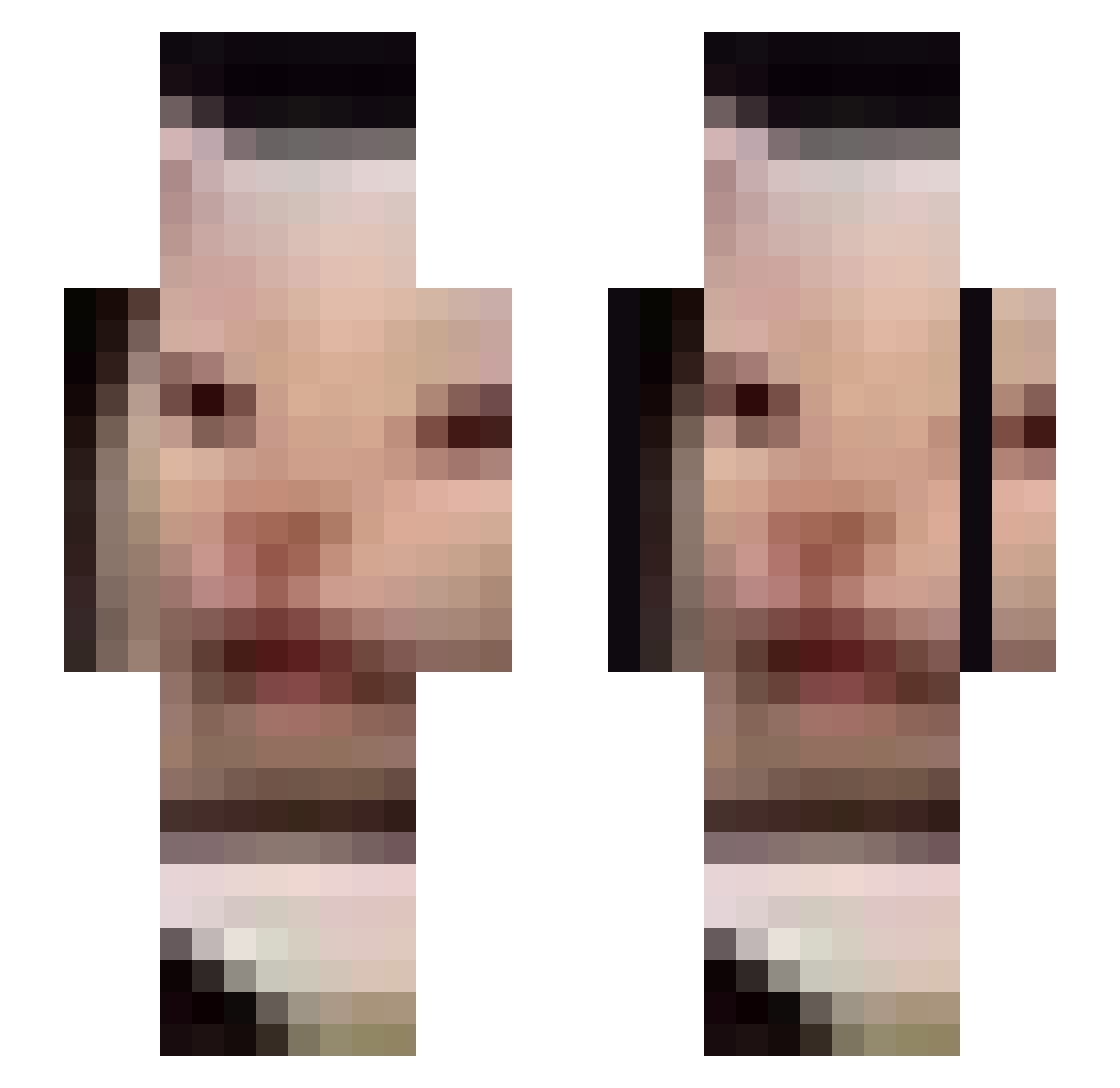
Current Minecraft skin of the player Buttonsiscool, loaded from the official Mojang API. Rotate the 3D model with your mouse or finger, then download the skin as a PNG file and use it in Minecraft: Bedrock Edition or Java Edition for free. When Buttonsiscool changes their skin, this page updates automatically and the old skin stays in the history below.
Other players with this skin (632)
Buttonsiscool was the 465th player we have seen with this skin, first spotted on 06.10.2026. The same skin was seen on these players. Open a nickname to see their current skin and skin history.
 sentineldk HappyMiner69 yeetboy226 Jankygoatsmugla kittenlover2222 walterooni NiTroZ_FR DrHannibal0 henry_hill07 Victor_00 benjaplay1 abitnotcorrect eggappreciator zzzzzsa ThePaleMarcher Karely TheCoffeeMugger 188GerbilsInACan MrConfusedCat phylln EpicTeaBagZ titase J0uta DJ_MON3IM Johannisbeer 4Scored SeattleIsBurning GrimxxReaperxx W0lfw00d07 Billy8787 cryo6 alpha5 LeFredo00 Jowosh Seungbean2 __UwUOwO__ zknb666777 Kubbus ChampMcD NostalgicHoax Chickenkami_ Poppamies_2 whatismyname123 geonhui3legs Panayotas m2n__ye iQ8_Soldier ShiCoy gusdnr5085 jkubam Hippocampus14 Nuphz Phantomhero7 Sosopend iNoName3 Sterwastaken Rexourious etennis AGMT8872 Adict
More Beluga Minecraft skins
How to install the Buttonsiscool skin
- Press the Download button above to save the skin as a PNG file.
- Minecraft: Bedrock Edition (PE): open the Dressing Room from the main menu (or tap your character → Edit Character), go to Classic Skins → Owned, press the + (new skin) button, choose the downloaded PNG and pick the Slim (Alex) model. Works on PC and mobile; consoles cannot import custom skins.
- Minecraft: Java Edition: open the Minecraft Launcher, go to the Skins tab, click New Skin, load the PNG, pick the Slim (Alex) model and press Save & Use. You can also upload it at minecraft.net → Profile → Change Skin.
The skin does not show up after import - what should I do?
Restart Minecraft and open the Dressing Room again - imported skins sometimes appear only after a restart. Also make sure you selected the imported skin and picked the Slim (Alex) model.
Which model should I choose, Classic or Slim?
This skin is designed for the Slim (Alex) model. If you pick the wrong model, the arms of the skin will look stretched or squeezed.
Is the skin of Buttonsiscool free to download?
Yes. Press Download, save the PNG file and use it in Minecraft: Bedrock Edition or Java Edition - no payment or registration needed. The skin also works on multiplayer servers and Realms.
More skins
Looking for more? Go back to all Minecraft skins and check the top skins of the week, month and all time, or find any player's skin by nickname.