
Burrito_Man123 - Minecraft Skins & Skin History
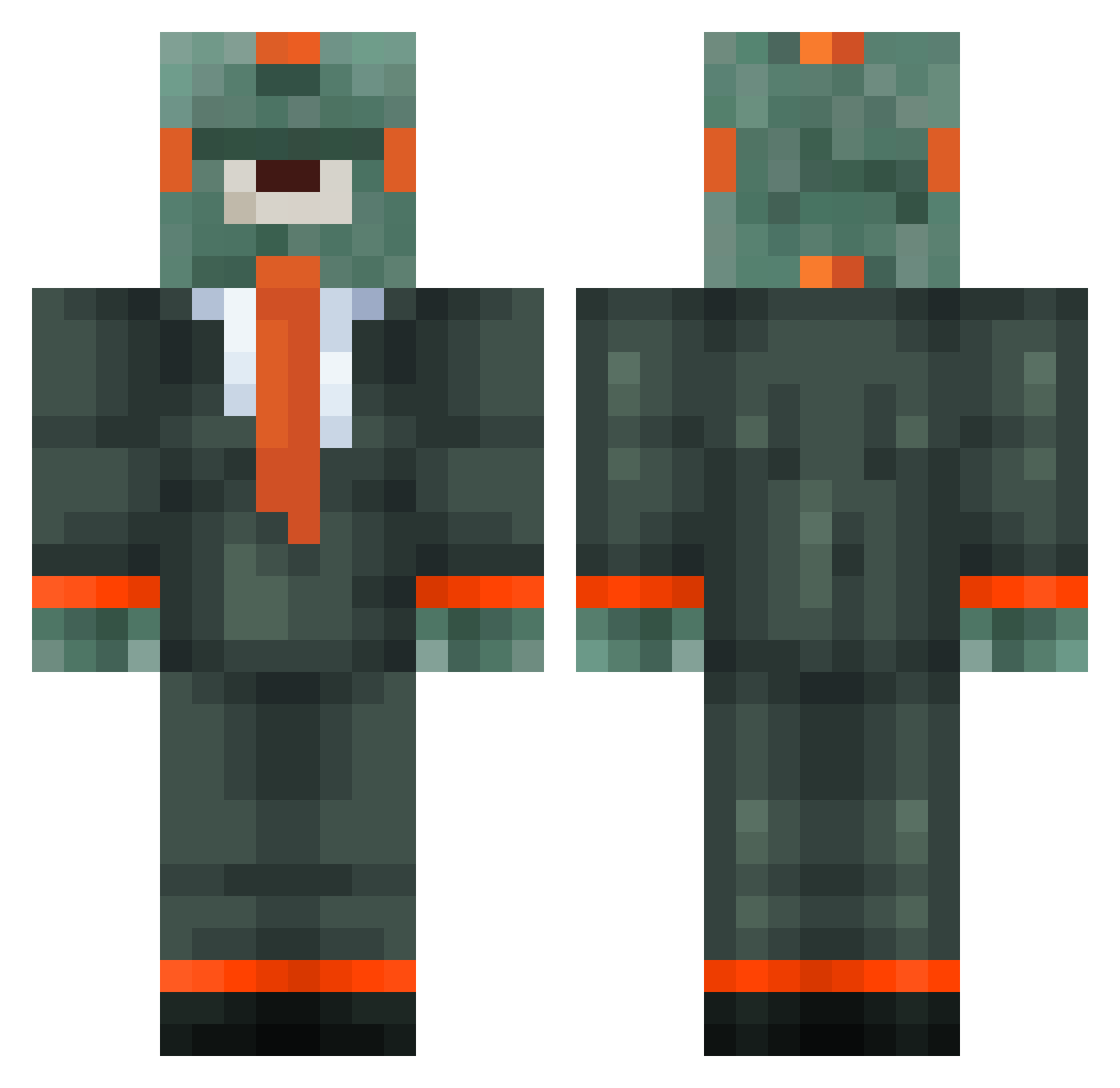
Current Minecraft skin of the player Burrito_Man123, loaded from the official Mojang API. Rotate the 3D model with your mouse or finger, then download the skin as a PNG file and use it in Minecraft: Bedrock Edition or Java Edition for free. When Burrito_Man123 changes their skin, this page updates automatically and the old skin stays in the history below.
Other players with this skin (80)
Burrito_Man123 was the 58th player we have seen with this skin, first spotted on 23.10.2026. The same skin was seen on these players. Open a nickname to see their current skin and skin history.
 WhenYou667 SeacretAgent Goomba_Gun23 andritosky CamoCraft255 Palaudin crazycanuck84 Rattlesnake47 Combinatoire Skillex93 CosmoTK MeowzillaBang MaxiFuu Meximart804 ibai_xd God_of_redstone1 Friso_69 K1ddYo5H Kalpora TheGibG Jinxiekins Schrani89 Seafooduniform DrHeHe KarnalEspio Legeiria kingjinseo wyatt252 Goobla RuebLP 12Perseus12 M4LACHI sxulog tommyracer08 mercenn Solkata pierrade t3kslaw jiabolo Nick1206champ tenur beboter camren21 RascalBoy Nest4725 freshkey123 nikkeman48 GiAGiA34000 kestres Jo_404 HENRY_ZZZZ badmaxpro2010 Godderzz 100porcientofito MoneyBaller122 PsychoShop McXander113 Lukiou4102 4WheelDrive Nandrox
More Plankton Minecraft skins
How to install the Burrito_Man123 skin
- Press the Download button above to save the skin as a PNG file.
- Minecraft: Bedrock Edition (PE): open the Dressing Room from the main menu (or tap your character → Edit Character), go to Classic Skins → Owned, press the + (new skin) button, choose the downloaded PNG and pick the Classic (Steve) model. Works on PC and mobile; consoles cannot import custom skins.
- Minecraft: Java Edition: open the Minecraft Launcher, go to the Skins tab, click New Skin, load the PNG, pick the Classic (Steve) model and press Save & Use. You can also upload it at minecraft.net → Profile → Change Skin.
The skin does not show up after import - what should I do?
Restart Minecraft and open the Dressing Room again - imported skins sometimes appear only after a restart. Also make sure you selected the imported skin and picked the Classic (Steve) model.
Which model should I choose, Classic or Slim?
This skin is designed for the Classic (Steve) model. If you pick the wrong model, the arms of the skin will look stretched or squeezed.
Is the skin of Burrito_Man123 free to download?
Yes. Press Download, save the PNG file and use it in Minecraft: Bedrock Edition or Java Edition - no payment or registration needed. The skin also works on multiplayer servers and Realms.
More skins
Looking for more? Go back to all Minecraft skins and check the top skins of the week, month and all time, or find any player's skin by nickname.