
Brosjan420 - Minecraft Skins & Skin History
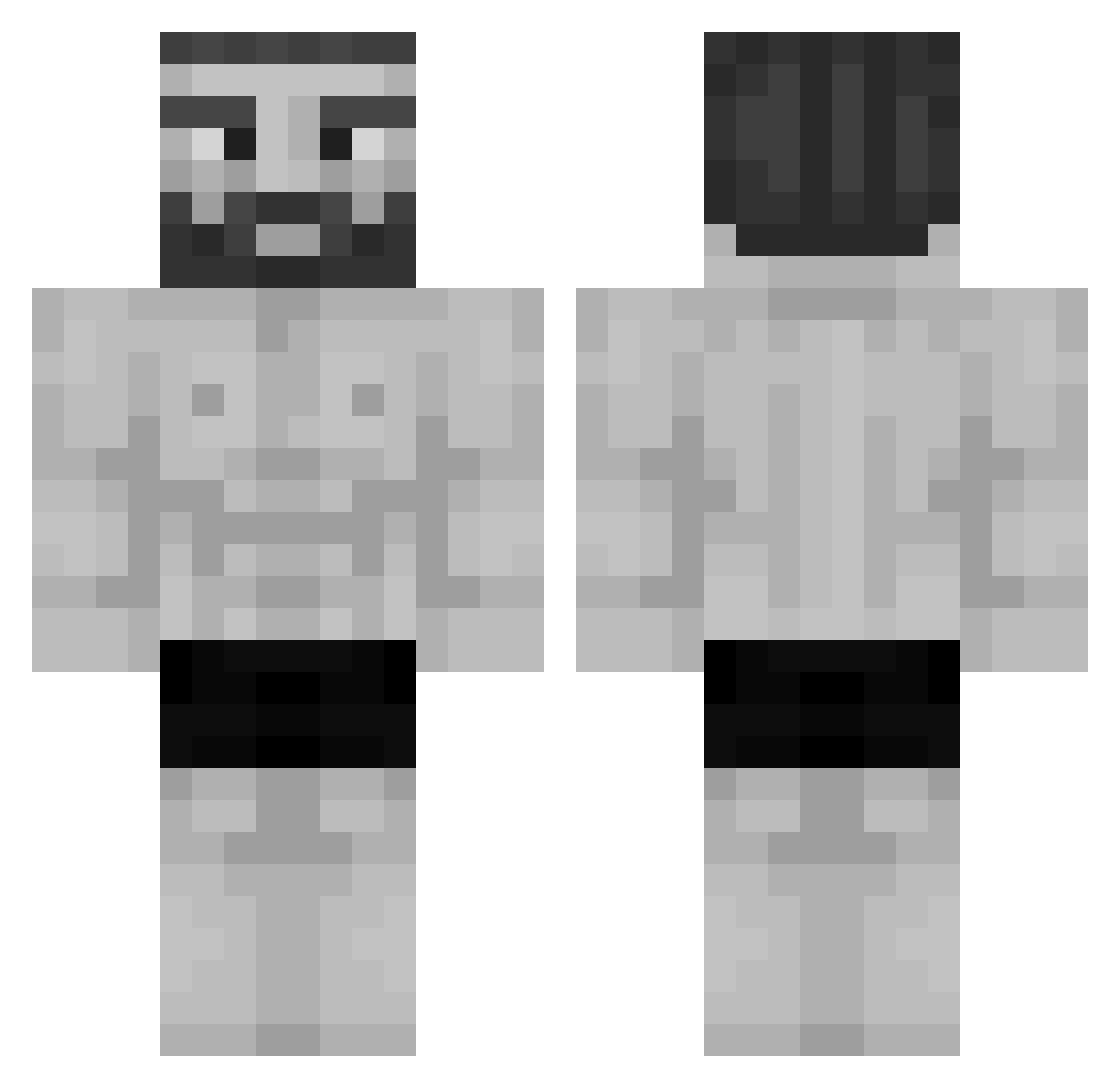
Current Minecraft skin of the player Brosjan420, loaded from the official Mojang API. Rotate the 3D model with your mouse or finger, then download the skin as a PNG file and use it in Minecraft: Bedrock Edition or Java Edition for free. When Brosjan420 changes their skin, this page updates automatically and the old skin stays in the history below.
Other players with this skin (955)
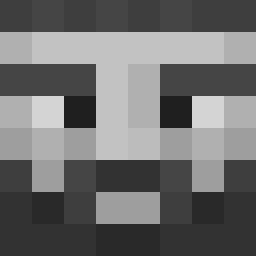
Brosjan420 was the 789th player we have seen with this skin, first spotted on 06.10.2026. The same skin was seen on these players. Open a nickname to see their current skin and skin history.
 BigWhaLezZ Kirivv Noface0477 Mrowaqq StellaRossa _E36 _Bulo Alextremo06 ERegazer Teder TosterSky santichrome leandrosxx ArtisticStew378 X_Flame_Untie_X xxx_dizzy_xxx Verkello Andyjun233 MATWAYY Lo0seRR QHQQL winnerro boss2k5 Matus8808 IDislikeNigerian rebobs123 popka4mamont7 adm_FF pugthug27 MrBrezzell Eppingpepping stun1k Kaden_Verified Thraxxerus14 Babanovitch PasswordIs1234 PedroDuper Papucsek MatthewHomen MeyT_u Shme1 Jaysce VTAesthetic Jajczi ToritoF9 tjeerd JEANPAULN Zafiro2607 WActopus booonse Sasharul Volkzzy oHaze Davyd0ff eeeTxa Towa20 Gnomepegues Emmamerica dnz_syNc Damianqq
More Gigachad Minecraft skins
How to install the Brosjan420 skin
- Press the Download button above to save the skin as a PNG file.
- Minecraft: Bedrock Edition (PE): open the Dressing Room from the main menu (or tap your character → Edit Character), go to Classic Skins → Owned, press the + (new skin) button, choose the downloaded PNG and pick the Classic (Steve) model. Works on PC and mobile; consoles cannot import custom skins.
- Minecraft: Java Edition: open the Minecraft Launcher, go to the Skins tab, click New Skin, load the PNG, pick the Classic (Steve) model and press Save & Use. You can also upload it at minecraft.net → Profile → Change Skin.
The skin does not show up after import - what should I do?
Restart Minecraft and open the Dressing Room again - imported skins sometimes appear only after a restart. Also make sure you selected the imported skin and picked the Classic (Steve) model.
Which model should I choose, Classic or Slim?
This skin is designed for the Classic (Steve) model. If you pick the wrong model, the arms of the skin will look stretched or squeezed.
Is the skin of Brosjan420 free to download?
Yes. Press Download, save the PNG file and use it in Minecraft: Bedrock Edition or Java Edition - no payment or registration needed. The skin also works on multiplayer servers and Realms.
More skins
Looking for more? Go back to all Minecraft skins and check the top skins of the week, month and all time, or find any player's skin by nickname.