
Broccocraft - Minecraft Skins & Skin History
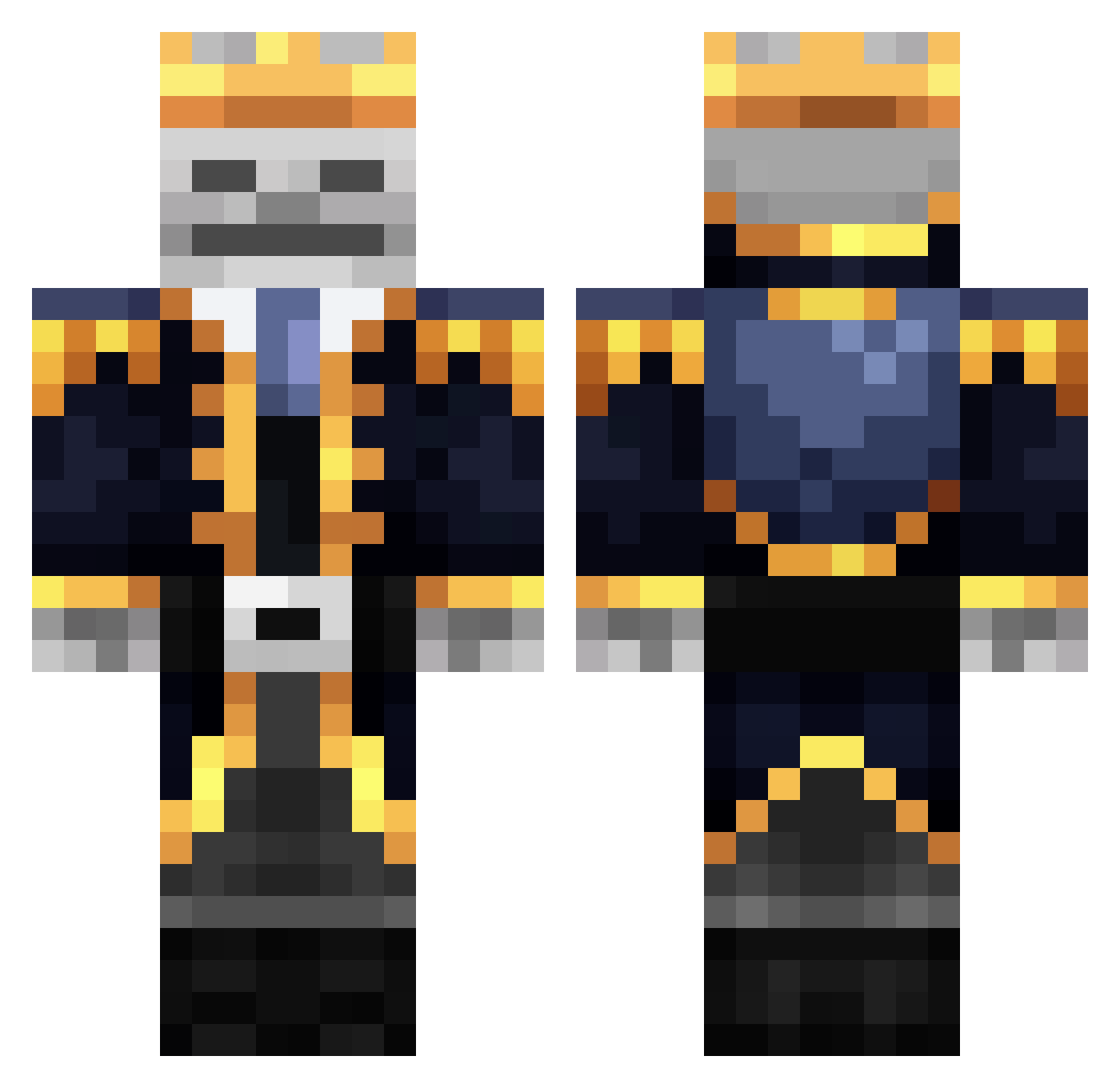
Current Minecraft skin of the player Broccocraft, loaded from the official Mojang API. Rotate the 3D model with your mouse or finger, then download the skin as a PNG file and use it in Minecraft: Bedrock Edition or Java Edition for free. When Broccocraft changes their skin, this page updates automatically and the old skin stays in the history below.
Other players with this skin (343)
Broccocraft was the 234th player we have seen with this skin, first spotted on 27.09.2026. The same skin was seen on these players. Open a nickname to see their current skin and skin history.
 Zhentian_ namehere06 zKatsuo quoncerned shadow_Prime_awa Prolucas2011 0Teks ElThundercloud Sophiabroth Golirt123 lyc1911 clownie02 Playgus19 AlexFU619 eskimom Maxime_schuepfer B1ueEag1e asdspuepue NotmeKavy XNox2_ KingGannon Lero4ever jkllkj SufH699 GamerFlo8785 bigPopa777 Vavelis BT1029 SkullyGear Phantom_inc InmateAkatsuki SkeletonKing084 SU30 jijing Atom0227 RAFF18 Antic233 _miguelaso_ GhostBas007 YipeKaii orchider007 iwander15 Arreolita Aponas ELDUOIMPARABLE24 JesusIstDa BudynBananowy Ryzel7 ItzThatSimple Hexagon7 EllTat weryrghgjhygfhjy Karolek113 Kudzus520 Marvin35600 _Akronix_ TheRuined_King Axuled TBgoxp LiftedCrib96159
More Skeleton King Minecraft skins
See all 26 Skeleton King skins
How to install the Broccocraft skin
- Press the Download button above to save the skin as a PNG file.
- Minecraft: Bedrock Edition (PE): open the Dressing Room from the main menu (or tap your character → Edit Character), go to Classic Skins → Owned, press the + (new skin) button, choose the downloaded PNG and pick the Classic (Steve) model. Works on PC and mobile; consoles cannot import custom skins.
- Minecraft: Java Edition: open the Minecraft Launcher, go to the Skins tab, click New Skin, load the PNG, pick the Classic (Steve) model and press Save & Use. You can also upload it at minecraft.net → Profile → Change Skin.
The skin does not show up after import - what should I do?
Restart Minecraft and open the Dressing Room again - imported skins sometimes appear only after a restart. Also make sure you selected the imported skin and picked the Classic (Steve) model.
Which model should I choose, Classic or Slim?
This skin is designed for the Classic (Steve) model. If you pick the wrong model, the arms of the skin will look stretched or squeezed.
Is the skin of Broccocraft free to download?
Yes. Press Download, save the PNG file and use it in Minecraft: Bedrock Edition or Java Edition - no payment or registration needed. The skin also works on multiplayer servers and Realms.
More skins
Looking for more? Go back to all Minecraft skins and check the top skins of the week, month and all time, or find any player's skin by nickname.