
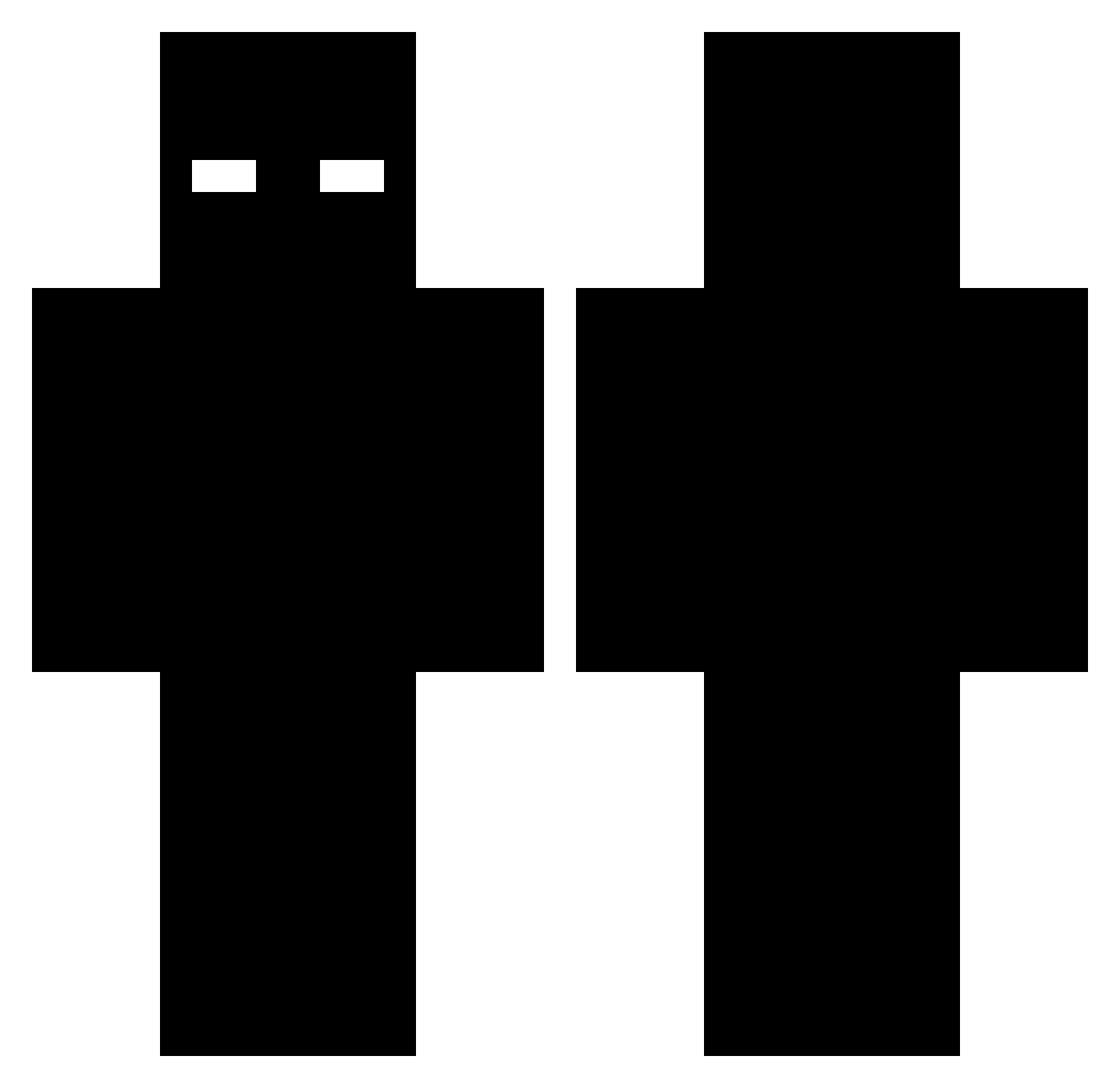
Current Minecraft skin of the player BrenAstraeus, loaded from the official Mojang API. Rotate the 3D model with your mouse or finger, then download the skin as a PNG file and use it in Minecraft: Bedrock Edition or Java Edition for free. When BrenAstraeus changes their skin, this page updates automatically and the old skin stays in the history below.
Other players with this skin (407)
BrenAstraeus was the 337th player we have seen with this skin, first spotted on 02.10.2026. The same skin was seen on these players. Open a nickname to see their current skin and skin history.
 kevin85666 abuka_ Iloveadderall123 gamesenssee MATALEYAS Henry_Vy Struncicles JetMon113 itzkenxxx bountyaix marvinbador3 Teletubis2014 StThierry nixgamer99 Vertima Nerofiremc zynox1337 ReesesPuffs1029 XiledKid notacreeper1212 Bass1273 LazyBiscuits Cata_77 Charli3V2 LastMaky HeavyRageKid greenx2006 mrbagchaser559 Rixy1 Bladecrafter317 Luke6611 FLepx212 quino_c Lalawonderland Haakon3205 McKila destruqts Kennyd77 LordTylerTiger Spid3er innovative_name RayOnMC keni__ omar123pro ZainELM Legacy41x JerryWoop honza990 Hoodgeek nur65 BrownieGang Mrpokisir Zest_Lesave Dobi__013 Tikosfr31_kam luckiducki ezBedwar MAFU36 orson04 Moritz161616
More Entity 303 Minecraft skins
How to install the BrenAstraeus skin
- Press the Download button above to save the skin as a PNG file.
- Minecraft: Bedrock Edition (PE): open the Dressing Room from the main menu (or tap your character → Edit Character), go to Classic Skins → Owned, press the + (new skin) button, choose the downloaded PNG and pick the Classic (Steve) model. Works on PC and mobile; consoles cannot import custom skins.
- Minecraft: Java Edition: open the Minecraft Launcher, go to the Skins tab, click New Skin, load the PNG, pick the Classic (Steve) model and press Save & Use. You can also upload it at minecraft.net → Profile → Change Skin.
The skin does not show up after import - what should I do?
Restart Minecraft and open the Dressing Room again - imported skins sometimes appear only after a restart. Also make sure you selected the imported skin and picked the Classic (Steve) model.
Which model should I choose, Classic or Slim?
This skin is designed for the Classic (Steve) model. If you pick the wrong model, the arms of the skin will look stretched or squeezed.
Is the skin of BrenAstraeus free to download?
Yes. Press Download, save the PNG file and use it in Minecraft: Bedrock Edition or Java Edition - no payment or registration needed. The skin also works on multiplayer servers and Realms.
More skins
Looking for more? Go back to all Minecraft skins and check the top skins of the week, month and all time, or find any player's skin by nickname.