
BrUnEtE1 - Minecraft Skins & Skin History
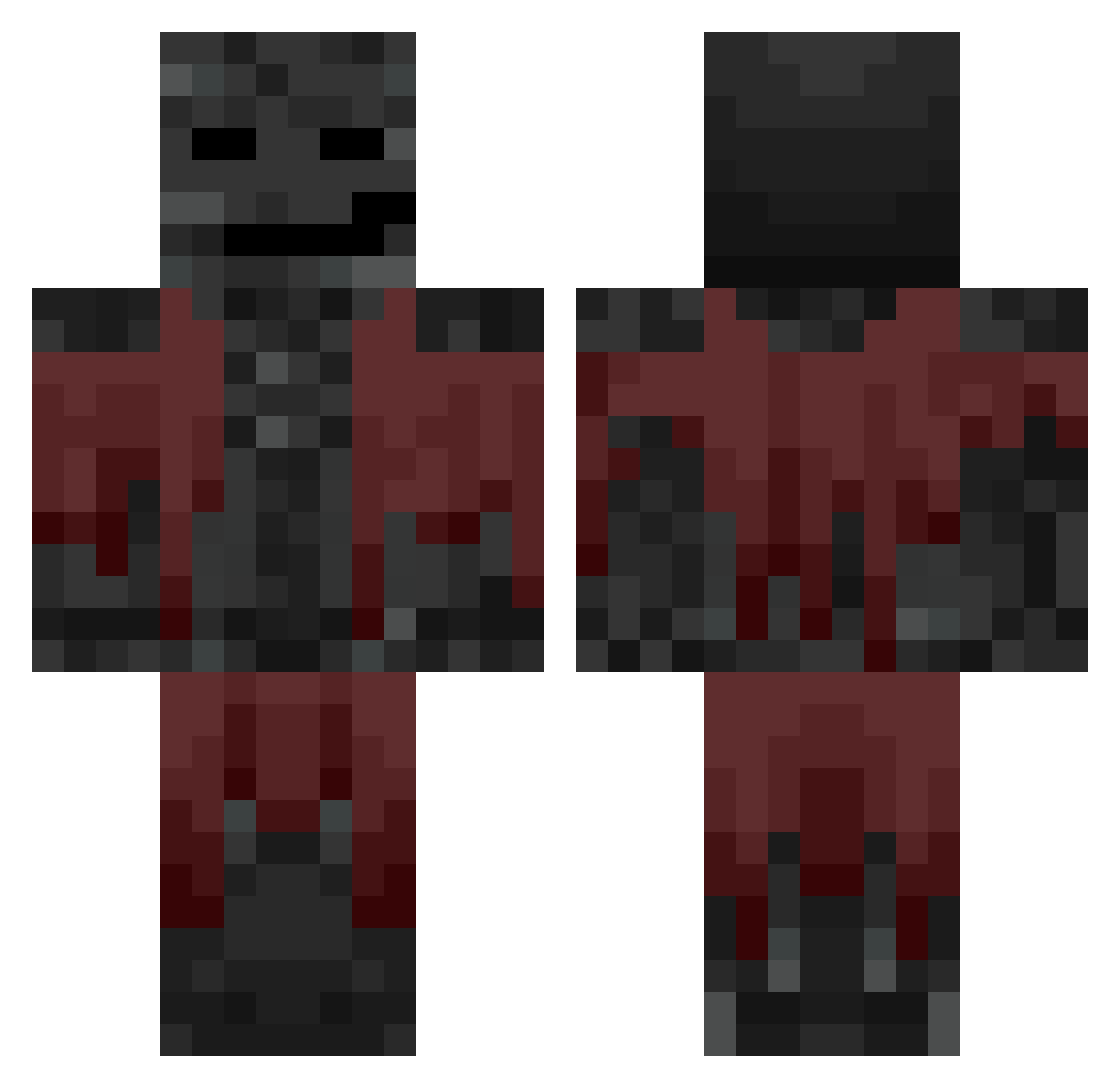
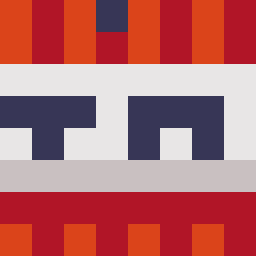
Current Minecraft skin of the player BrUnEtE1, loaded from the official Mojang API. Rotate the 3D model with your mouse or finger, then download the skin as a PNG file and use it in Minecraft: Bedrock Edition or Java Edition for free. When BrUnEtE1 changes their skin, this page updates automatically and the old skin stays in the history below.
Other players with this skin (639)
BrUnEtE1 was the 38th player we have seen with this skin, first spotted on 30.07.2026. The same skin was seen on these players. Open a nickname to see their current skin and skin history.
 Kaxton nickerinmybum woutpro17 adampro2013 kp208 Emo_pro55YT44 WhiterSw11 casave slipperie Keesebatshenk ArvidTorslanda fiuelmaliciuous Bolvn Bloxy_
 rmunny
 AlmightyBiggo mozver08
 dAieRgoK Kuchendough __BXZY__ yck33 rxs77_ Aronzeki Bartolini1603
 RMG700 Xp_fofik_Xp verdadive4 Mommed_ReaL8585 Brody0201 downbad420 rouset_ DavidNinja18 fl4ritz ApolloBits Not_Even_Funny angelos2006i WheezyDesert63 FLY88QQ883WIN jessi1611
 Duckmehster DuffoPuffo boocebung23 abidrex FestabenDK
 namdoyun02
 ballincat39 Potato_man213 LordDaImperium superGnampf rnjsehdgus10 N0TDemon Hoiboidoi
 Jua123 AbnormallyBoring GamerMarkoX TAPHaZZe dqt_ s_won_182 Banns
 Jxak9
Jxak9More Wither Minecraft skins
How to install the BrUnEtE1 skin
- Press the Download button above to save the skin as a PNG file.
- Minecraft: Bedrock Edition (PE): open the Dressing Room from the main menu (or tap your character → Edit Character), go to Classic Skins → Owned, press the + (new skin) button, choose the downloaded PNG and pick the Classic (Steve) model. Works on PC and mobile; consoles cannot import custom skins.
- Minecraft: Java Edition: open the Minecraft Launcher, go to the Skins tab, click New Skin, load the PNG, pick the Classic (Steve) model and press Save & Use. You can also upload it at minecraft.net → Profile → Change Skin.
The skin does not show up after import - what should I do?
Restart Minecraft and open the Dressing Room again - imported skins sometimes appear only after a restart. Also make sure you selected the imported skin and picked the Classic (Steve) model.
Which model should I choose, Classic or Slim?
This skin is designed for the Classic (Steve) model. If you pick the wrong model, the arms of the skin will look stretched or squeezed.
Is the skin of BrUnEtE1 free to download?
Yes. Press Download, save the PNG file and use it in Minecraft: Bedrock Edition or Java Edition - no payment or registration needed. The skin also works on multiplayer servers and Realms.
More skins
Looking for more? Go back to all Minecraft skins and check the top skins of the week, month and all time, or find any player's skin by nickname.