
BotannikIsBrazil - Minecraft Skins & Skin History
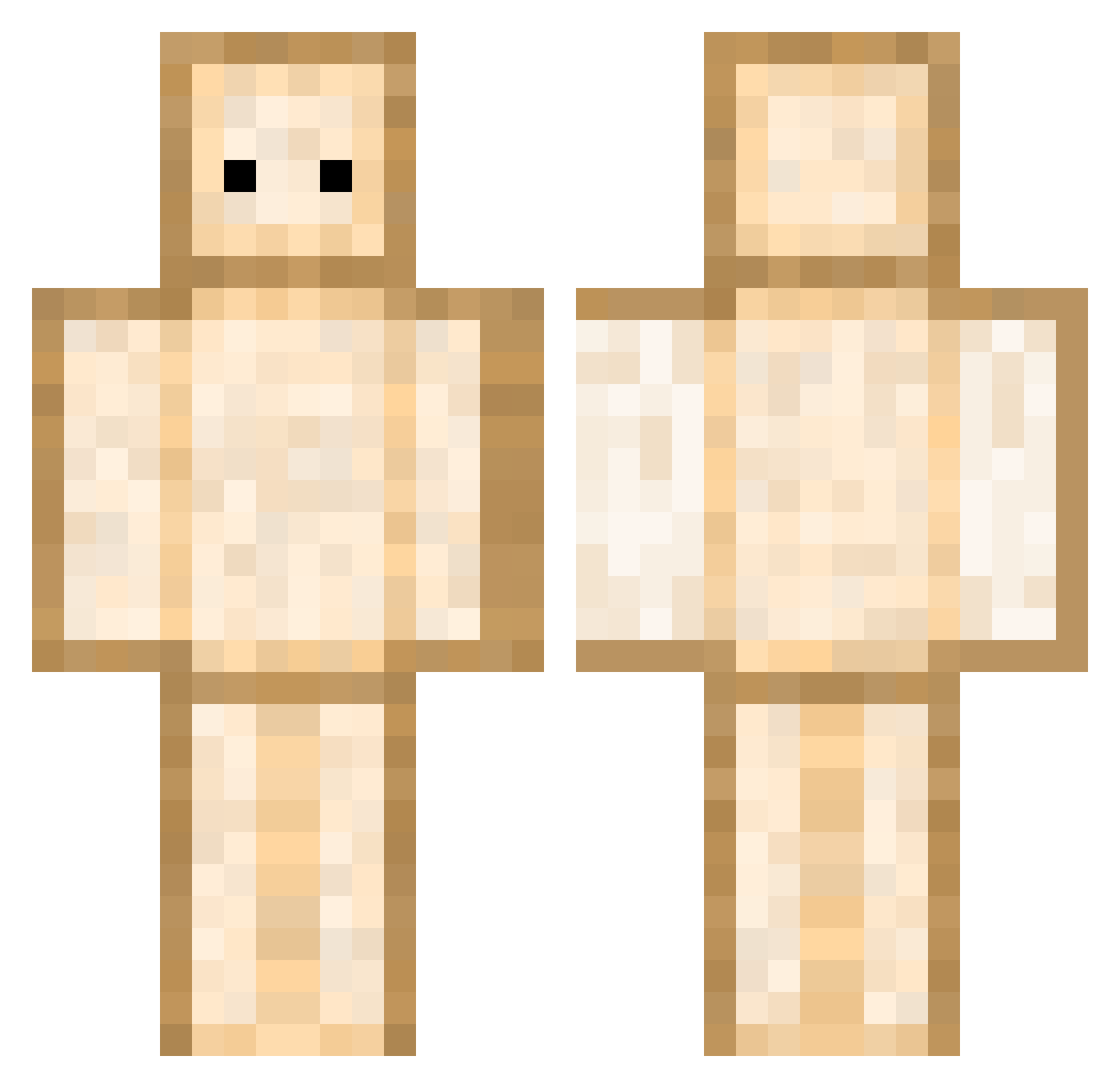
Current Minecraft skin of the player BotannikIsBrazil, loaded from the official Mojang API. Rotate the 3D model with your mouse or finger, then download the skin as a PNG file and use it in Minecraft: Bedrock Edition or Java Edition for free. When BotannikIsBrazil changes their skin, this page updates automatically and the old skin stays in the history below.
Other players with this skin (344)
BotannikIsBrazil was the 207th player we have seen with this skin, first spotted on 18.09.2026. The same skin was seen on these players. Open a nickname to see their current skin and skin history.
 BigSteve9087 huntermhaxx26 Amiraleo Sengutsu IPeaRI iamsquirrely PatOBeurre_ asfrcto HerrPichi shotarowife Emmi9708 boulette06 BarrelBison7749 HAMBAODI PrebuiltMite629 x_COUGH_x Bnj_____ TaylaShayne GaruGaruga Dogeissowow JeryNika BreSusak clawdee3 willhkl Jasooon67 croissantsssss _MeRaPoLtIk_ UbedaTHE1 GRM81Z Sandwichhmaker _Resigned kokjianyuan ChocoSandwich Jaaaaem2 vinnnn1 Grozart Animus15 anmin123 Foutaa heikousenne asila9 CATAzeW vielleichtlisa Lolitto1 Scribble_Soda Katsuro7 Pelerynki Spiicyy_ borysar oMINHOo ymaaah_ LambertZob Lesley0214 hana13 PP0L Luf123 MightySillyGoose taro0907 Vortex1012 Wizkid05
More Toast Minecraft skins
How to install the BotannikIsBrazil skin
- Press the Download button above to save the skin as a PNG file.
- Minecraft: Bedrock Edition (PE): open the Dressing Room from the main menu (or tap your character → Edit Character), go to Classic Skins → Owned, press the + (new skin) button, choose the downloaded PNG and pick the Classic (Steve) model. Works on PC and mobile; consoles cannot import custom skins.
- Minecraft: Java Edition: open the Minecraft Launcher, go to the Skins tab, click New Skin, load the PNG, pick the Classic (Steve) model and press Save & Use. You can also upload it at minecraft.net → Profile → Change Skin.
The skin does not show up after import - what should I do?
Restart Minecraft and open the Dressing Room again - imported skins sometimes appear only after a restart. Also make sure you selected the imported skin and picked the Classic (Steve) model.
Which model should I choose, Classic or Slim?
This skin is designed for the Classic (Steve) model. If you pick the wrong model, the arms of the skin will look stretched or squeezed.
Is the skin of BotannikIsBrazil free to download?
Yes. Press Download, save the PNG file and use it in Minecraft: Bedrock Edition or Java Edition - no payment or registration needed. The skin also works on multiplayer servers and Realms.
More skins
Looking for more? Go back to all Minecraft skins and check the top skins of the week, month and all time, or find any player's skin by nickname.