
Boss_Styles - Minecraft Skins & Skin History
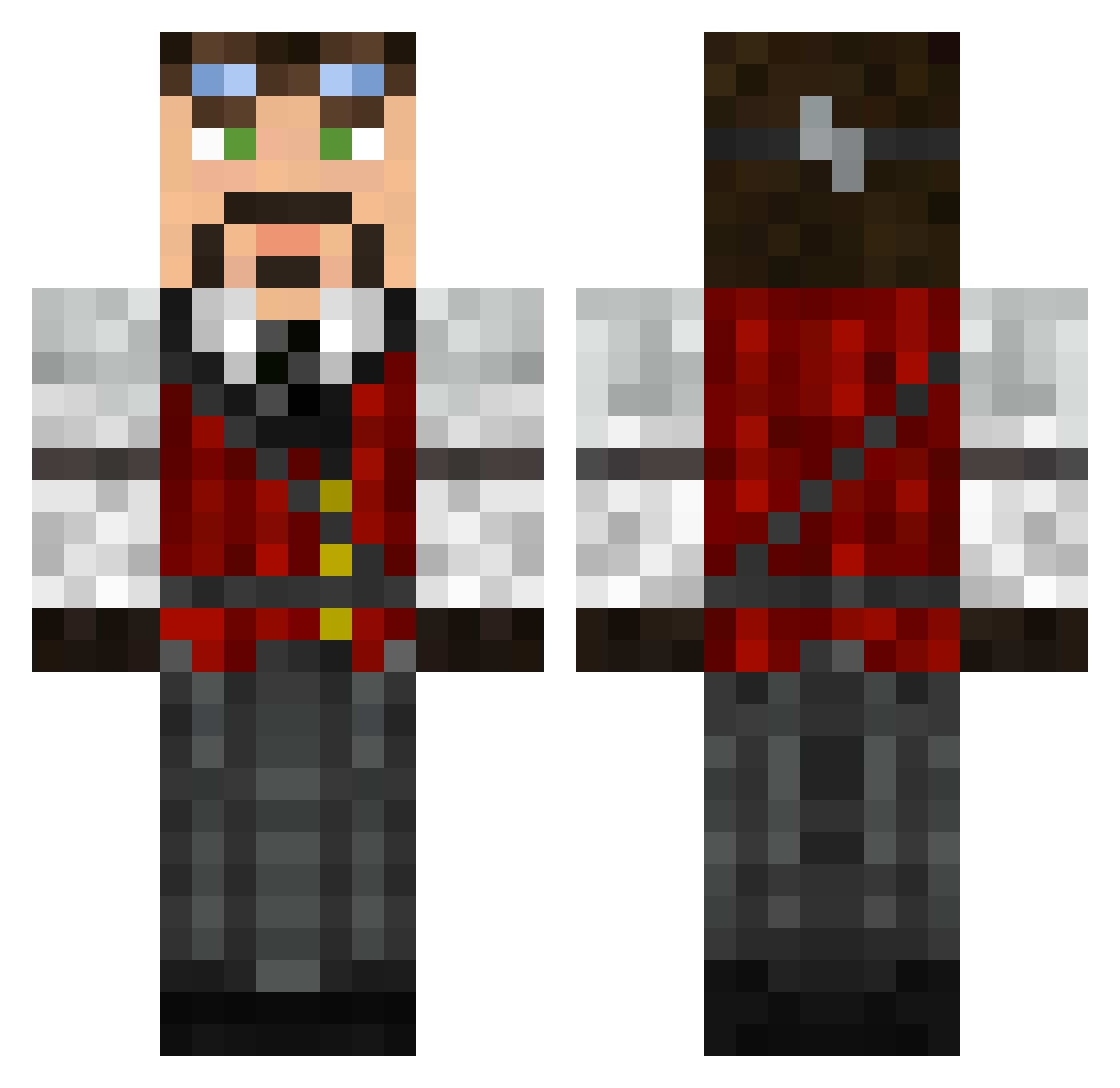
Current Minecraft skin of the player Boss_Styles, loaded from the official Mojang API. Rotate the 3D model with your mouse or finger, then download the skin as a PNG file and use it in Minecraft: Bedrock Edition or Java Edition for free. When Boss_Styles changes their skin, this page updates automatically and the old skin stays in the history below.
Other players with this skin (147)
Boss_Styles was the 111th player we have seen with this skin, first spotted on 29.10.2026. The same skin was seen on these players. Open a nickname to see their current skin and skin history.
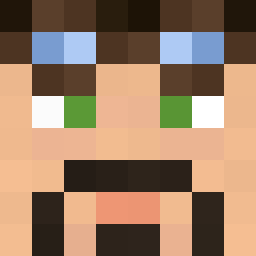 Gathol cZerman Vexenedrie DrArc Ihildinit ChestPuppies MyriadMuse LordBorondon Lonnort sickboyz Will_trundelhamm TRANQUILITYBASE MrBose777 Mahicus ArBane49 ozguryldrm Tolkin22 IBimsKillerPros petter32 WulfMulf eradess63 Zego darthbonta Synthetica8472 NeerDon DaBomm4 MadMarbles RageQuittus Jjunior11 Ryear Gdnub Dalberon wukz BeegYonda NmiiaS JonasHolst Enterighi Draxonimus Kdiizle Minds_Eye Ji_JuZi LegionLost kylinsirius vermillion250 JDrax Condotierro Lord_Oberon_23 Javeau LordFolken VongolaThor pancherobus Terazoic its_indie Dim1777 Shadow_M Jelly314 MilchHolstein Turbina16 jAGGSTER93 Bill1992
More Inventor Minecraft skins
How to install the Boss_Styles skin
- Press the Download button above to save the skin as a PNG file.
- Minecraft: Bedrock Edition (PE): open the Dressing Room from the main menu (or tap your character → Edit Character), go to Classic Skins → Owned, press the + (new skin) button, choose the downloaded PNG and pick the Classic (Steve) model. Works on PC and mobile; consoles cannot import custom skins.
- Minecraft: Java Edition: open the Minecraft Launcher, go to the Skins tab, click New Skin, load the PNG, pick the Classic (Steve) model and press Save & Use. You can also upload it at minecraft.net → Profile → Change Skin.
The skin does not show up after import - what should I do?
Restart Minecraft and open the Dressing Room again - imported skins sometimes appear only after a restart. Also make sure you selected the imported skin and picked the Classic (Steve) model.
Which model should I choose, Classic or Slim?
This skin is designed for the Classic (Steve) model. If you pick the wrong model, the arms of the skin will look stretched or squeezed.
Is the skin of Boss_Styles free to download?
Yes. Press Download, save the PNG file and use it in Minecraft: Bedrock Edition or Java Edition - no payment or registration needed. The skin also works on multiplayer servers and Realms.
More skins
Looking for more? Go back to all Minecraft skins and check the top skins of the week, month and all time, or find any player's skin by nickname.