
Bokaram - Minecraft Skins & Skin History
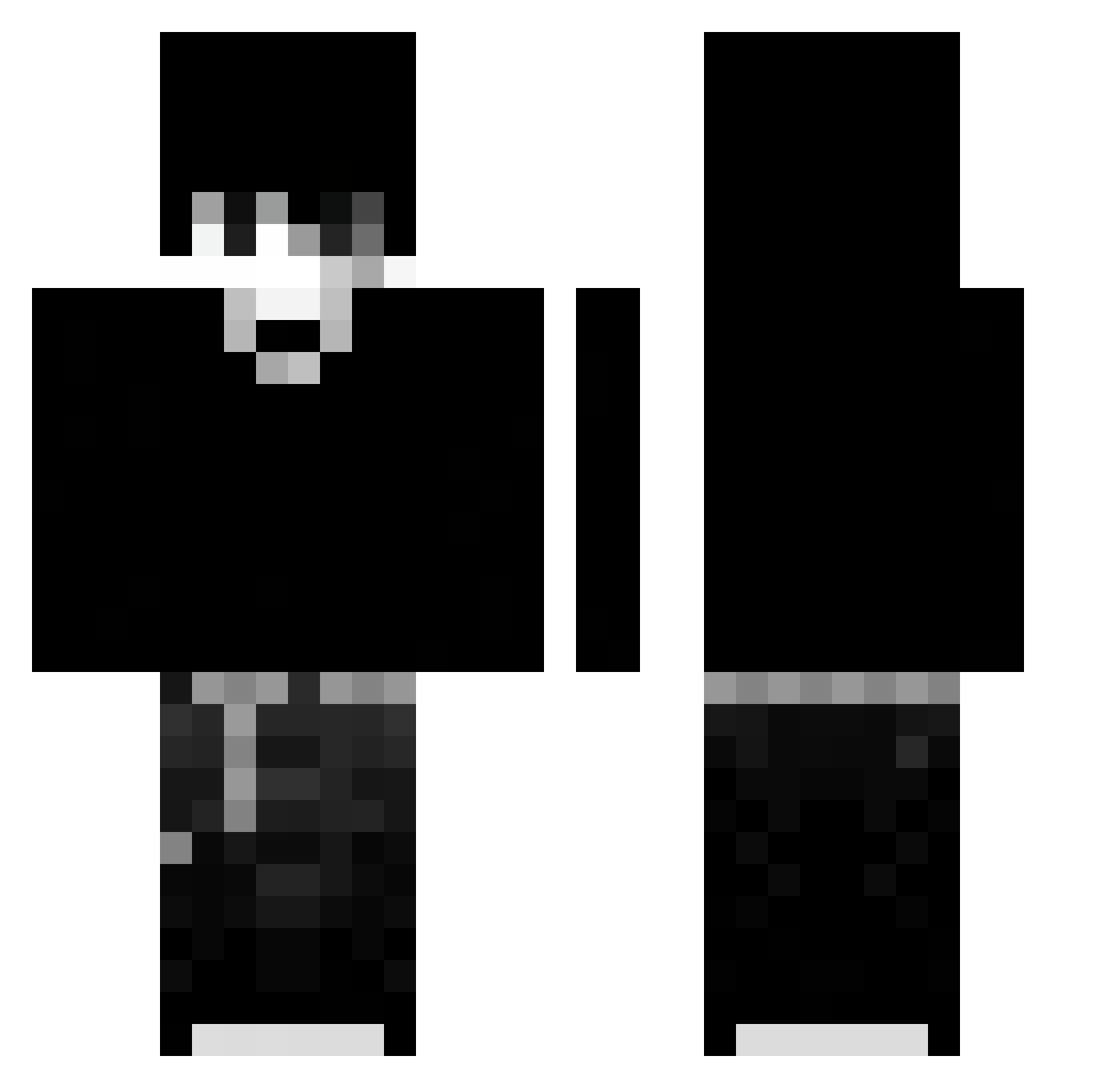
Current Minecraft skin of the player Bokaram, loaded from the official Mojang API. Rotate the 3D model with your mouse or finger, then download the skin as a PNG file and use it in Minecraft: Bedrock Edition or Java Edition for free. When Bokaram changes their skin, this page updates automatically and the old skin stays in the history below.
Other players with this skin (39)
Bokaram was the 24th player we have seen with this skin, first spotted on 21.09.2026. The same skin was seen on these players. Open a nickname to see their current skin and skin history.
 Sl1zoxFrostw46 Sv2Dawna8g Sv2Wolfvht Sv2Duskior Sv2Flux0mv statuesqueQ5oun Liloishereanlu n2nox_ nhtmfcx_b8jh9 Fizzmist LinhForge7vyUwU Gensoyo Liloisherelvxf
 Kedadd PvP_xdko atcleyy Sv2Sky5dl KIKINDriftlfa ZANATOfifhacker 23048230940 CreptEgirlJester ZzTVing yangyang131421 Drachenkopf_ KIKINSwifti7q Naitsz LVexcbqUwU
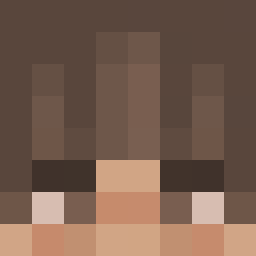 soap1440 Sl1zoxTideaxl LcDEOc0707
 Imm0rtal_Monster zynx2014ger LDarkh1uUwU
 Henri_McO LPeakd1hUwU LDusk33qUwU
 Yohn09
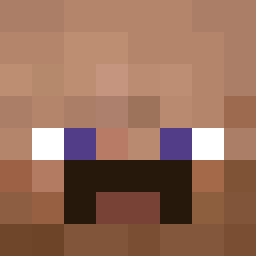 Rick123q
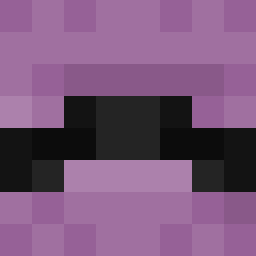 Liloishere10i5
More Emo Minecraft skins
How to install the Bokaram skin
- Press the Download button above to save the skin as a PNG file.
- Minecraft: Bedrock Edition (PE): open the Dressing Room from the main menu (or tap your character → Edit Character), go to Classic Skins → Owned, press the + (new skin) button, choose the downloaded PNG and pick the Classic (Steve) model. Works on PC and mobile; consoles cannot import custom skins.
- Minecraft: Java Edition: open the Minecraft Launcher, go to the Skins tab, click New Skin, load the PNG, pick the Classic (Steve) model and press Save & Use. You can also upload it at minecraft.net → Profile → Change Skin.
The skin does not show up after import - what should I do?
Restart Minecraft and open the Dressing Room again - imported skins sometimes appear only after a restart. Also make sure you selected the imported skin and picked the Classic (Steve) model.
Which model should I choose, Classic or Slim?
This skin is designed for the Classic (Steve) model. If you pick the wrong model, the arms of the skin will look stretched or squeezed.
Is the skin of Bokaram free to download?
Yes. Press Download, save the PNG file and use it in Minecraft: Bedrock Edition or Java Edition - no payment or registration needed. The skin also works on multiplayer servers and Realms.
More skins
Looking for more? Go back to all Minecraft skins and check the top skins of the week, month and all time, or find any player's skin by nickname.