
BobbyJr922 - Minecraft Skins & Skin History
Current Minecraft skin of the player BobbyJr922, loaded from the official Mojang API. Rotate the 3D model with your mouse or finger, then download the skin as a PNG file and use it in Minecraft: Bedrock Edition or Java Edition for free. When BobbyJr922 changes their skin, this page updates automatically and the old skin stays in the history below.
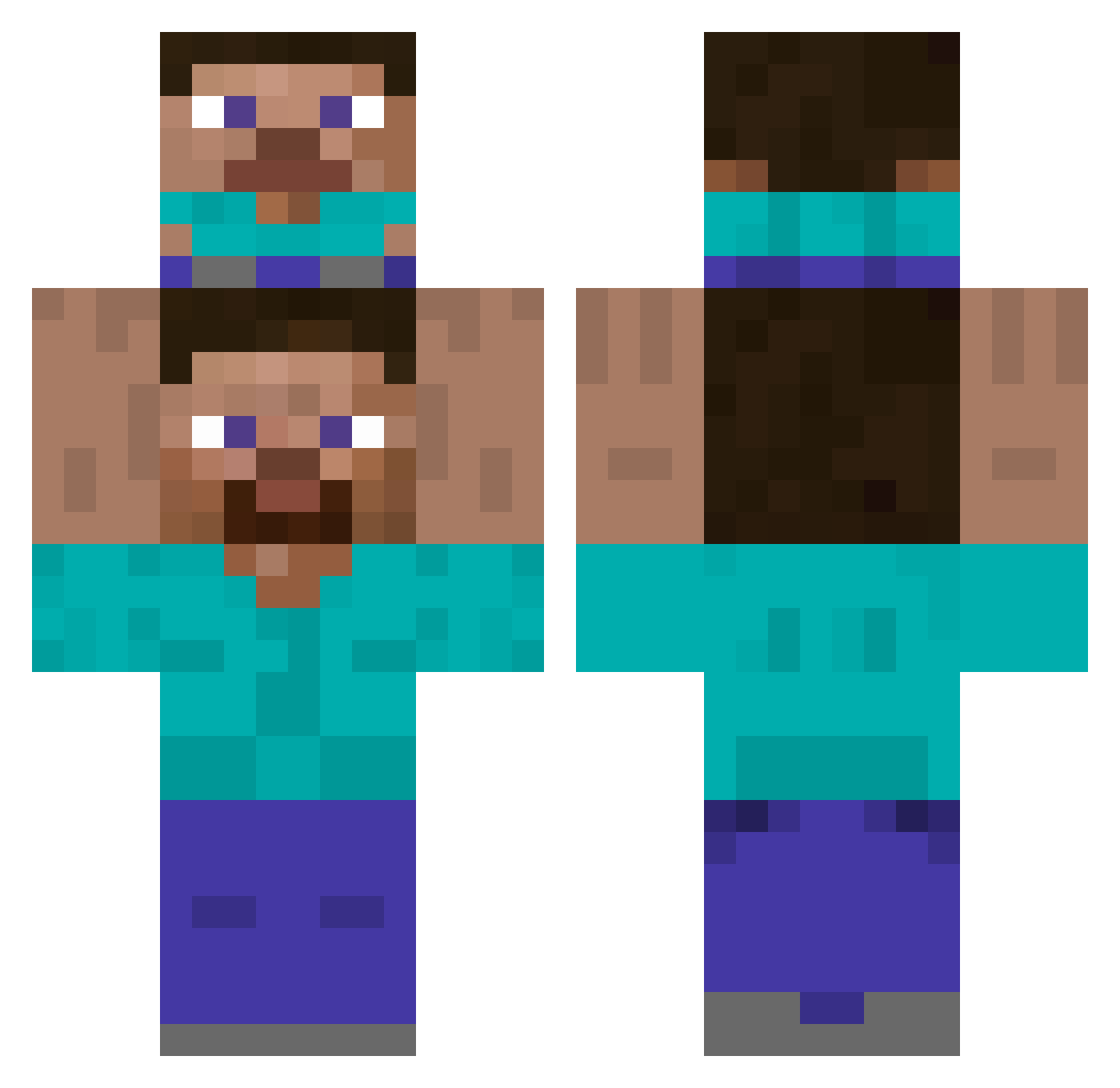
Other players with this skin (419)
BobbyJr922 was the 191st player we have seen with this skin, first spotted on 15.09.2026. The same skin was seen on these players. Open a nickname to see their current skin and skin history.
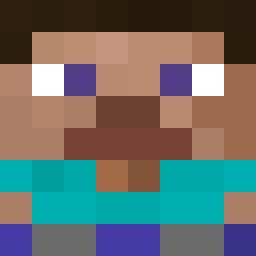 Greaden27 91ra SaltyPickleJuice Tinusexer _PAPELZINHO_ NoLo_Arts hhudon alisa_16 Beppwal Voids_dumb_life Mlody_Dagestani FU_HU Hugoated123 QU1ETguy Theolez DokahviinXD Mucas4Lucas ubertalldog Limai kulkuza TheFlameMaster01 Geralzius T0M45B0RC14 Korea_2017 GayMurren themattyvirous Tmting Facundox06 filipek662 Eddy_Moon Danca10 WazBois prohello123 EB10emol Cortes_m munada Retek6969 Durster Jcob26 lilsewcio SikeeH Sigma_Bubax I_Like_Sushi296 TaR0_ ten_szczur Hover0613 Wowzers_ Prophert_one Hera_F95 Gazzox Twinkl3Toes Kadu_Ert naric12 Arithh Phoenix_x31 xx0_ DiaxMieczXXL Stv1L11 IRoland420 SBFgaming
How to install the BobbyJr922 skin
- Press the Download button above to save the skin as a PNG file.
- Minecraft: Bedrock Edition (PE): open the Dressing Room from the main menu (or tap your character → Edit Character), go to Classic Skins → Owned, press the + (new skin) button, choose the downloaded PNG and pick the Classic (Steve) model. Works on PC and mobile; consoles cannot import custom skins.
- Minecraft: Java Edition: open the Minecraft Launcher, go to the Skins tab, click New Skin, load the PNG, pick the Classic (Steve) model and press Save & Use. You can also upload it at minecraft.net → Profile → Change Skin.
The skin does not show up after import - what should I do?
Restart Minecraft and open the Dressing Room again - imported skins sometimes appear only after a restart. Also make sure you selected the imported skin and picked the Classic (Steve) model.
Which model should I choose, Classic or Slim?
This skin is designed for the Classic (Steve) model. If you pick the wrong model, the arms of the skin will look stretched or squeezed.
Is the skin of BobbyJr922 free to download?
Yes. Press Download, save the PNG file and use it in Minecraft: Bedrock Edition or Java Edition - no payment or registration needed. The skin also works on multiplayer servers and Realms.
More skins
Looking for more? Go back to all Minecraft skins and check the top skins of the week, month and all time, or find any player's skin by nickname.