
Bob_Arkham - Minecraft Skins & Skin History
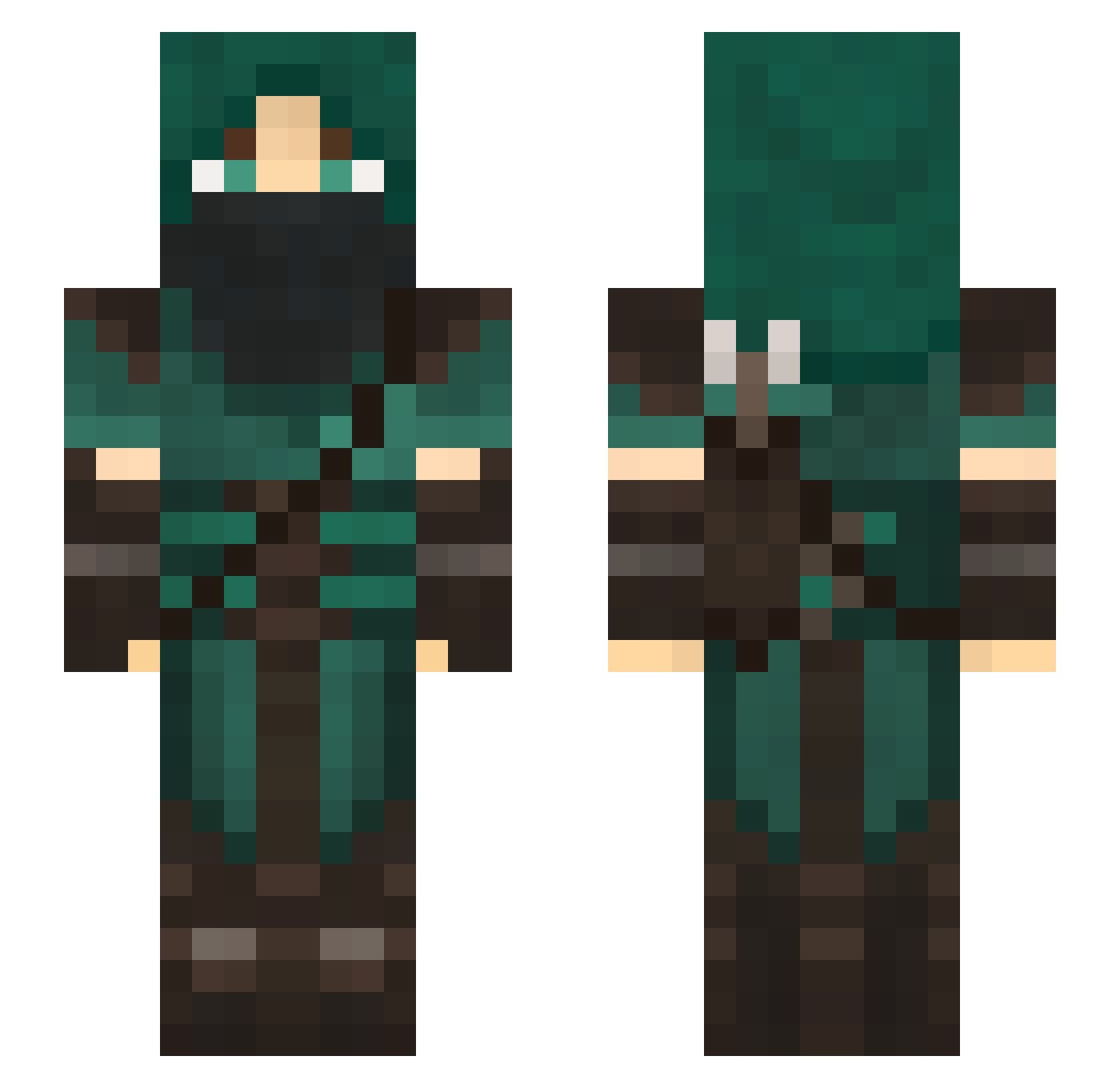
Current Minecraft skin of the player Bob_Arkham, loaded from the official Mojang API. Rotate the 3D model with your mouse or finger, then download the skin as a PNG file and use it in Minecraft: Bedrock Edition or Java Edition for free. When Bob_Arkham changes their skin, this page updates automatically and the old skin stays in the history below.
Other players with this skin (123)
Bob_Arkham was the 71st player we have seen with this skin, first spotted on 01.10.2026. The same skin was seen on these players. Open a nickname to see their current skin and skin history.
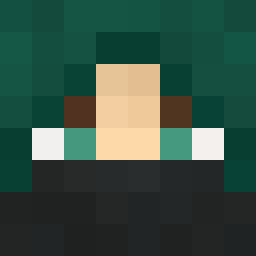 Provader Annilator801 EternalSunburst Zamba0 Cronos9 idleK mescall199 HenryViking bedfoe CleanerYapper55 talonhunter20 Wilim GoobGoob2009 oneza dragonrider124 ahap123 TheRodeur ToastyData366 Razzboy22 Kapitell Sasukq Gainfull AnScath24601 darki73 AJ_Glyphed JulzRogue Necrollipop spac3fac313 MortalSlash lonewolverine80 gypsie177 floomat Mihauzen UnderscoreWV povstepsis Farseli absorbentwheat Anemalech Bollek23 Arinvadel ___Lyam_ MEGCEP dgavec DanoldWeasly OGJokingTroll GuillDimmadome LastDarkWard tazthespaz1 jediknight110 sageyolo Tobi_GER MrEdwardJones TheSkairipa MKZX99 Brahtzy Sulphurix Adam212PL Conradicus69 blakeabob SoulReaper5280
More Rogue Minecraft skins
How to install the Bob_Arkham skin
- Press the Download button above to save the skin as a PNG file.
- Minecraft: Bedrock Edition (PE): open the Dressing Room from the main menu (or tap your character → Edit Character), go to Classic Skins → Owned, press the + (new skin) button, choose the downloaded PNG and pick the Slim (Alex) model. Works on PC and mobile; consoles cannot import custom skins.
- Minecraft: Java Edition: open the Minecraft Launcher, go to the Skins tab, click New Skin, load the PNG, pick the Slim (Alex) model and press Save & Use. You can also upload it at minecraft.net → Profile → Change Skin.
The skin does not show up after import - what should I do?
Restart Minecraft and open the Dressing Room again - imported skins sometimes appear only after a restart. Also make sure you selected the imported skin and picked the Slim (Alex) model.
Which model should I choose, Classic or Slim?
This skin is designed for the Slim (Alex) model. If you pick the wrong model, the arms of the skin will look stretched or squeezed.
Is the skin of Bob_Arkham free to download?
Yes. Press Download, save the PNG file and use it in Minecraft: Bedrock Edition or Java Edition - no payment or registration needed. The skin also works on multiplayer servers and Realms.
More skins
Looking for more? Go back to all Minecraft skins and check the top skins of the week, month and all time, or find any player's skin by nickname.