
Bob83898 - Minecraft Skins & Skin History
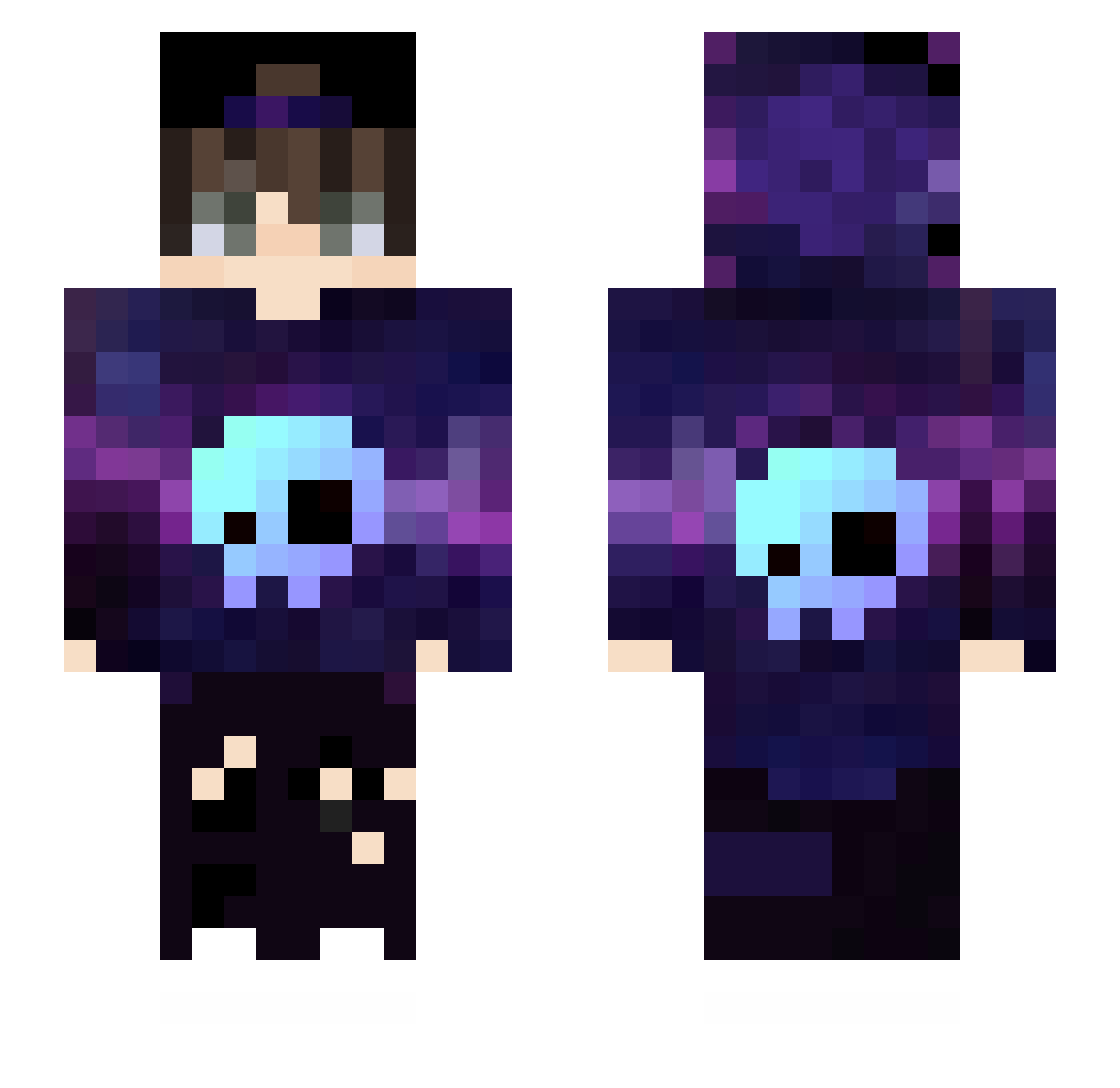
Current Minecraft skin of the player Bob83898, loaded from the official Mojang API. Rotate the 3D model with your mouse or finger, then download the skin as a PNG file and use it in Minecraft: Bedrock Edition or Java Edition for free. When Bob83898 changes their skin, this page updates automatically and the old skin stays in the history below.
Other players with this skin (431)
Bob83898 was the 36th player we have seen with this skin, first spotted on 30.07.2026. The same skin was seen on these players. Open a nickname to see their current skin and skin history.
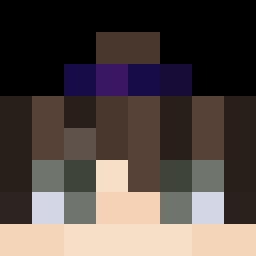 ErDallo Wolsaw94 KlaueBeiAmazon mohammadmw3 Daftrock RicardoGz Adykalny Ethan5612 dragon66video Robbse_10 GoodLive Antoinef20068 Spxczz coelho7 superxjt sszl7755 UniversoParaleIo C4_xlx_ baiyan_qaq xReVaX xiaodobiguaiguai EXIAW vertx010 Shay007 Zvezdnylord2 cuccuma xXTh3Snak3Xx skyopp KijmOoXIX z1ppp FleXXerRid Fundzer YoginiDiamond zDkzN_GOD f1chee Amrullah21 ArdaMaster5000 koostaaa Davters RuikhiN Fuhrer777 shadowpudim Arcade2001 Argh990 Brandolix25 Deaeth SSon_2010 Monja9038 MuratYigitAydin Fexe09 SunlightBoy Ezr17 KiberK0tlet04ka Eduardus03 Hacker5907 Xoulx EsoApolo Pandarada2009 TaxableWolf Irelisay
More Skull Minecraft skins
How to install the Bob83898 skin
- Press the Download button above to save the skin as a PNG file.
- Minecraft: Bedrock Edition (PE): open the Dressing Room from the main menu (or tap your character → Edit Character), go to Classic Skins → Owned, press the + (new skin) button, choose the downloaded PNG and pick the Slim (Alex) model. Works on PC and mobile; consoles cannot import custom skins.
- Minecraft: Java Edition: open the Minecraft Launcher, go to the Skins tab, click New Skin, load the PNG, pick the Slim (Alex) model and press Save & Use. You can also upload it at minecraft.net → Profile → Change Skin.
The skin does not show up after import - what should I do?
Restart Minecraft and open the Dressing Room again - imported skins sometimes appear only after a restart. Also make sure you selected the imported skin and picked the Slim (Alex) model.
Which model should I choose, Classic or Slim?
This skin is designed for the Slim (Alex) model. If you pick the wrong model, the arms of the skin will look stretched or squeezed.
Is the skin of Bob83898 free to download?
Yes. Press Download, save the PNG file and use it in Minecraft: Bedrock Edition or Java Edition - no payment or registration needed. The skin also works on multiplayer servers and Realms.
More skins
Looking for more? Go back to all Minecraft skins and check the top skins of the week, month and all time, or find any player's skin by nickname.