
Blueby7789 - Minecraft Skins & Skin History
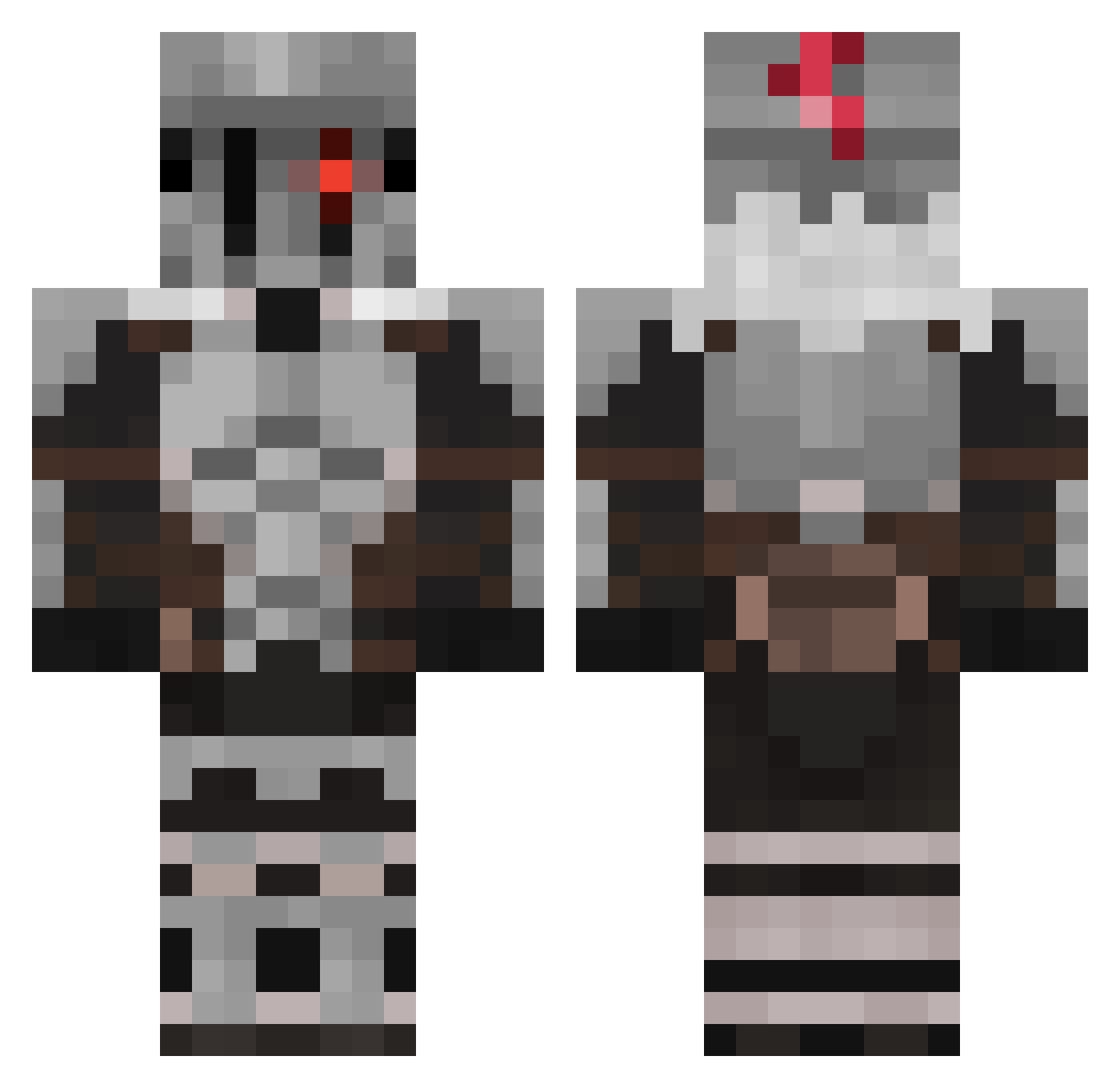
Current Minecraft skin of the player Blueby7789, loaded from the official Mojang API. Rotate the 3D model with your mouse or finger, then download the skin as a PNG file and use it in Minecraft: Bedrock Edition or Java Edition for free. When Blueby7789 changes their skin, this page updates automatically and the old skin stays in the history below.
Other players with this skin (512)
Blueby7789 was the 86th player we have seen with this skin, first spotted on 09.08.2026. The same skin was seen on these players. Open a nickname to see their current skin and skin history.
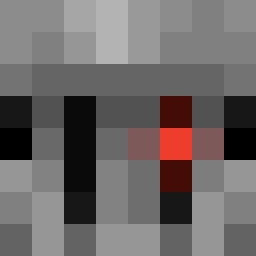 Paptryk0 Bluper0 ViZion01 Kenedun DESTROYERFX NinjaCatMan Bakimara Zendexxy ericthebotlord gajang Fyuoo2 Goood33333 Vorten92 SpartanVossi infamous426 Arturo1509 L0BATO Dawnbreakerrr Ashb0rne28 Artl_ ItztuinmanNL JSelfer Grand_CU
 Termosimone24 westhanos c_iiiiiig Retricoman1 hugo1456 qSILENCEp Drakedxx TehSneekySnek Boicotage Imperial_Zebra60 Kbrites rdmslight wakka8989 Ruymanphone VCARD_THI3F DetoxiX DutchBear2 mckrash118 Manqoliebhaber EmmetToes MartinBrg Pipolo34 RogueWarrior273 Gromld_YT Clayson000 KneeDeepInTea 4Di31 Octic08 Most_Death Gattsu18 Joshua5444_2
 DwoynayaLICHNOST ManeNaMane AlphaDerpo BroThaManYT Olenik07 theredone19
More Goblin Slayer Minecraft skins
See all 31 Goblin Slayer skins
How to install the Blueby7789 skin
- Press the Download button above to save the skin as a PNG file.
- Minecraft: Bedrock Edition (PE): open the Dressing Room from the main menu (or tap your character → Edit Character), go to Classic Skins → Owned, press the + (new skin) button, choose the downloaded PNG and pick the Classic (Steve) model. Works on PC and mobile; consoles cannot import custom skins.
- Minecraft: Java Edition: open the Minecraft Launcher, go to the Skins tab, click New Skin, load the PNG, pick the Classic (Steve) model and press Save & Use. You can also upload it at minecraft.net → Profile → Change Skin.
The skin does not show up after import - what should I do?
Restart Minecraft and open the Dressing Room again - imported skins sometimes appear only after a restart. Also make sure you selected the imported skin and picked the Classic (Steve) model.
Which model should I choose, Classic or Slim?
This skin is designed for the Classic (Steve) model. If you pick the wrong model, the arms of the skin will look stretched or squeezed.
Is the skin of Blueby7789 free to download?
Yes. Press Download, save the PNG file and use it in Minecraft: Bedrock Edition or Java Edition - no payment or registration needed. The skin also works on multiplayer servers and Realms.
More skins
Looking for more? Go back to all Minecraft skins and check the top skins of the week, month and all time, or find any player's skin by nickname.